Keysight N9915-90020 User’s Guide 403
Over–the–Air Measurements (OTA) – LTE FDD Option 370, LTE TDD Option 371, 5G TF
Option 377, 5G NR / 5G NR EVM Conducted Option 378
How to Set Up EMF Mode Settings (Requires EMF (Option 358) and 5G NR (Option
378))
EMF Setup Procedure
1. Setup the FieldFox Spectrum Analyzer for a Channel Power measurement.
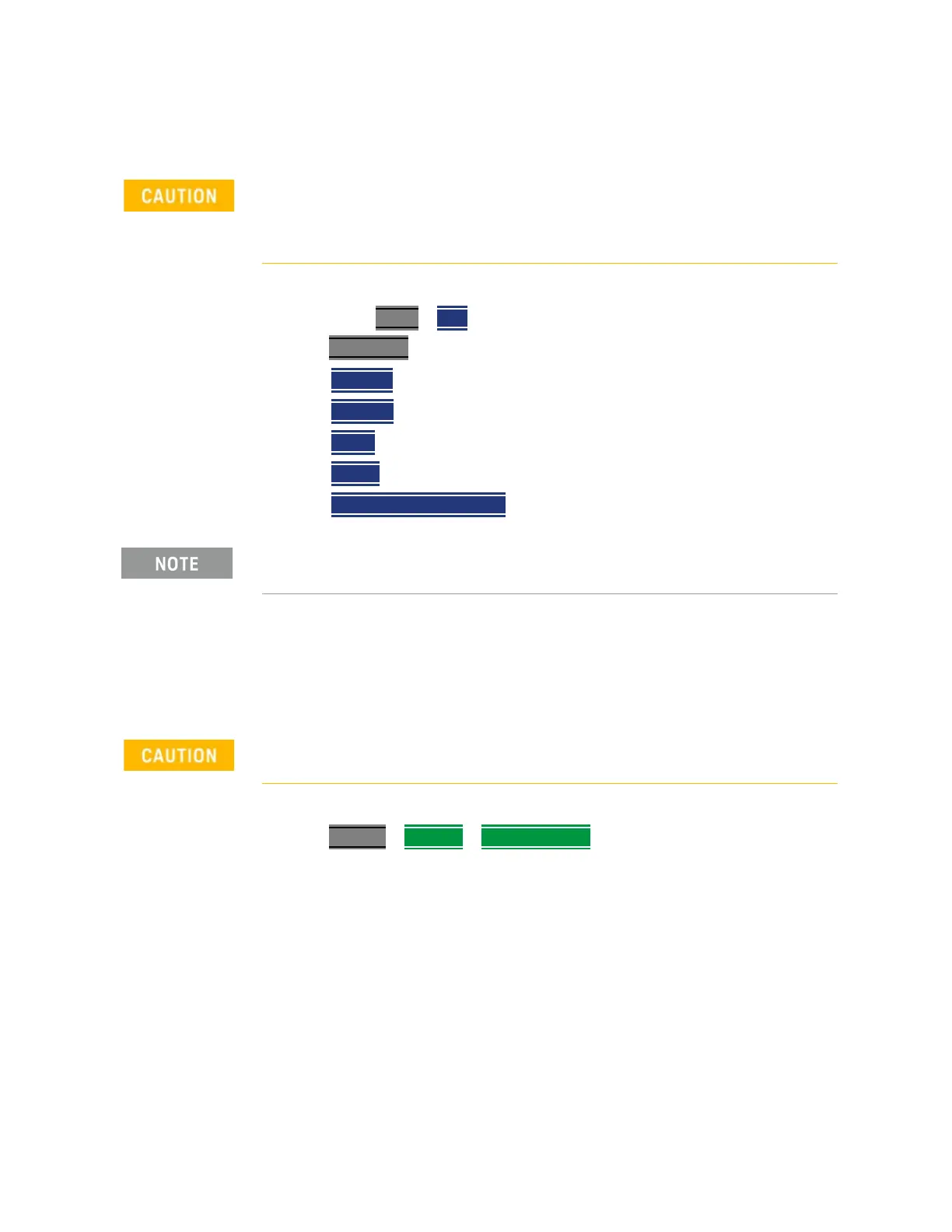
a. Press Mode > OTA >
Press Measure 1
then one of the following:
— LTE FDD
—
LTE TDD
—
5G TF
—
5G NR
—
5G NR EVM Conducted
2. Connect the USB antenna to the SA RF Input, port 2 and to a FieldFox USB
port. See also, Chapter 15, “USB Antennas – (Full Capability Requires EMF
Option 358, and either SA mode (Option 233 Mixed Analyzers) or OTA—5G
NR / 5G NR EVM Conducted Option 378)”
and to Chapter Figure 15-1,
“FieldFox With USB Antenna”
.
3. Importing and selecting X/Y/Z antenna factors:
Press System
> Utilities > EMF Antennas
When the USB antenna correction factors are imported, EMF (Option 358)
couples many settings to ease setting up the EMF measurement (e.g.,
Apply Corrections is enabled, all X, Y, and Z antenna axes are enabled, and
Amp Corr Select is set to TriAxial XYZ).
If necessary, this step can be skipped and done after the USB antenna is
set up.
Only Agos Advanced Technologies SDIA–6000 Triaxial Isotropic USB
antenna is compatible with EMF (Option 358).













 To Next Page