780 Keysight N9915-90020 User’s Guide
System SettingsFUTURE
Preferences
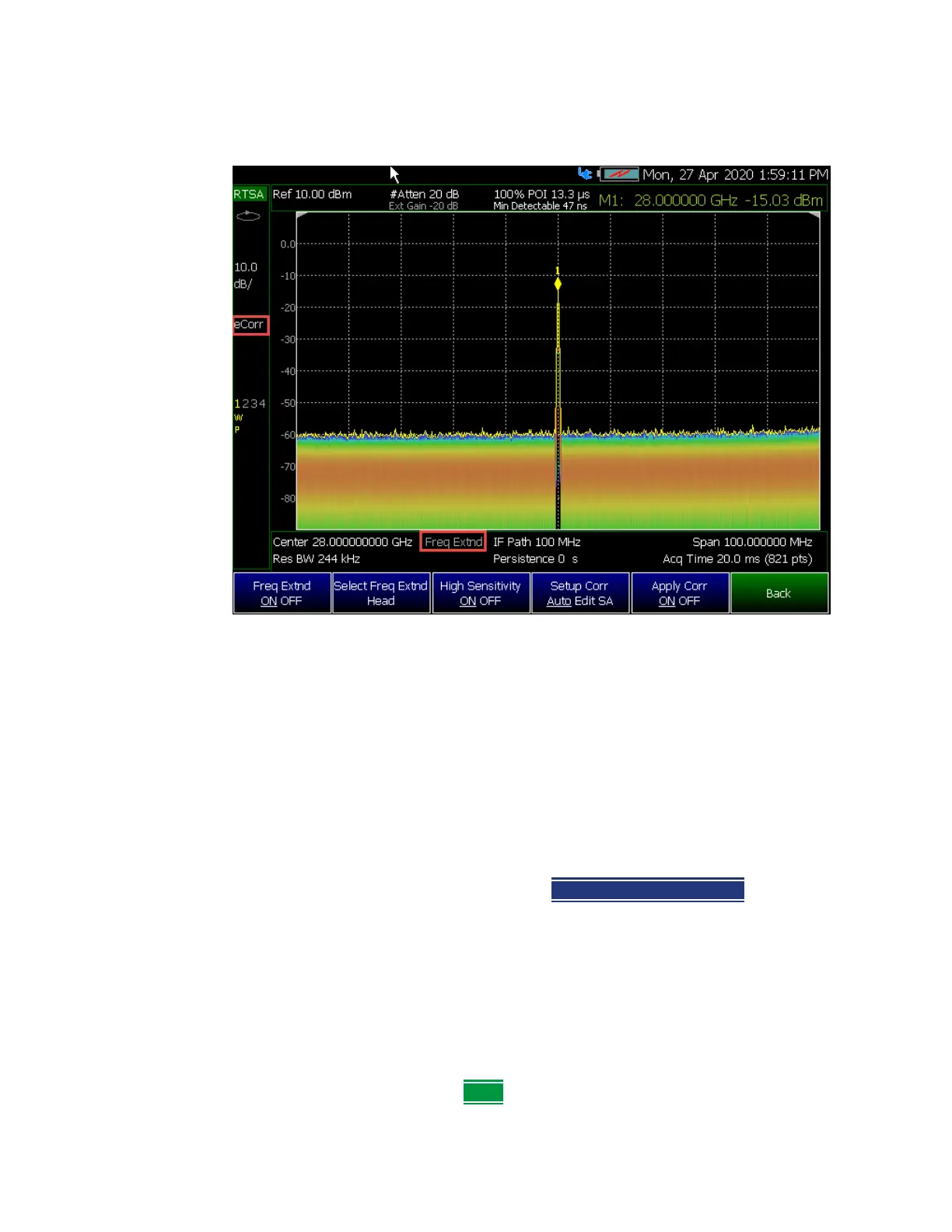
Figure 31-6 FieldFox Frequency Converter (Freq Extend) On And Corrections (eCorr)
Enabled (RTSA mode shown; other compatible modes are similar.)
Preferences
FieldFox preferences are settings that survive a shut down. When your FieldFox
is turned OFF, then back ON, these settings remain. All preference settings can
be restored to their factory defaults. Learn how in
“Save and Reset
Preferences” on page 782
.
There are two ways to make FieldFox preference settings:
— From softkey selections throughout the FieldFox menu structure. Do this to
temporarily try a setting, then press Save Current Preferences
. Learn how
in the next section.
— From the Quick Settings table.
—Also, refer to:
“Audio (Volume) Control” on page 769 and “Display
(Settings)” on page 769
.
Quick Settings Table
All preferences can be set from the Quick Settings table. They are immediately
saved as Preferences when
Done is pressed.













 To Next Page