Keysight N9915-90020 User’s Guide 279
RTSA (Real-time Spectrum Analyzer) Mode—Option 350
RTSA Mode Settings
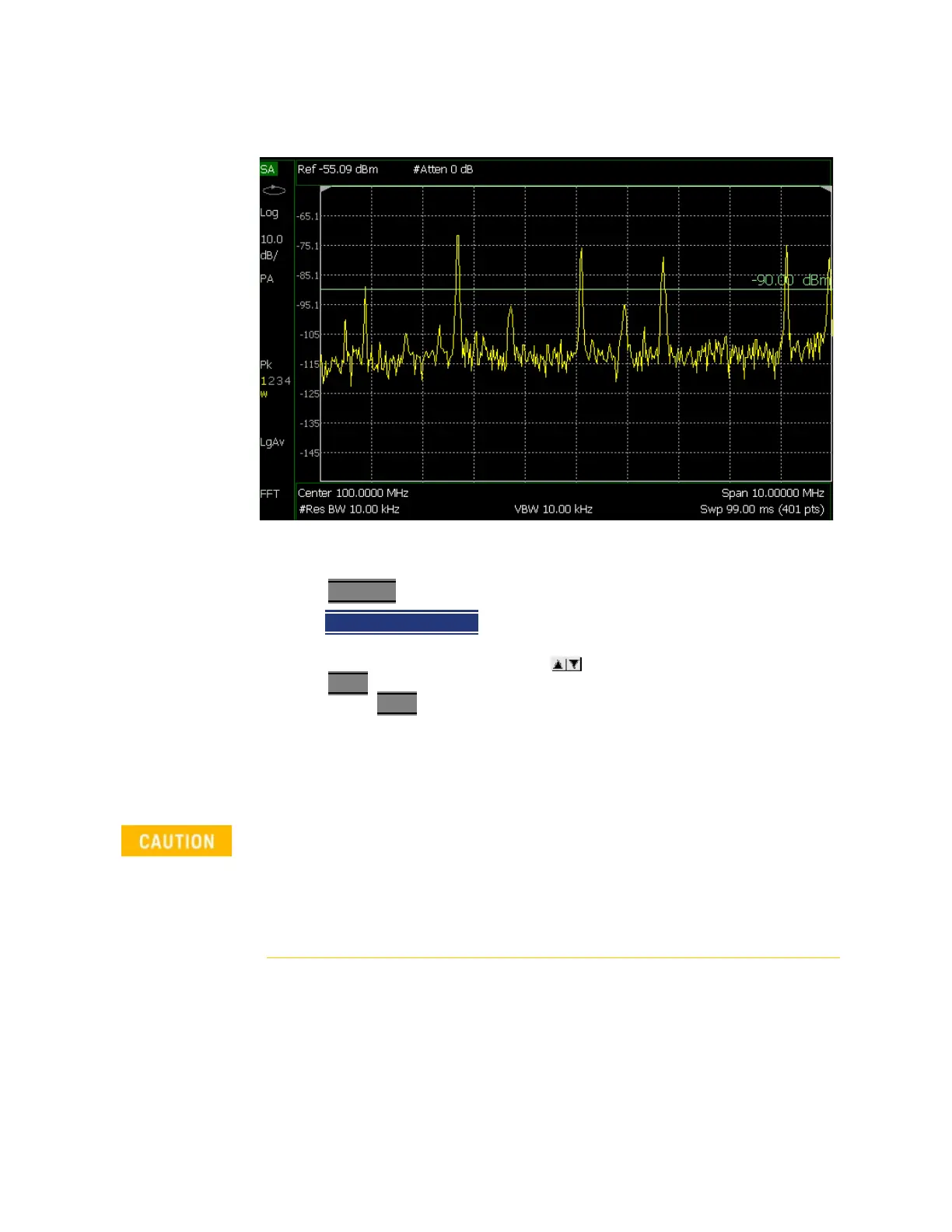
Figure 10-8 Display Line with Annotations
How to create and move a Display Line
—Press Limit __8
—Then
Display Line OFF ON
— Then enter a Y-axis value using the arrows or the rotary knob, then
press Enter
. Or enter a value using the numeric keypad and press a suffix
key or press Enter
.
Learn more,
“All about Limit Lines” on page 749.
Limit Lines
For more on using limit lines, refer to Chapter 30 and to “All about Limit Lines”
on page 749
.
–When using the Spectrogram measurement, Limit lines are only available
when the display Measurement Type for Spectrogram View used is:
Overlay.
–RTSA mode does not support any PASS or FAIL features.
–Beep, Warning, and Margin softkeys are grayed out (not active) in RTSA
mode.













 To Next Page