Data Analysis FeaturesDELETE_IF
All about Markers
Keysight N9915-90020 User’s Guide 739
How to move an IQ and SA mode marker between traces
1. With two or more traces present, press Marker
and Enter to create a marker. The marker is
created on the current Marker Trace selection (default setting is 1).
2. Then More
3. Then select the marker to move using
Marker 1,2,3,4,5,6.
4. Then toggle
Marker Trace 1,2,3,4
— The selected marker is moved to the specified trace.
— When a marker is moved to a ‘blank’ trace (not visible) the marker moves to the same
X-axis position at either the Y-axis position of the last data, or to the ZERO position.
Marker Format
The Marker Format setting allows you to choose the format of the marker readout that appears in
the upper-right corner of the screen and in the marker table. The marker format can be
independent of the trace format, and can be set independently for each trace. All markers on a
trace have the same marker format.
How to choose marker format
—Press Marker
— Then More
— Then Marker Format
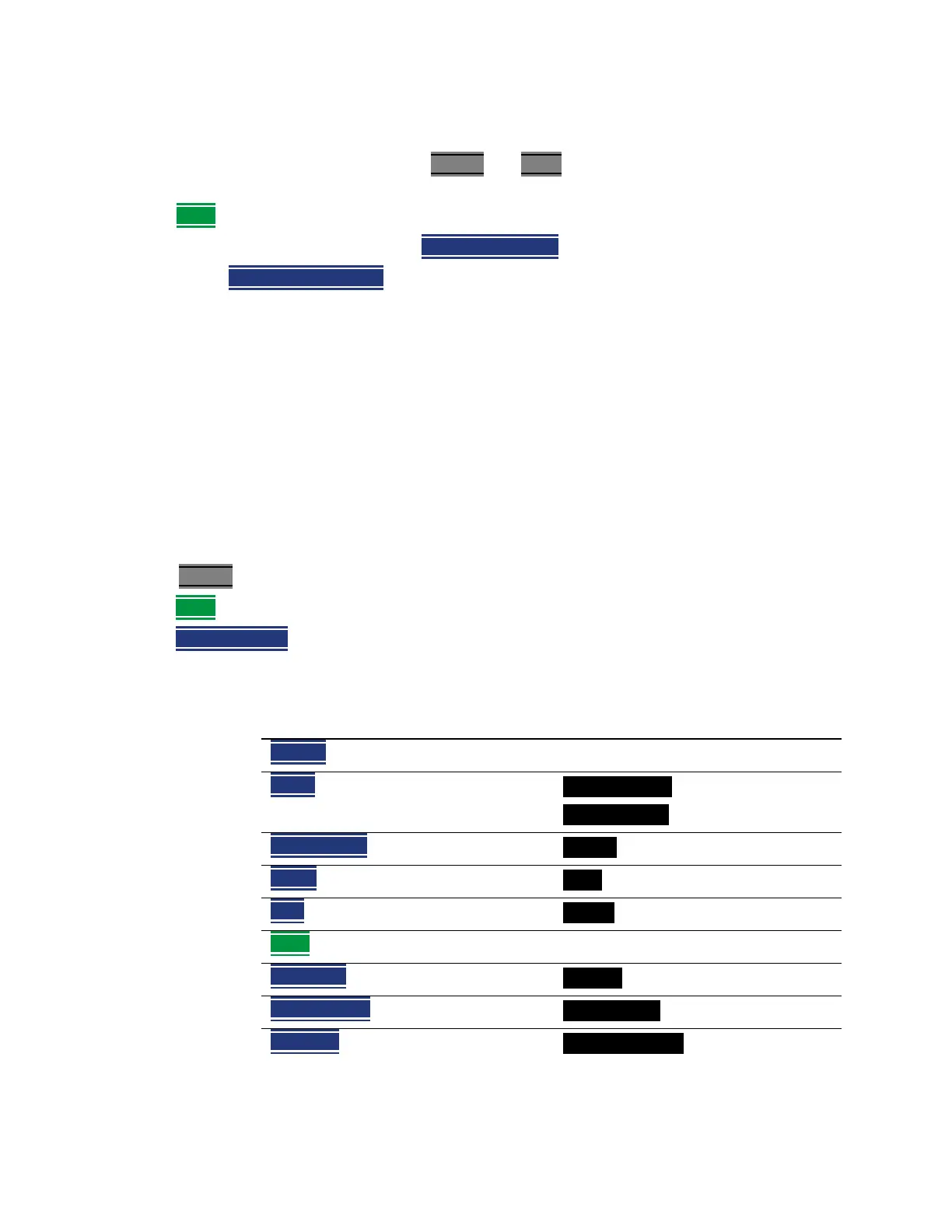
—For NA Mode measurements, choose from the following:
Selection Example Y-axis value
Default Same as displayed format
R + jX Complex impedance format
(3rd number is distance for Time Domain)
22.8Ω -j61.4Ω
287.9fF
Z Magnitude Impedance Mag. 66.08Ω
Phase 73.8°
Real 0.2003
More
Imaginary -0.6727
Mag & Phase 0.705, -73.7°
dB Angle -2.1 dB, -138.2°













 To Next Page