Keysight N9915-90020 User’s Guide 253
SA (Spectrum Analyzer) Mode (Option 233–Mixed Analyzers)FUTURE
Effective Isotropic Radiated Power (EIRP) – (SA Mode Only)
Effective Isotropic Radiated Power (EIRP) – (SA Mode Only)
How to Select Effective Isotropic Radiated Power (EIRP)
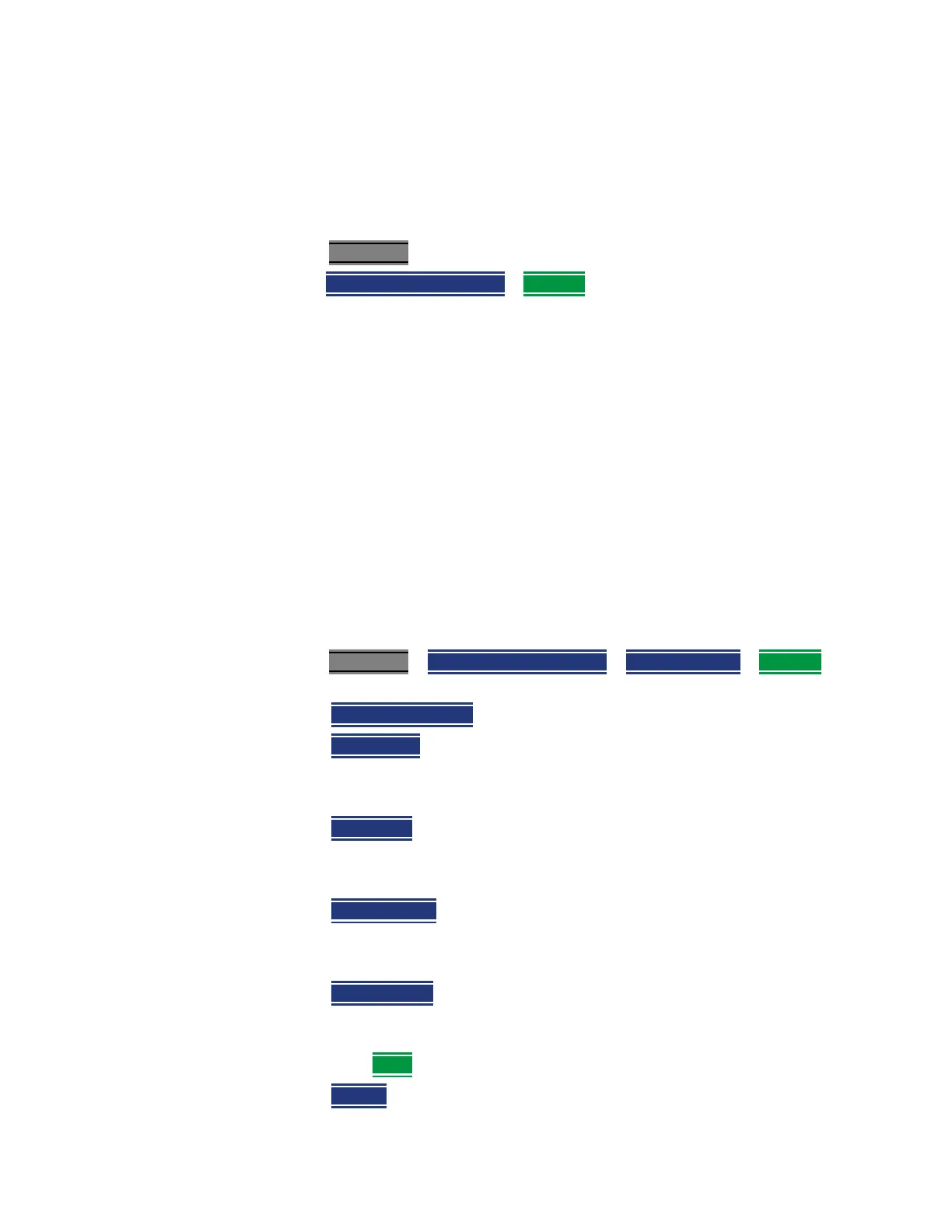
1. Press Measure 1
2. Then Channel Measurements > EIRP Off to open a menu of softkeys to set
up EIRP.
How to Setup EIRP (Effective Isotropic Radiated Power)
General setup and an example for EIRP:
For this example we are using an isotropic antenna with the following
specifications:
— Frequency range: 9 kHz to 9 GHz isotropic antenna
— Preamp stages: 2 (+15 dB each (@2 GHz)
— Chop/Switch speed rate: 1 Hz to 50 kHz
— Assume: 600 Series 50ꭥ coaxial cable with 2.5 dB/100 feet
1. Press Measure 1
> Channel Measurements > Channel Power > EIRP Off
then choose from the following:
—
EIRP Meas OFF ON – Enables and disables the EIRP measurement.
—
Rx Ant Gain – Enter the receiver ant gain (–100 db to 100 db;
default = 0 dB).
For this example: 30 dB > Enter.
—
Dist to Ant – Enter the distance between the receiving and
transmitting antennas (0 m to 25 km; default = 100m)
For this example: 100m (default)
—
Rx Cable Loss – Enter the receiver cable loss (0 to –100 dB; default
= 0 dB).
For this example: 2.5 dB
—
Margin Comp – Enter the margin compensation to remove known
self-interference, antenna efficiency, fading and other errors
(–100 db to 100 db; default = 0 dB).
— Then
More and choose from the following:
—
Restart – Press this softkey to restart an antenna measurement.













 To Next Page