Keysight N9915-90020 User’s Guide 165
SA (Spectrum Analyzer) Mode (Option 233–Mixed Analyzers)FUTURE
SA Mode Settings
— Save Antenna/Cable – Save the modified Antenna/Cable to a file on the
specified Storage Device.
— Recall Antenna/Cable – Read an existing Antenna/Cable file from the
specified Storage Device.
— Storage Device – Choose from: Internal, USB, SD. Learn more about these
selections in
“Set File Type and Select Device” on page 823.
When finished, press
Back to return to the previous menu.
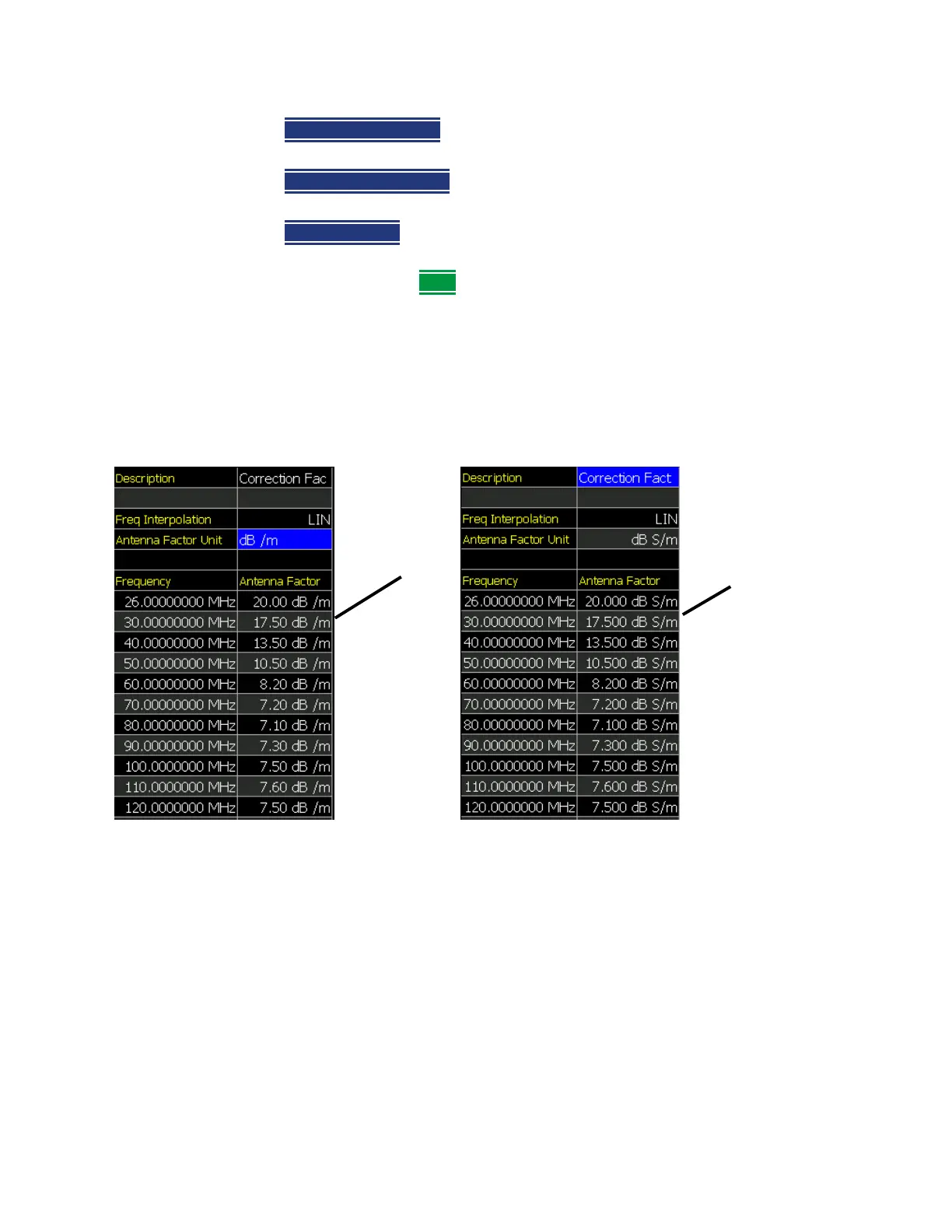
Using the Antenna/Cable Editor
The Antenna Editor and the Cable Editor menus are very similar. Both tables
include header information, and a Frequency/Value table.
Figure 9-3 FieldFox Antenna Editor– E–Field and H-Field Units Displayed
E-Field Units
H-Field Units













 To Next Page