Keysight N9915-90020 User’s Guide 823
File ManagementFUTURE
Saving and Recalling Files
— If the filename already exists, you are prompted to choose from the
following:
—Press
Yes to overwrite the existing file.
—Press
Cancel to return to edit the filename.
Recall Files
The FieldFox can recall State files, Trace + State files, and image files.
State Files
ALL FieldFox instrument settings for ALL Modes are saved and recalled in a
*.sta file. If error correction is ON in CAT or NA Mode, then calibration data is
also saved and recalled.
If error correction is OFF (CalRdy is active), calibration data is NOT saved in the
*.sta file. When a Trace + State file is recalled on a FieldFox other than the one
it was saved on, differences in the CalRdy calibration data may result in
differences between the displayed traces.
Image Files
The FieldFox can open and display *.png, *.jpg, and *.jpeg images.
How to Recall a File
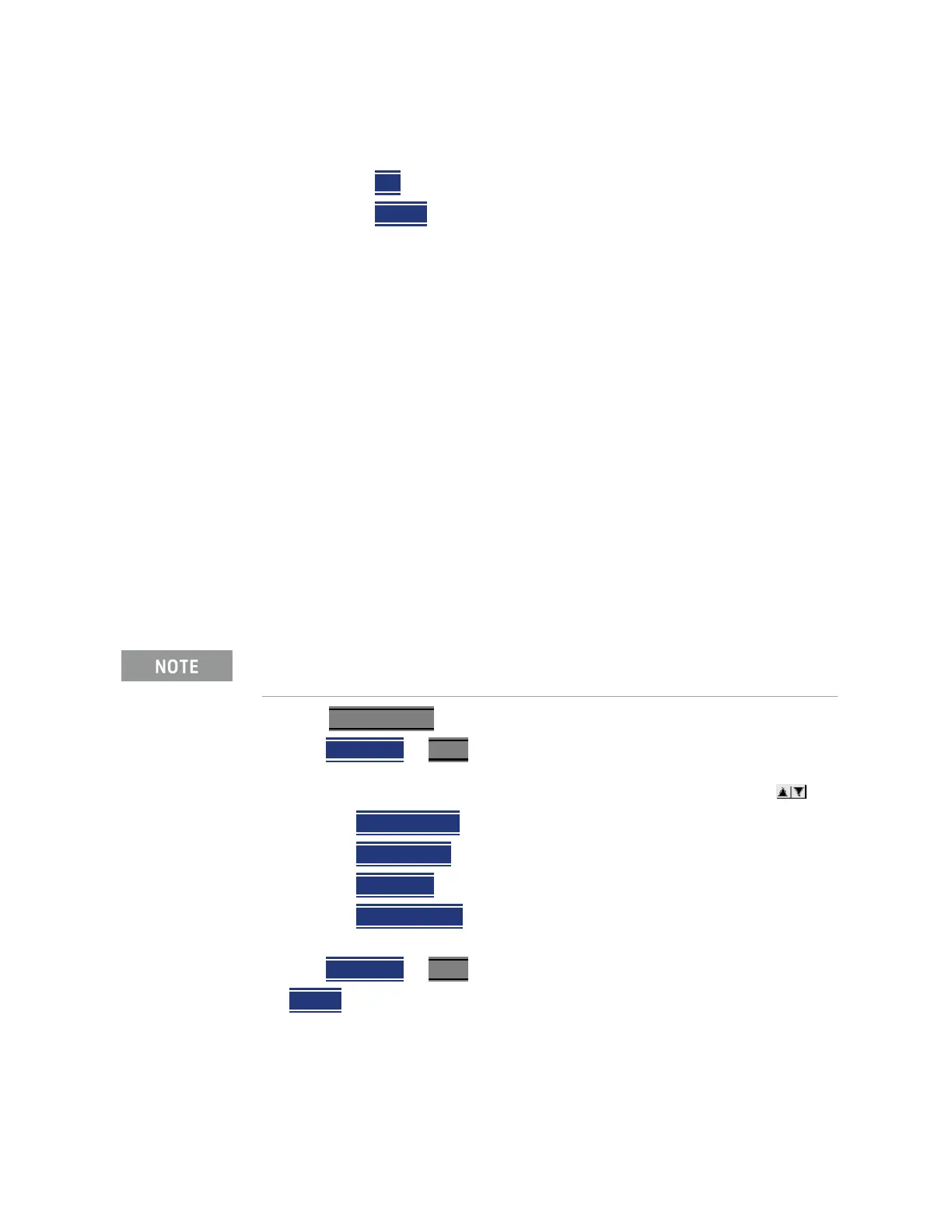
1. Press Save/Recall 9
2. Then Recall File or Enter
3. Navigate to the file to be recalled using the Up/Down arrow keys .
—Optional:
Sort by Name
to list the current files by name.
—Optional:
Sort by Date to list the current files by date.
—Optional:
Next Page if available, to go to the next page of filenames.
—Optional:
Previous Page if available, to go to the previous page of
filenames.
4. Then
Recall File or Enter.
5.
Cancel to cancel recall file and return to the previous menu.
Move (Copy) Files
The FieldFox can Move files (i.e., including Trace + State files, and image files).
Before recalling a file, first Select the Device and Location from which the
file will be recalled. See the following section for more information.













 To Next Page