222 Keysight N9915-90020 User’s Guide
SA (Spectrum Analyzer) Mode (Option 233–Mixed Analyzers)FUTURE
Channel Measurements
Traces
Only one measurement trace can be displayed in Channel Measurements.
Channel Power (CHP)
Channel Power measures total power over the specified Integrated BW. The
Integration Bandwidth (IBW) can be adjusted to measure the power over
multiple channels.
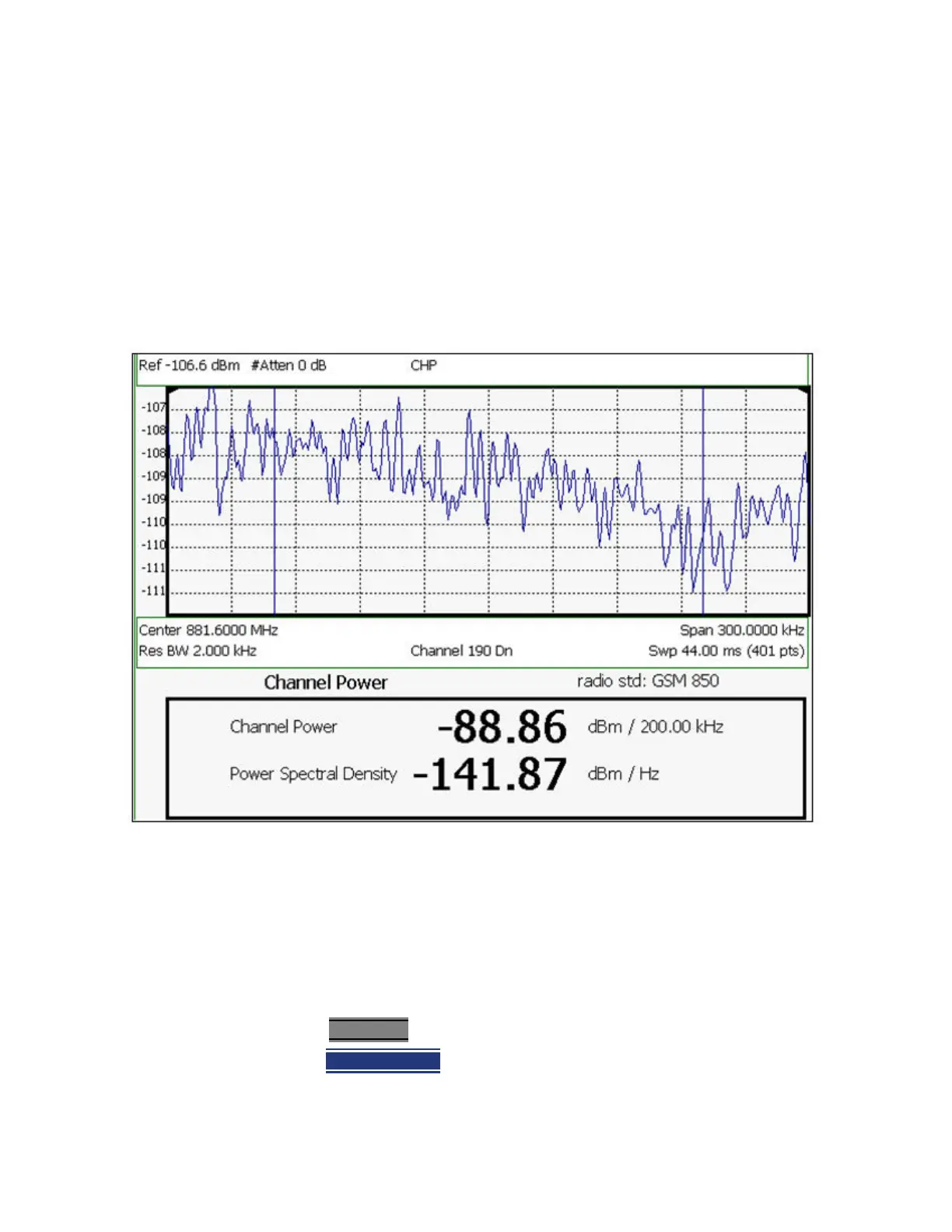
Figure 9-19 Channel Power Measurement
The following two Channel Power levels are displayed:
— Channel Power - measures total power over the specified Integrated BW.
— Power Spectral Density – same measured power, but mathematically
normalized to a 1 Hz bandwidth using the same algorithm as Noise Marker.
Learn more about the Noise Marker in
“Noise Marker” on page 215.
How to select Channel Power
1. Press Measure 1
2. Then Channel Power













 To Next Page