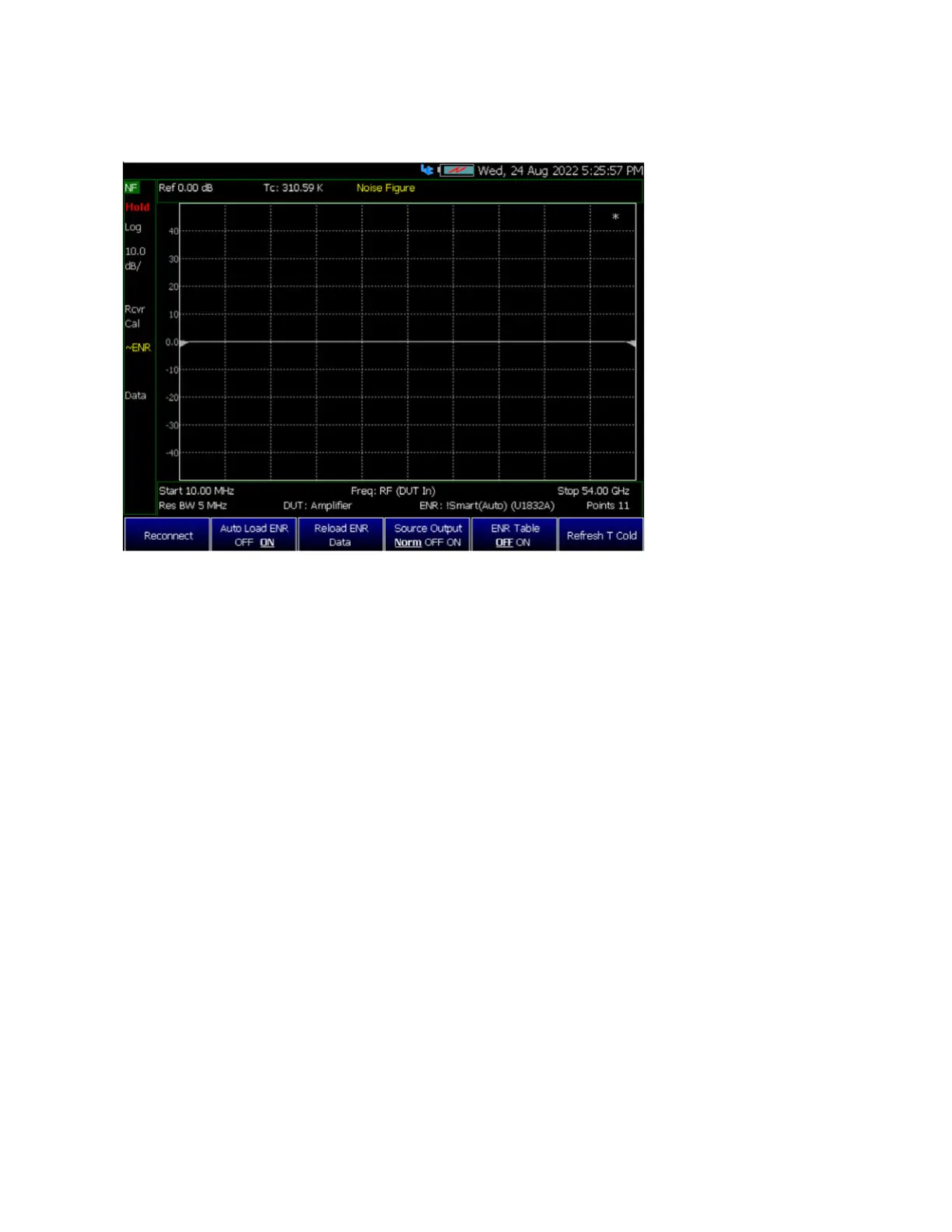
ENR Mode: Smart (Auto) only:
1. Reconnect: Attempts to
connect to USB Smart Noise
Source.
2. Auto Load ENR [OFF ON]:
– If ON: The ENR Data will be
automatically loaded into the
ENR Table when the USB
Noise Source is plugged in.
– If OFF: The ENR Data will
not be automatically loaded
into the ENR Table when the
USB Noise Source is plugged
in.
– Default: ON
3. Reload ENR Data: The ENR
Data from the USB Noise
Source get loaded into the
ENR Table.
4. Source Output [Norm OFF
ON]:
– Sets the Noise Source drive
status.
– Default: NORMal, the
FieldFox controls the Noise
Source drive status.
– This button is disabled if no
USB Noise Source is
connected.
5. ENR Table [OFF ON]:
– Allows User to view the ENR
Table Data in previous menu
(Edit/Save/Recall).
– Default: OFF
6. Refresh T Cold:
– Retrieves the current
temperature reading from the
USB Noise Source then
updates the Annotation and T
Cold Default value.













 To Next Page