Keysight N9915-90020 User’s Guide 549
Interference Analyzer (SA Mode) – Option 236
Record/Playback (SA Option)
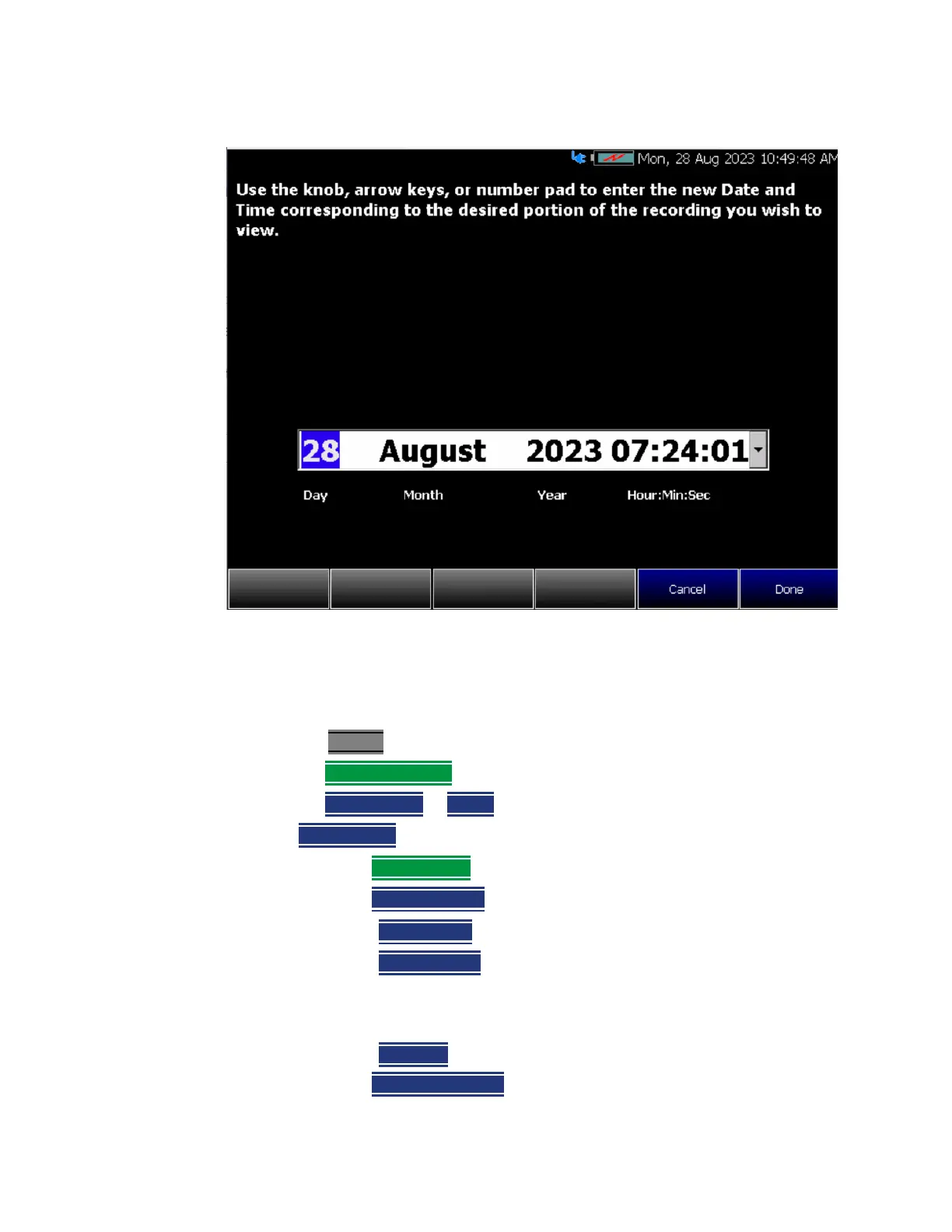
Figure 19-6 Playback Trace Date/Time Dialog Box
Recording Configuration
To change Recording Configuration settings:
—Press Trace 6
—Then Record Playback
—Then New Session or Recall an existing session.
If
New Session is selected:
—Then Session Data and choose one of the following:
—Then
CSV SaveStyle
——Single Trace (default) saves the currently displayed trace.
——
Range Traces saves the currently displayed trace. This
selection requires you to manually select a range of traces to
be recorded in the Playback Configuration menu. Refer to
“Playback Configuration” on page 553.
——
AllTraces saves all traces.
—Then
TraceRecordLimit to change the maximum recording file size.













 To Next Page