210 Keysight N9915-90020 User’s Guide
SA (Spectrum Analyzer) Mode (Option 233–Mixed Analyzers)FUTURE
SA Mode Settings
How to Access Individual Alignments
This section assumes access to individual alignments was activated using the
FieldFox’s system settings’ Preferences. Once enabled, an Individual
Alignments softkey is displayed. Refer to
“Preferences” on page 780, in
Chapter 31 System Settings.
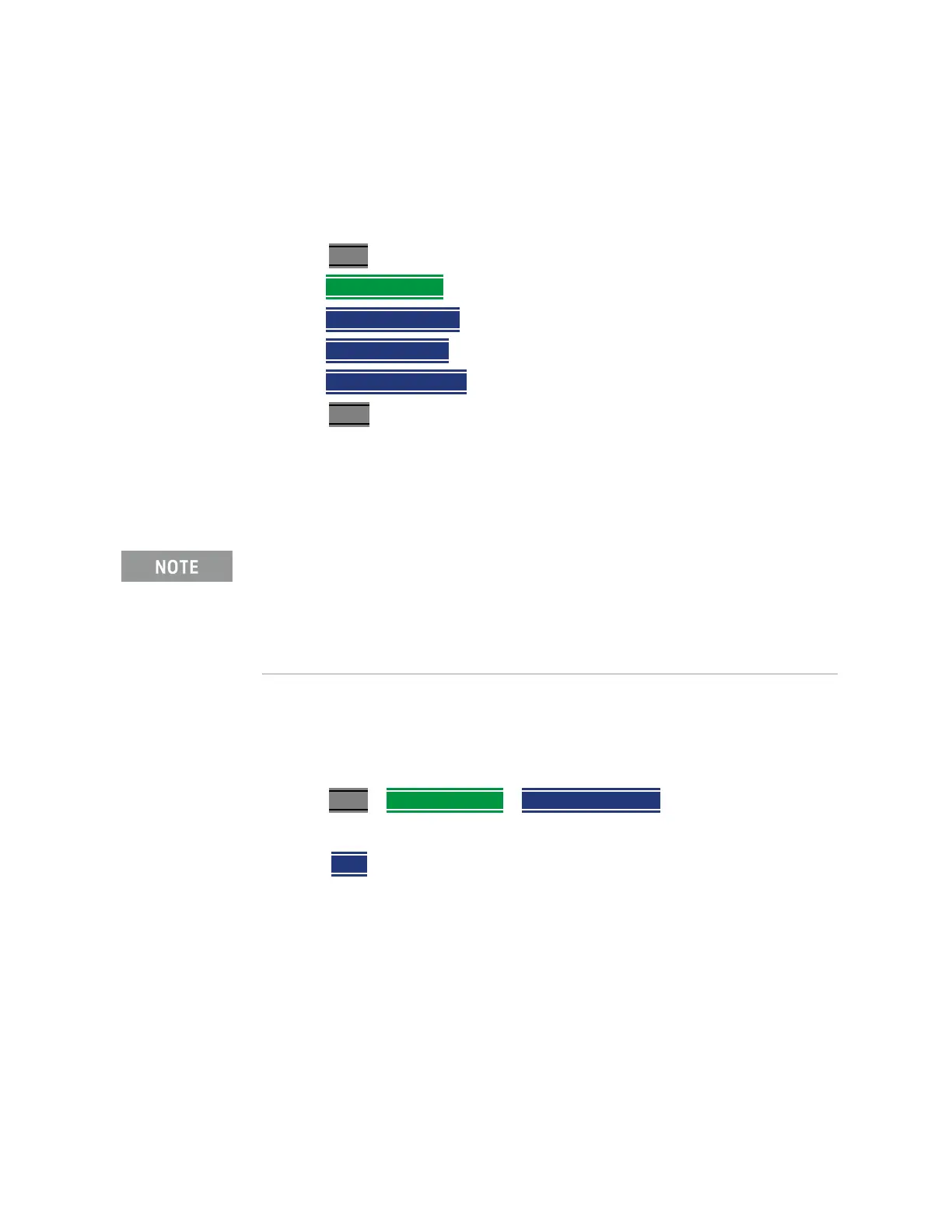
1. Press Cal 5
2. Then
Individual Align
3. Then Amptd Align Now or
Then
Burst Align Now or
Then
ChanEq Align Now
4. Press Enter
How to make Amplitude Alignment settings
SA, IQA, RTSA, and other modes use a proprietary amplitude alignment
algorithm to make extremely accurate amplitude measurements over the full
frequency range of the FieldFox.
These settings do NOT survive a Preset or Mode Preset.
1. Press Cal 5
> Individual Align > Amptd Alignment
2. Then choose from the following:
— Auto (Default setting) Alignments are required and are performed
automatically, when necessary, at times when interrupting the RF
Output is deemed acceptable. The alignment process is performed
opportunistically when changes in settings require the
measurement to stop momentarily and a significant time elapsed
since the last alignment (predetermined in the factory) or the
internal instrument temperature has changed sensibly
(predetermined in the factory).
Some examples of the conditions when alignments occur are: This
could be a Center frequency change, or it could be as simple as
requesting a Single sweep. Also, unique alignments are required at
During continuous sweep (“acquisition” for IQA) operation, automatic
Alignments will NOT interrupt the ongoing measurement, but when
necessary, will occur opportunistically as settings are changed. When no
automatic alignment updates occur, existing alignments can become stale
over time and temperature drift, so a warning annotation on the left panel
will light up indicating that alignments need updating.













 To Next Page