224 Keysight N9915-90020 User’s Guide
SA (Spectrum Analyzer) Mode (Option 233–Mixed Analyzers)FUTURE
Channel Measurements
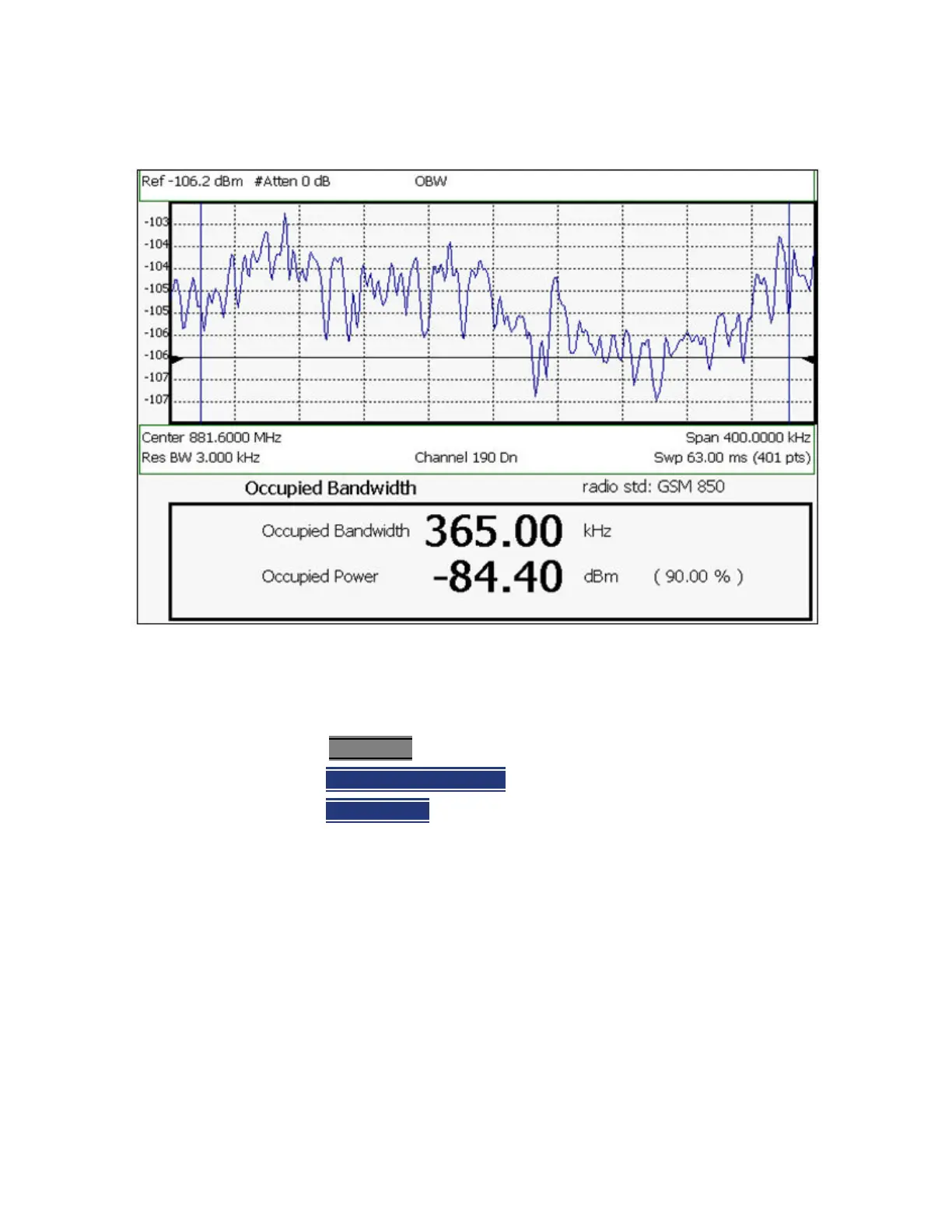
Figure 9-20 Occupied Bandwidth Measurement
The graphic above shows an OBW measurement; Chan 190 Downlink; GSM850
Radio Standard
How to Select Occupied Bandwidth
1. Press Measure_1
2. Then Channel Measurements
3. Then
Occupied BW
When Occupied Bandwidth is selected, the following settings are maintained
from a previous measurement: Center Frequency, Preamp ON|OFF, and RF
Attenuation.
Frequency Span
Occupied BW is calculated from power that is measured over the entire
displayed Frequency Span. The frequency span can be entered using arbitrary
frequencies or by using a Radio Standard in conjunction with channel
numbers. Learn how to select a Radio Standard and channels in “Channel
Selection” on page 156
.
To change Frequency Span:













 To Next Page