470 Keysight N9915-90015 User’s Guide
USB Antennas – (Full Capability Requires EMF Option 358, and either SA mode (Option
233 Mixed Analyzers) or OTA—5G NR / 5G NR EVM Conducted Option 378)
How to Set Up a USB Antenna (Also, Known as EMF Antenna)
Editing Antenna Correction Factors and Adding New Antenna Factors
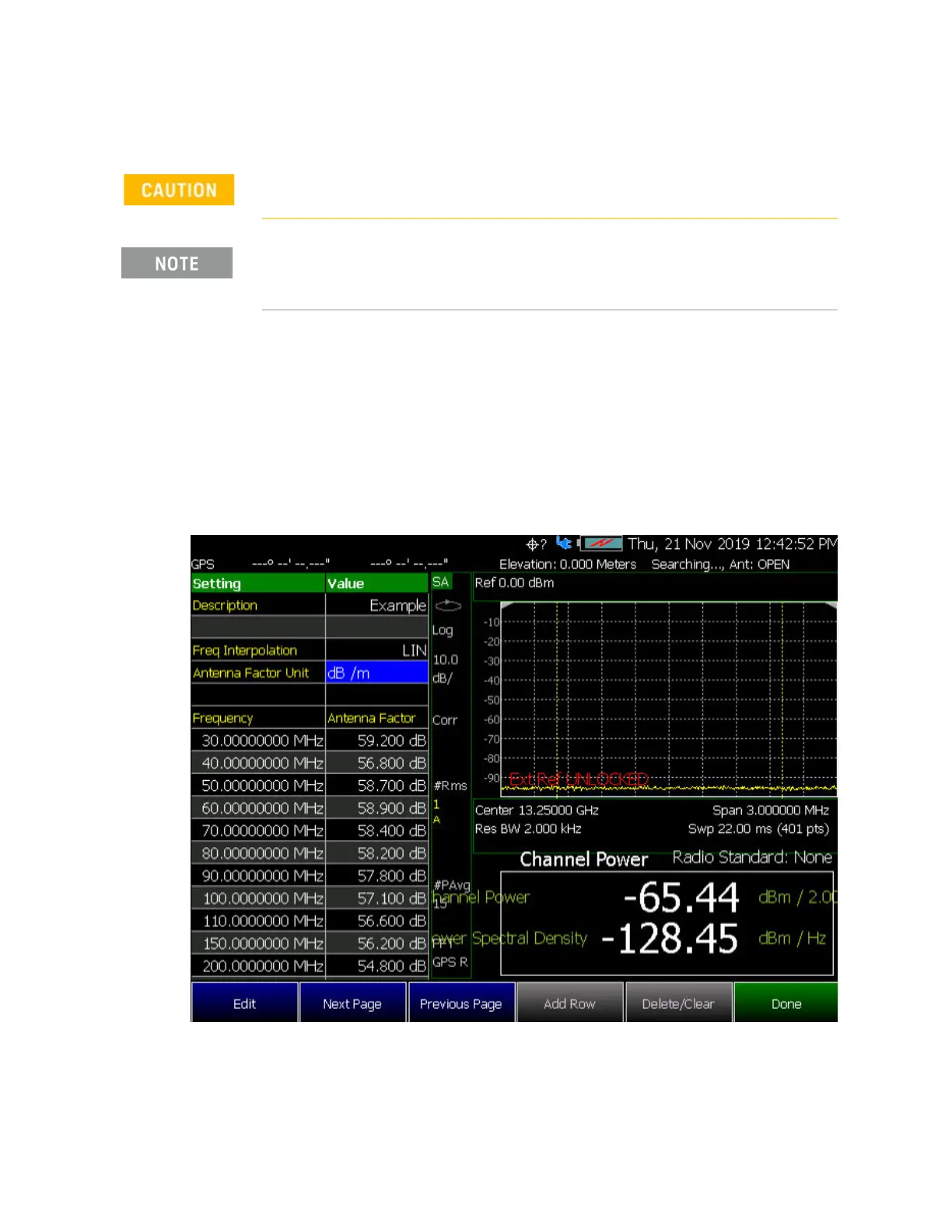
For procedures illustrating how to edit the Antenna Factors settings table
values, refer to:
— SA Mode:
“How to Set Up EMF Settings (Requires EMF (Option 358), GPS
(Option 307), and SA Mode (Option 233–Mixed Analyzers))” on page 230
—OTA Mode: “How to Set Up EMF Mode Settings (Requires EMF (Option
358) and 5G NR (Option 378))” on page 400
Figure 15-6 SA Mode – Example Editing and Adding a New X axis antenna
Keysight does not recommend editing a USB antenna’s correction factors.
If New is selected under the X, Y, or Z Antenna or Cable softkey menu,
whatever antenna or cable factors that have been imported as the default
values and are displayed in the Settings table.













 To Next Page