Keysight N9915-90020 User’s Guide 569
Power Meter (USB/LAN) Mode - Option 302
Learn more, refer to “USB and LAN Power Meter Settings” on page 570.
To access the LAN Sensor Settings:
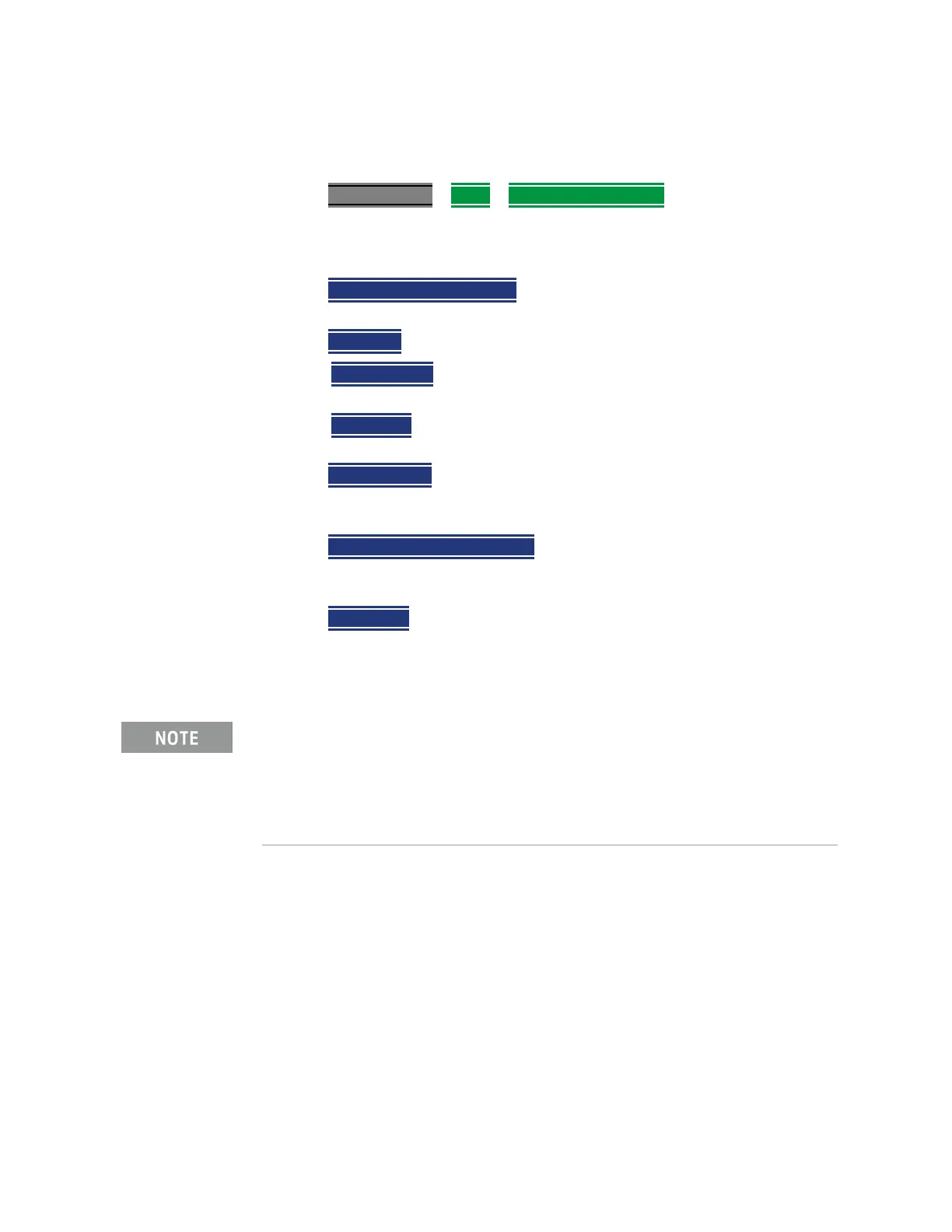
—Press Meas Setup 4 > More > LAN Sensor Settings
Using the LAN Sensor Settings
—Press
Sensor Name [U2049XA] – then select your LAN sensor model from
the drop down list.
—Press Sensor ID – then choose
— DNS Ser num – Enter the DNS Serial Number’s last 5 digits as a way
for the FieldFox to connect with your LAN power sensor.
— IP Address – Enter the IP address of your LAN power sensor as a way
for the FieldFox to connect with your LAN power sensor.
—Press
DNS Ser Num
– to enter a DNS serial number’s last 5 digits to enable
the FieldFox to identify a LAN power sensor. This softkey is inactive Sensor
I.D. is set to IP Address.
—Press
LAN IP Addrs Not Specified – to enter an IP address to enable the
FieldFox to identify a LAN power sensor. This softkey is inactive Sensor I.D.
is set to DNS Ser Num.
—Press
Reconnect – While it is not recommended to remove the LAN cable
from either the Sensor or the FieldFox during a LAN Sensor based
measurement, the Reconnect button should allow the measurements to
resume if they are lost. Learn more, refer to
“Troubleshooting” on page 578.
The LED indicator will turn red indicating the following error when the
DHCP server is not detected: –310, "System error; The sensor could
not obtain a LAN configuration using DHCP. The sensor will
try to obtain IP address using AutoIP if enabled". For more
information on LAN instrument connectivity, refer to the Keysight IO
Libraries Suite Connectivity Guide.













 To Next Page