Keysight N9915-90020 User’s Guide 657
Channel Scanner (Option 312)
How to Set Up Channel Scanner
Step 3. Modify Scale and the Display Color Bar Settings
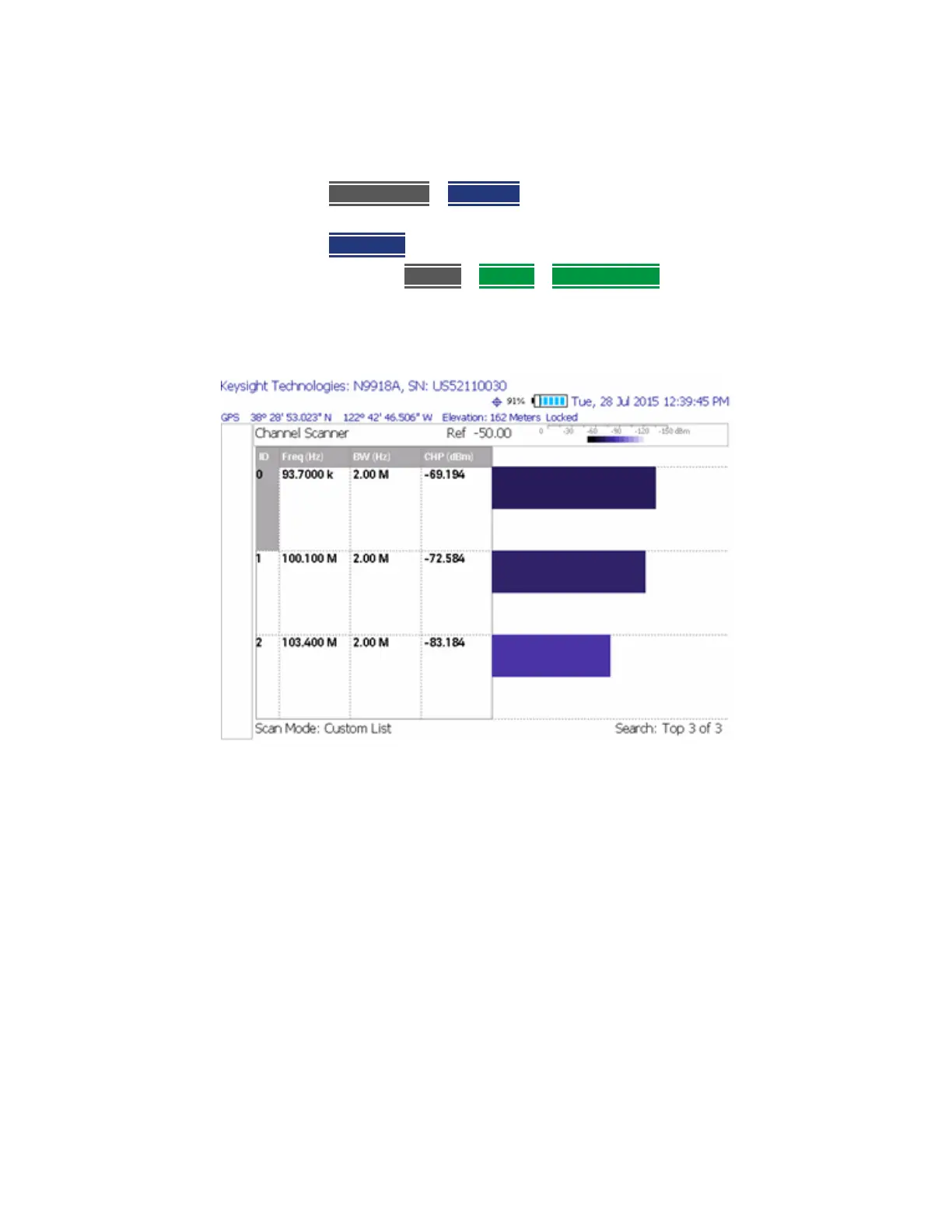
To assign colors to low and high power values:
1. Press
Scale/Amptd > Red Limit to set high power values and to set the
color.
2. Press Blue Limit to set low power values and to set the color.
3. And, then press
System > Display > Display Colors, to set Indoor, Outdoor,
or other display colors. See also Chapter 28, “Channel Scanner (Option
312)”, on page 645
.
Figure 28-11 Outdoor Display Colors













 To Next Page