704 Keysight N9915-90020 User’s Guide
Noise Figure Mode (Option 356)
How to Define a Noise Figure Measurement
Frequency Range and Frequency Context
Set the range of frequencies over which you would like to make DUT type
measurements and frequency context for noise measurements.
When the frequency range is changed after a calibration is performed, the cal
becomes interpolated. Learn more in
“Interpolation *” on page 142.
How to set Frequency Range and Frequency Context
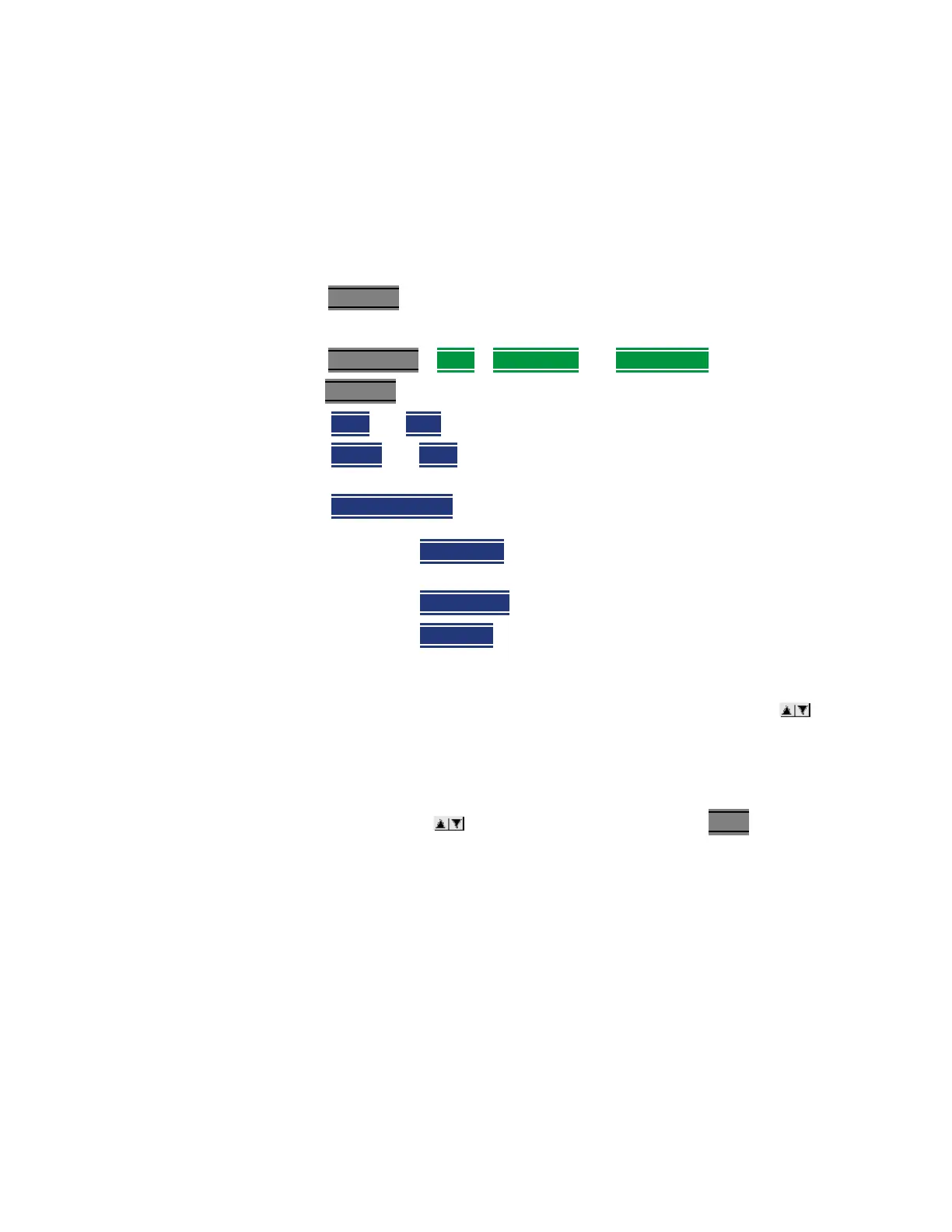
—Press Freq/Dist (Measurement) or
for Frequency Context:
—Press Meas Setup
> DUT) > RF (DUT In) and IF (DUT Out)
—Then Freq/Dist and choose from the following
— Start and Stop frequencies - beginning and end of the sweep.
—
Center and Span frequencies – the center frequency and span of
frequencies (half on either side of center).
—
Freq Annotation and one of the following:
— Follow each setting by entering a value using the numeric keypad,
arrows, or the rotary knob.
— After using the keypad, select a multiplier key. Learn about multiplier
abbreviations in
Chapter 1, “Overview.”
— After use the arrows or the rotary knob, press Enter
.
AutoSelect (Default) – The FieldFox selects a frequency annotation
setting (CenterSpan or StartStop).
CenterSpan -The center frequency and span are displayed.
StartStop - The start and stop frequencies of the frequency span are
displayed.













 To Next Page