Comfort Control Unit
100
Pos: 21.11.11 / BA/Info-Center/L adewagen/H auptmenüs/Ha uptmenü 1 Einst ellungen/Menü 1-2 Silage mittel (optional) @ 0 \mod_1200 659878662_78. doc @ 46637
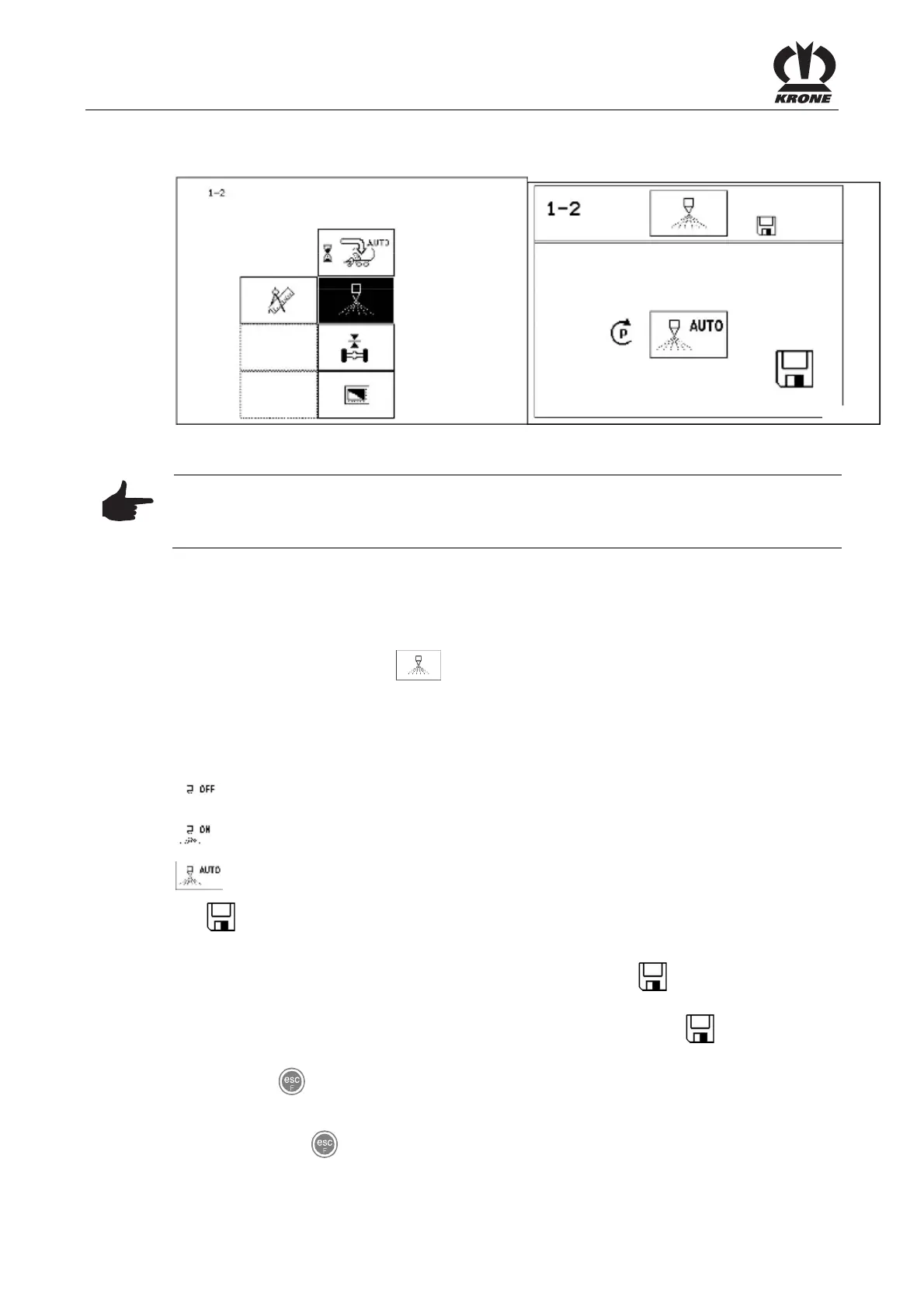
9.10.2 Menu 1-2 "Silage" (optional)
L400060
L400070
Figure 64
Note
The connection for the silage material device is located close to the job computer (approx.
0.5 m in cable harness 1X1).
Activation and deactivation of silage agents.
Displaying the menu
Bring up main menu 1 "Settings"
• You can select menu 1-2 with the rotary potentiometer. The icon is shown in
reverse colours.
• Press the rotary potentiometer. The display shows menu 1-2 "Silage".
The current status is displayed as an icon:
= Silage agents off
= Silage agents on (continuous operation)
= Silage automatic mode (silage on if the pick-up is in float position)
The
icon in the upper line indicates that the displayed status is saved.
Change and save status
• Set the appropriate status with the rotary potentiometer. The
symbol in the top line
goes out.
• Press the rotary potentiometer. The set time delay is saved and the
icon appears in
the upper line.
• Use the key
to close the menu currently displayed.
The display shows menu level 1 "Settings".
• Pressing the
key and holding it down brings up the basic screen.
Pos: 21.11.12 / BA/-----Seiten umbruch------ @ 0\mod_11961 75311226_0.doc @ 4165











 To Next Page