Comfort Control Unit
122
Pos: 21.15.1 /B A/Info-Center/La dewagen/Ha uptmenüs/Hau ptmenü 4 Servic e/Hauptmenü 4 Service @ 0\m od_120089 9421150_78.doc @ 47163
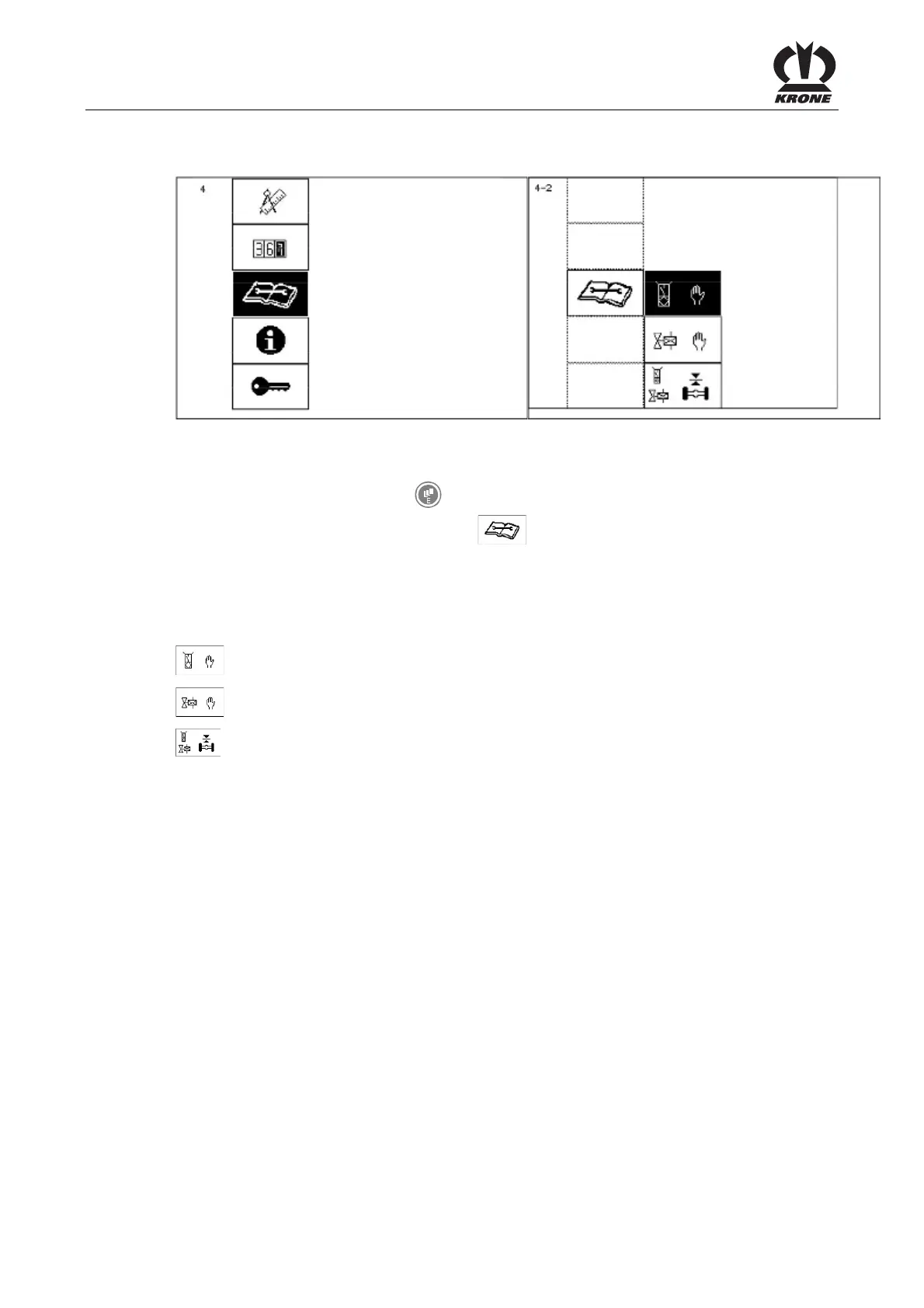
9.12 Main Menu 4 "Service"
L400170
L400191
Figure 85
Calling the main menu
• Call the menu level with the key.
• You can select main menu 4 with the
rotary potentiometer. The icon is shown in
reverse colours.
• Press the rotary potentiometer.
The display shows menu level 4 "Service".
Menu level 4 "Service" is divided into three menus:
= Menu 4-2 "Manual sensor test"
= Menu 4-4 "Manual actuator test"
= Menu 4-5 "Sensor/actuator test axle suspension"
Pos: 21.15.2 /B A/-----Seitenu mbruch------ @ 0\mod_119617 5311226_0.doc @ 4165











 To Next Page