Comfort Control Unit
98
Pos: 21.11.7 /B A/Info-Center/La dewagen/Ha uptmenüs/Hau ptmenü 1 Einstell ungen/Haupt menü „Einstellu ngen“ @ 28\m od_12500704 16181_78.doc @ 273602
9.10 Main menu 1 „Settings“
L400030
L400040
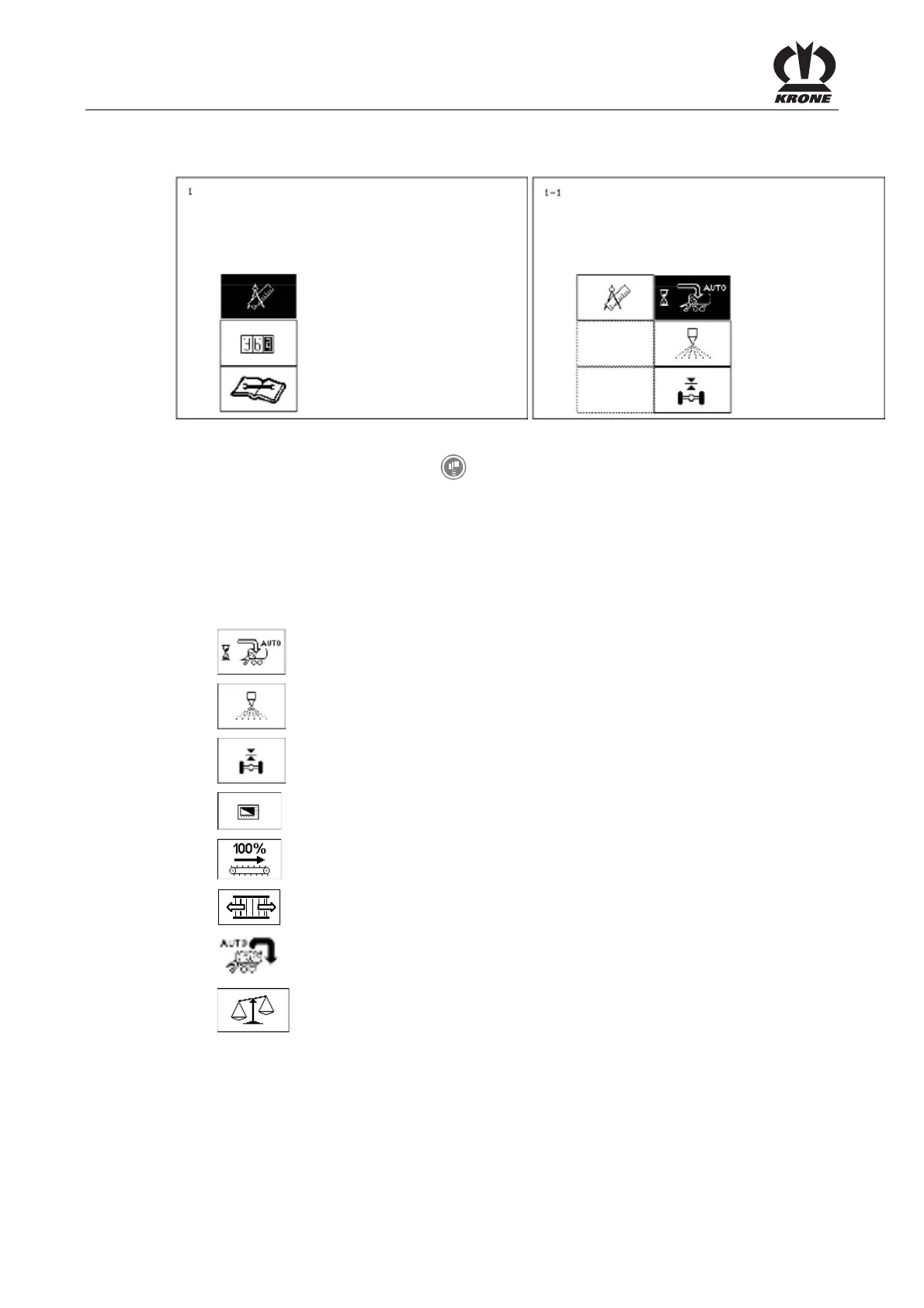
Fig. 62
• Call the main menu with the key
.
• You can select main menu 1 with the rotary potentiometer. The symbol is displayed
inversely.
• Press the rotary potentiometer.
The display shows menu level 1 "Settings". Menu level 1 "Settings" is divided into eight menus,
depending on how the machine is equipped:
= menu 1-1 "Automatic loader"
= menu 1-2 "Silage agents"
= Menu 1-3 "Axle suspension"
= menu 1-4 "Contrast"
= Menu 1-5 "Floor conveyor speed"
= Menu 1-6 "Cross conveyor" (optional - AX/ MX series)
= Menu 1-7 "Automatic unloader"
= Menu 1-9 "Weight control"
Pos: 21.11.8 /B A/-----Seitenu mbruch------ @ 0\mod_119617 5311226_0.doc @ 4165











 To Next Page