Comfort Control Unit
79
Pos: 21.5.3 /BA/ Info-Center/Lad ewagen/Besc hreibung der T asten @ 0\ mod_1200638396 709_78.doc @ 45910
9.5 Description of the keys
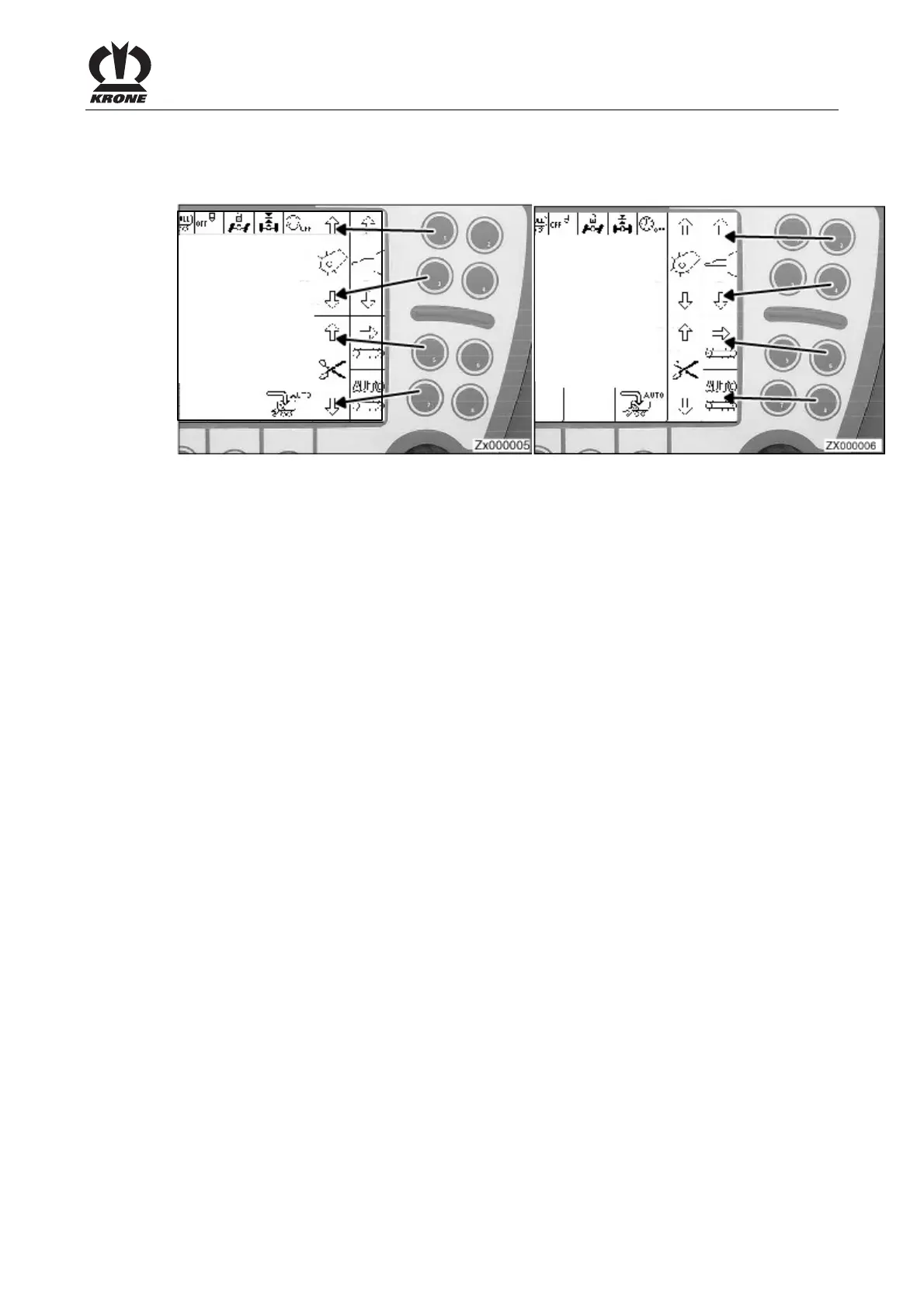
Keys 1-8
Figure 44
Keys 1-8 are used to activate the softkeys located in the right column. For the assignment of the
keys, see the two illustrations. If there is no softkey next to the key, it has no function.
Rotary potentiometer
The rotary potentiometer has two functions:
1. The rotary potentiometer can be turned to change settings and to select the desired menu in
the menu level.
2 Pressing the rotary potentiometer saves the settings.











 To Next Page