Comfort Control Unit
134
Pos: 21.17 /BA/I nfo-Center/La dewagen/Haup tmenüs/Haupt menü 5 Info/Ha uptmenü 5 Inf o @ 0\mod_1200 928669400_7 8.doc @ 4871 8
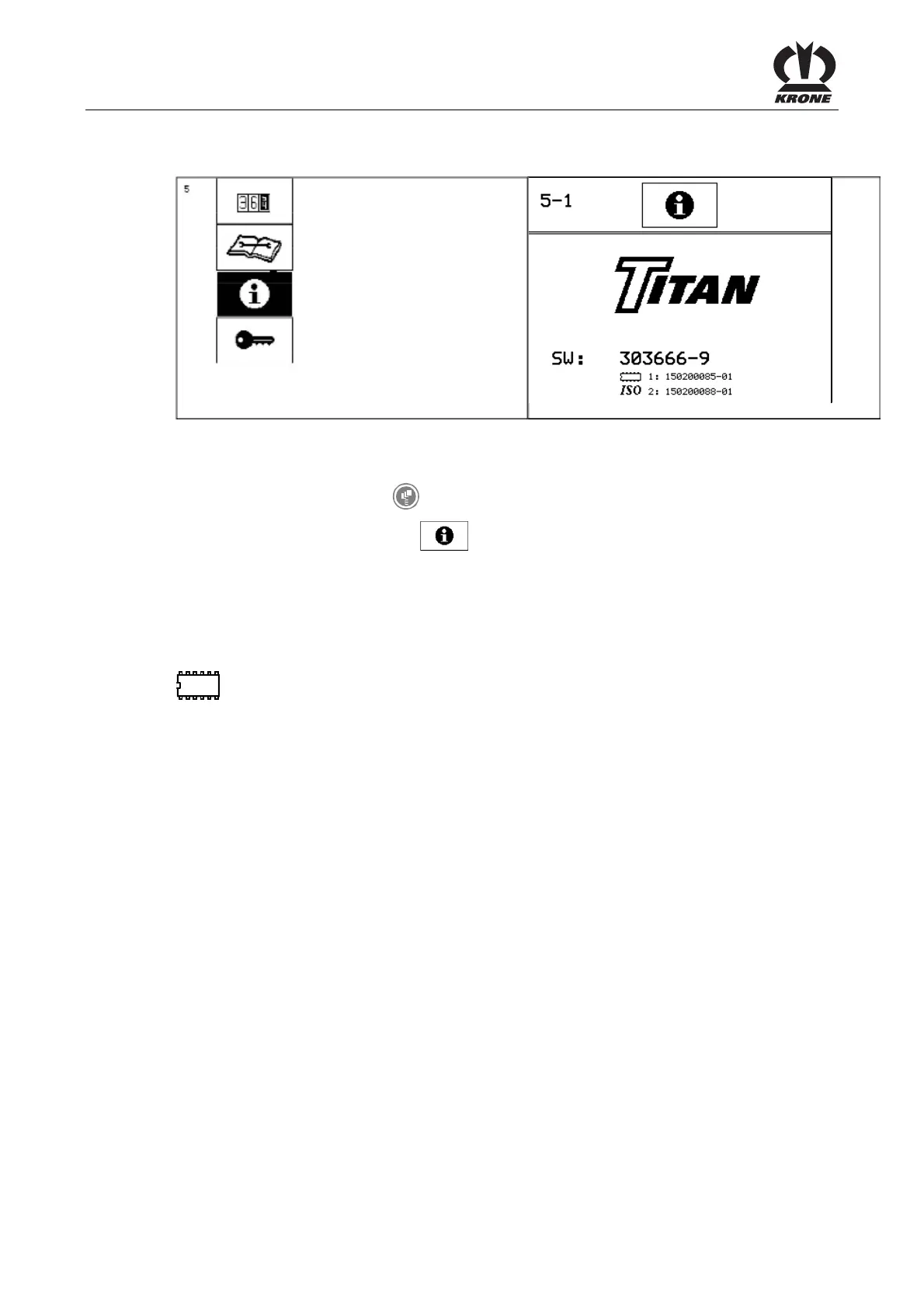
9.13 Main Menu 5 "Information"
L400300
ZX000023_2
Figure 94
Calling the main menu
• Call the menu level with the key.
• You can select main menu 5 with the rotary potentiometer. The icon is shown in
reverse colours.
• Press the rotary potentiometer.
The display shows menu 5 "Information".
Page 5-1:
SW = Complete software version of the machine
= Version of the job computer
ISO = ISO software Version
Pos: 21.18 /BA/-- ---Seitenum bruch------ @ 0\m od_119617531 1226_0.doc @ 4165











 To Next Page