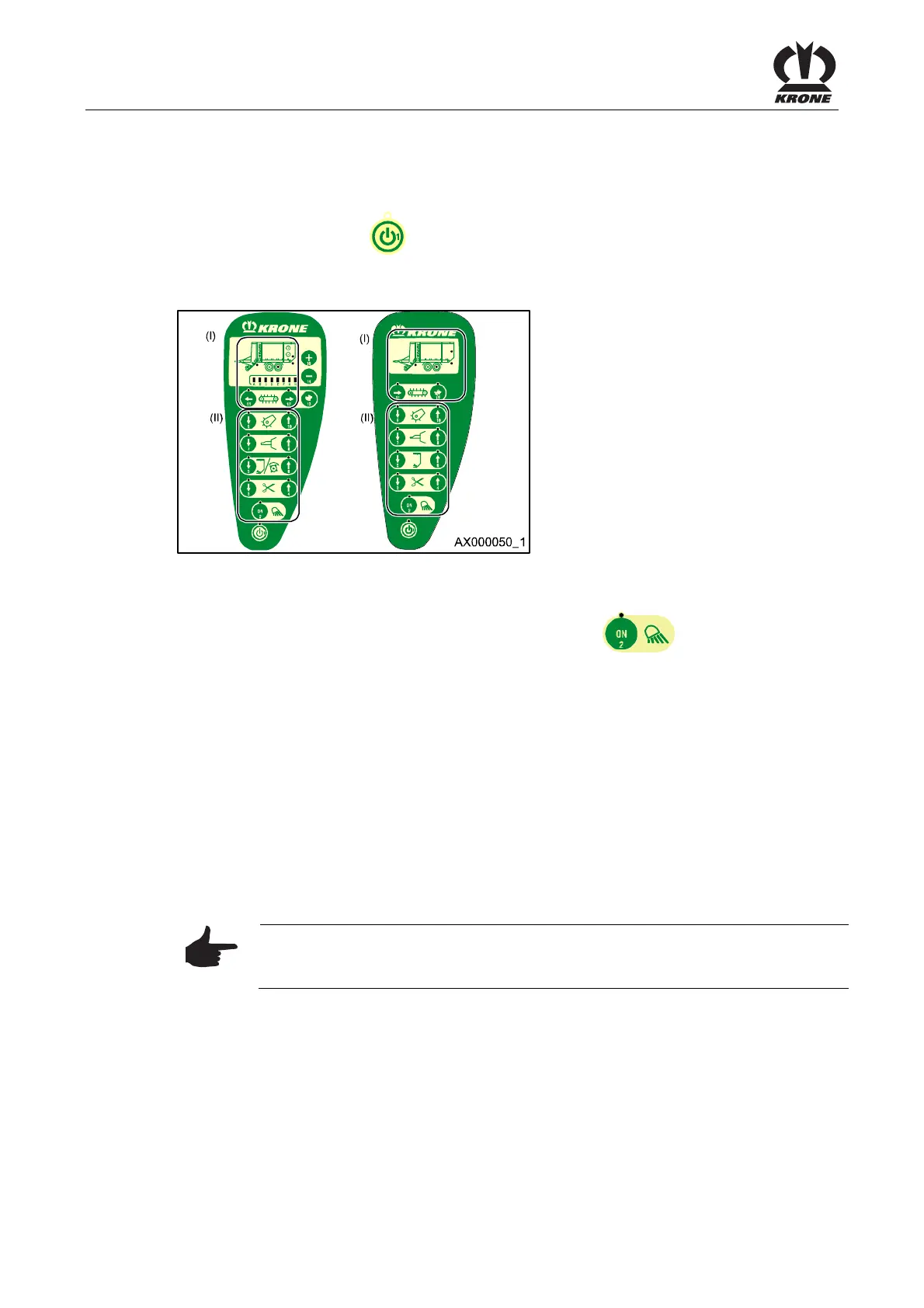
Medium Control Unit
74
Pos: 19.47 /BA/I nfo-Center/Sch wader/Bedien einheit - Mediu m/Swadro 10 00/Alarmmeldu ngen beheben @ 2\mod_120 3325910168_ 78.doc @ 65708
8.20 Eliminating Alarm Messages
If an error has been detected by the electronic system, it must be eliminated. If there is no more
alarm present after switching off and then switching back on again, that state will be indicated
by a continuous light on the
key (Symbol ON/ OFF).
Pos: 19.48 /Üb erschriften/Üb erschriften 2/A-E/ Anzeigen der S oftware-Versio n @ 2\mod _120332663069 9_78.doc @ 6 5766
8.21 Displaying the Software Version
Pos: 19.49 /BA/I nfo-Center/La dewagen/Mediu m/Anzeigen d er Software-Versi on Bild_Lade wagen @ 28\ mod_12499886 45630_78.doc @ 273040
Figure. 38
Pos: 19.50 /BA/I nfo-Center/La dewagen/Mediu m/Anzeigen d er Software-Versi on Text Lade wagen @ 3\mo d_120460997 3381_78.doc @ 70965
To display the software version of the machine, press the key
10 times.
I ) Position (I) indicates the tens component of the software version.
For example, with software version 20, two LEDs are lit; with software version 40, four LEDs are
lit.
II ) Position (II) indicates the ones component of the software version.
For example, with software version 2, two LEDs are lit; with software version 5, five LEDs are lit.
Following is an example of the display of software versions.
Software Version 25
= Position (I) (2 LEDs are lit) + Position (II) (5 LEDs are lit)
= (software version 20) + (software version 5)
Note
As soon as any other key is pressed, processing returns to the machine
program and the corresponding function is performed.
Pos: 20 /BA/----- Seitenumbruch--- --- @ 0\mod _1196175311 226_0.doc @ 4165











 To Next Page