Comfort Control Unit
112
Pos: 21.11.35 / BA/Info-Center/L adewagen/Ge wichtserfassug/ Leergewicht sp eichern Übersc hrift @ 28\m od_12501515 24696_78.doc @ 274233
9.10.10 Saving the tare
Pos: 21.11.36 / BA/Info-Center/L adewagen/Ge wichtserfassug/ Kurzüberblic k über die Tasten Gewichtserfass ung Leergewi cht speich ern @ 28\mod_1 25015095444 6_78.doc @ 274 159
Function of the keys on menu weight control (save tare) (after unloading)
Switching to the counter menu
Switching to the calibration settings of the weight control
Leaving the weight control with saving the weight and display of the weight of the
wagonload
Leaving the weight control for the basic screen loading mode (possibly without saving)
Leaving the weight control for the basic screen unloading mode (possibly without saving)
Pos: 21.11.37 / BA/Info-Center/L adewagen/Ge wichtserfassug/ Leergewicht sp eichern @ 25\ mod_124228 0196773_78.doc @ 250759
ZX000016
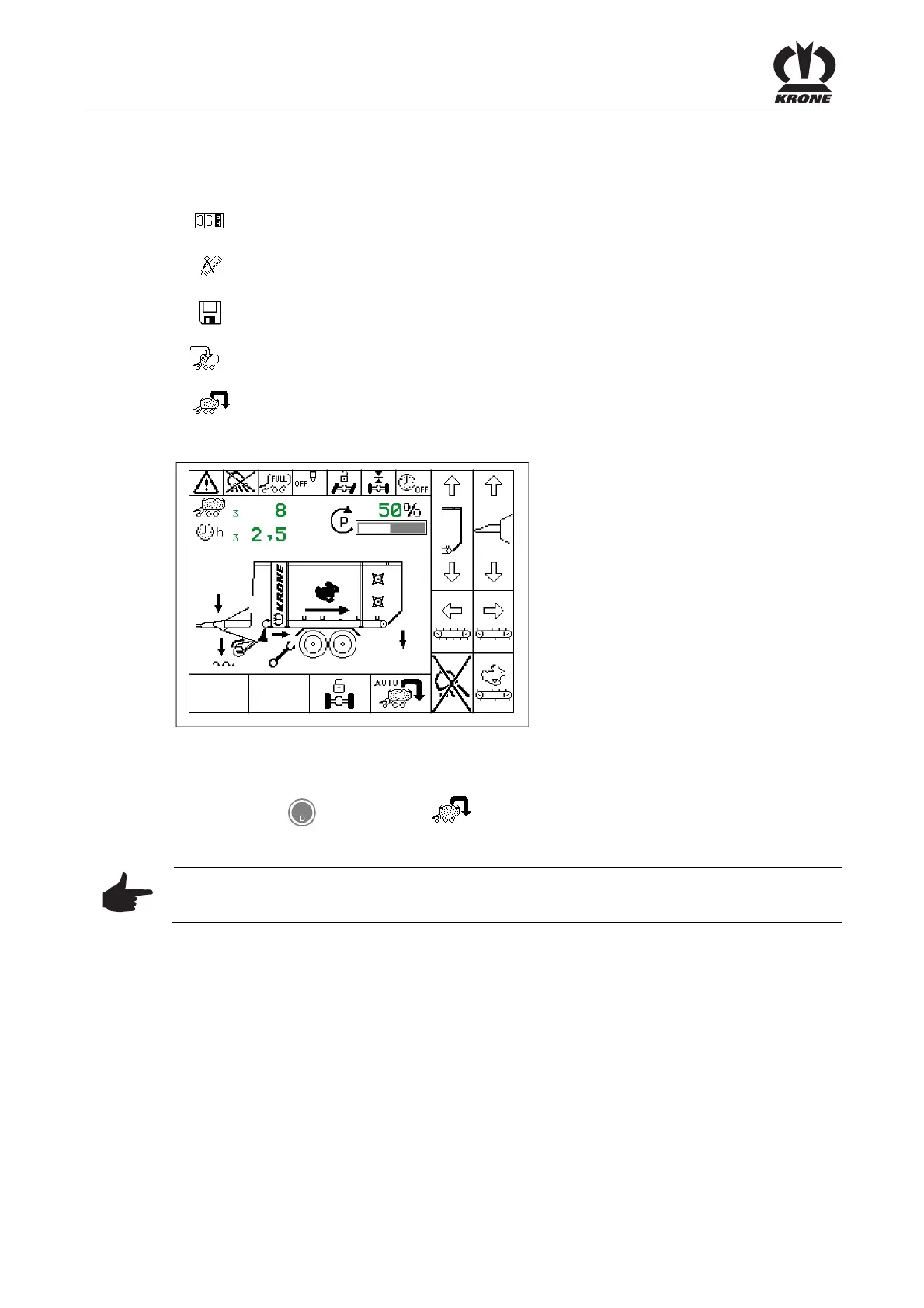
Fig. 75
The tare must be saved after carried out unloading of the wagon.
To do this:
By pressing the key for softkey call the menu weight control from basic screen
unloading mode.
Note
In order to save the payload correctly the following points must be followed.
• The offset drawbar cylinders must be unfolded for at least 1-3 cm
• Release the brakes on loading wagon and tractor
• Always save the tare only after saving the loaded status
• With a possibly existent Tridem axle the lift axle needs to be lowered.
• Select customer counter (see menu 2-1 “Customer counter”).
Pos: 21.11.38 / BA/-----Seiten umbruch------ @ 0\mod_11961 75311226_0.doc @ 4165











 To Next Page