ISO operation
143
Pos: 23.3 /BA/In fo-Center/Iso- Bedienung/Lad ewagen/Abw eichende Funktio nen zur KRONE-K omfort-Be dienung @ 0\ mod_1200934 015853_78.doc @ 49453
10.3 Different Functions Compared to the KRONE In-cab Comfort kit
Via the accessory unit, the ISO control unit provides information and control functions to the
display of the ISO terminal. Operation with an ISO terminal is roughly equivalent to the KRONE
In-cab Comfort kit. Prior to start-up, refer to the operating instruction for the method of operation
of the KRONE In-cab Comfort kit.
A fundamental difference to the KRONE In-cab Comfort kit is the arrangement of the softkeys,
which are determined by the selected ISO terminal.
Only the functions that differ from the In-cab Comfort kit are described in the following. A
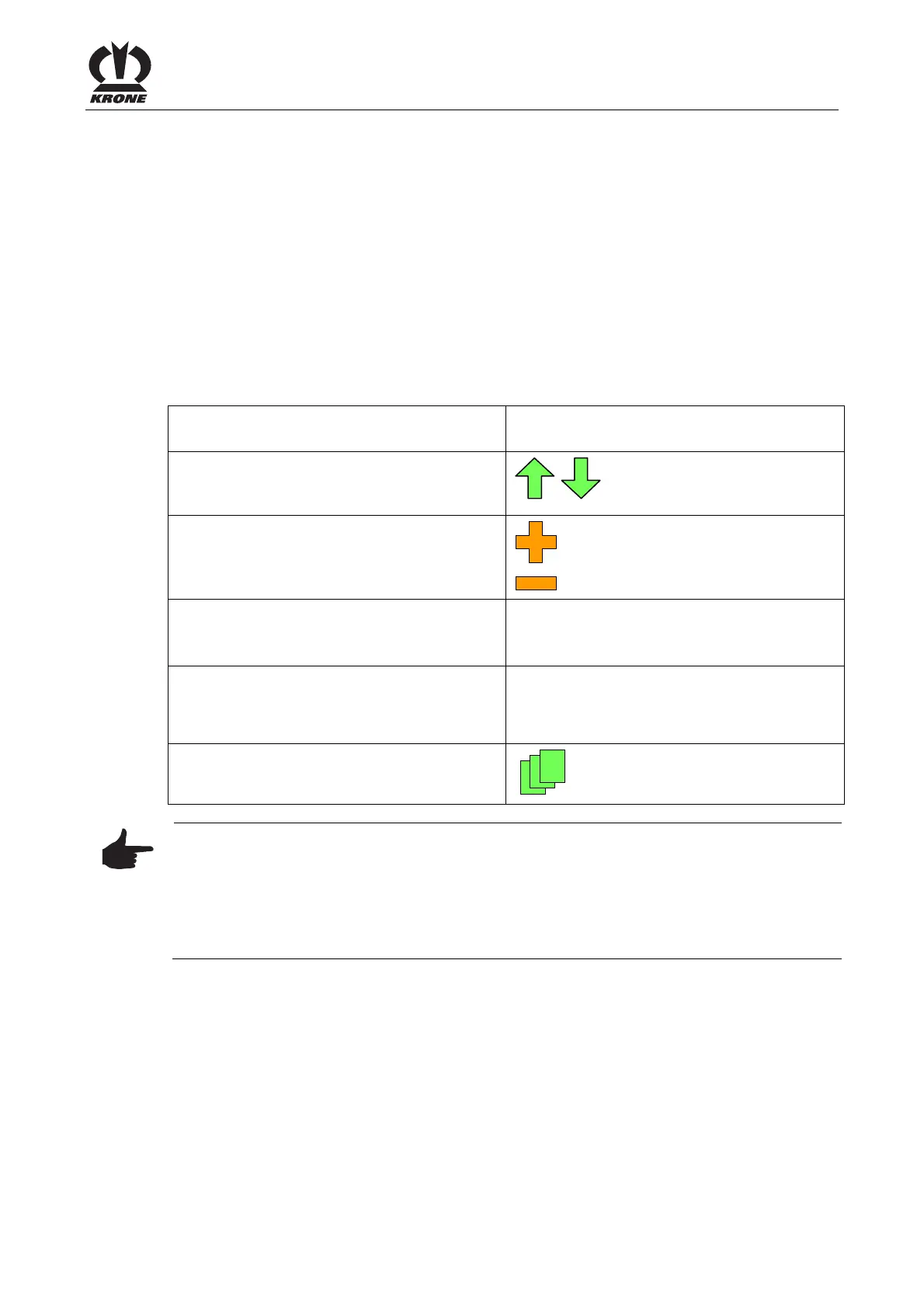
fundamental difference to the KRONE In-cab Comfort kit is that the functions of the rotary
potentiometer (rotate to the left, rotate to the right as well as pressing the rotary potentiometer
down) are replaced by the following softkeys.
Corresponds to the softkey for the ISO
terminal
Rotary potentiometer "Rotate to the right",
"Rotate to the left" in order to page up or
down.
Scroll up or scroll down
Rotary potentiometer "Rotate to the right",
"Rotate to the left" in order to increase or
reduce the value.
Increase value
Reduce value
Press the rotary potentiometer to save the
value.
Accept value
Use the key to go to the previous screen or
previous menu level.
Closes the menu currently
displayed
You can use the key to bring up the menu
level
Bringing up a Menu Level
Note
Menu item 1-4 "Contrast" of the KRONE In-cab Comfort kit cannot be called up on the ISO
terminal. A setting is performed directly via the ISO terminal. (if available) (refer to the operating
instructions of the ISO terminal manufacturer).
If necessary, acoustic signals must be enabled from the terminal (refer to the operating
instructions of the ISO terminal manufacturer).
Pos: 23.4 /BA/---- -Seitenumbruch-- ---- @ 0\ mod_1196175311 226_0.doc @ 4165











 To Next Page