Comfort Control Unit
105
Pos: 21.11.22 / BA/Info-Center/L adewagen/H auptmenüs/Ha uptmenü 1 Einst ellungen/Menü 1-5 Kratzbod engeschwindig keit @ 0\mod_ 1200663487021 _78.doc @ 46 808
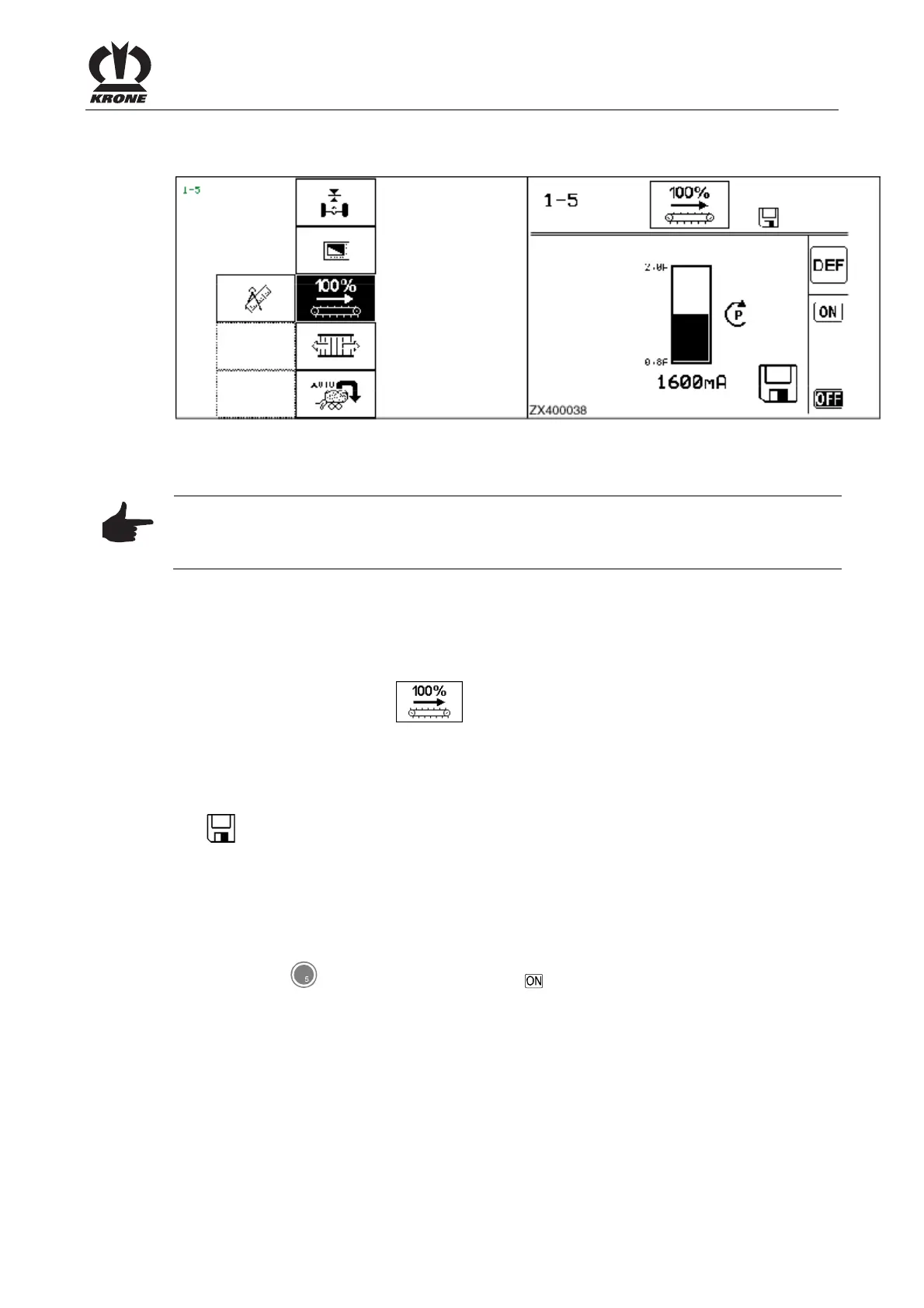
9.10.5 Menu 1-5 "Floor conveyor speed"
ZX400037_1
ZX400038
Figure 69
Adjusting the floor conveyor speed
Note
Since the oil capacity may vary from one tractor to another, it may be necessary to readjust the
maximum speed of the floor conveyor.
To do this:
Displaying the menu
Bring up main menu 1 "Settings"
• You can select menu 1-5
with the rotary potentiometer. The icon is shown in
reverse colours.
• Press the rotary potentiometer.
The display shows menu 1-2 "Total counters". The progress bar indicates the set sensitivity of
the floor conveyor.
The
icon in the upper line indicates that the displayed value is saved.
Adjusting the floor conveyor speed
• Activate the tractor hydraulics.
• Increase the engine speed of the tractor to nominal speed.
• Using the rotary potentiometer, adjust the current of the floor conveyor supply valve to the
lowest level possible. (The bar diagram display is reduced)
• Press the key for softkey
to activate the floor conveyor.











 To Next Page