Comfort Control Unit
106
ZX400037_1
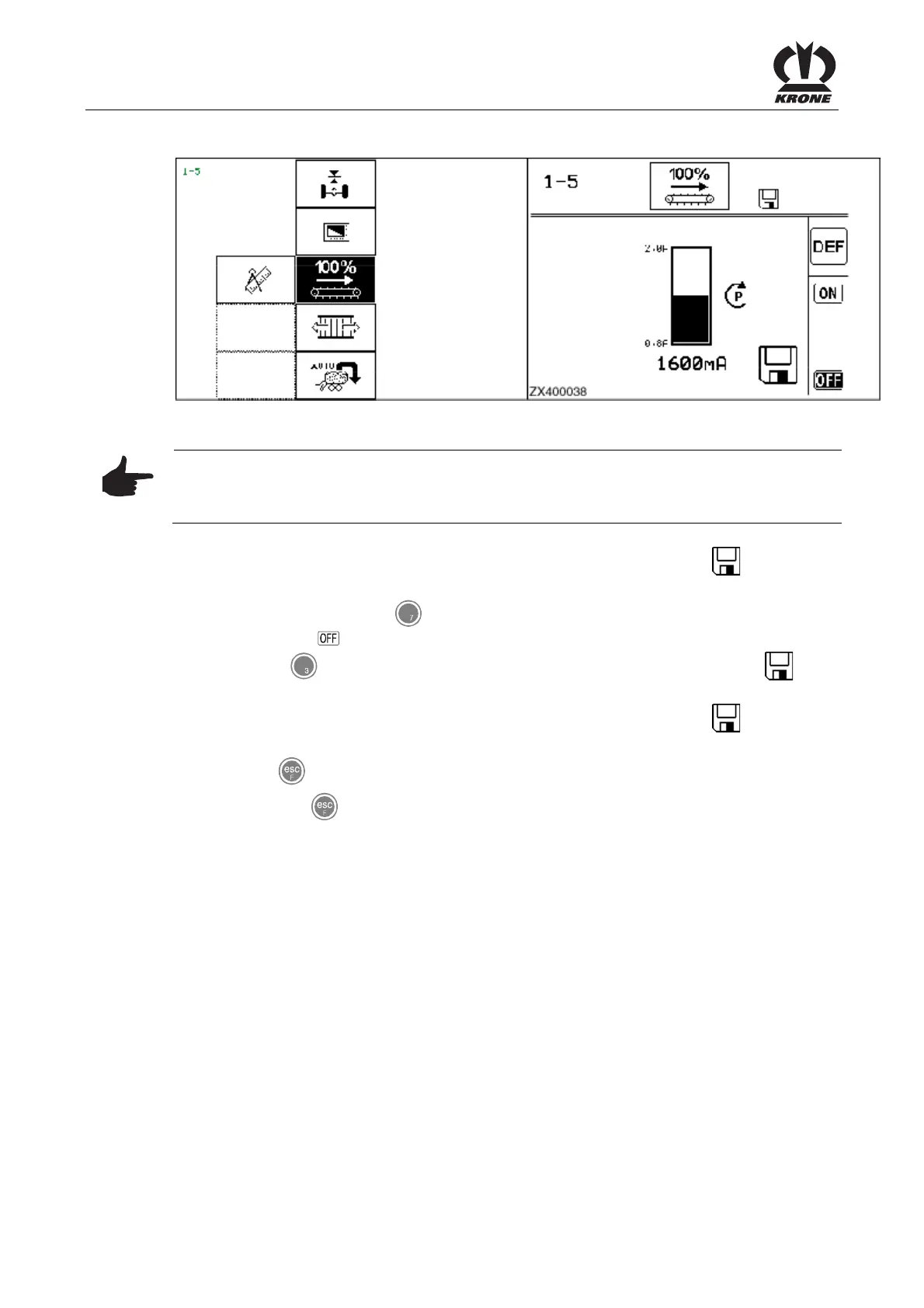
ZX400038
Figure 70
Note
Use the rotary potentiometer to further increase the current of the floor conveyor supply valve
until the floor conveyor speed is no longer increasing.
• Press the rotary potentiometer. The set contrast value is saved and the
icon appears
in the upper line.
• Press the key for softkey to deactivate the floor conveyor. The icon is shown in
reverse video.
• Press the
key for softkey DEF: The factory setting values are applied. The
icon
disappears.
• Press the rotary potentiometer. The set contrast value is saved and the
icon appears
in the upper line.
• Use the
key
to close the menu currently displayed.
• Pressing the key and holding it down brings up the
basic screen.
Pos: 21.11.23 / BA/-----Seiten umbruch------ @ 0\mod_11961 75311226_0.doc @ 4165











 To Next Page