Comfort Control Unit
102
Pos: 21.11.15 / BA/Info-Center/L adewagen/H auptmenüs/Ha uptmenü 1 Einst ellungen/Menü 1-3 Achsfeder ung (optional) 2/2 @ 0\mod_1 200661786084 _78.doc @ 46 685
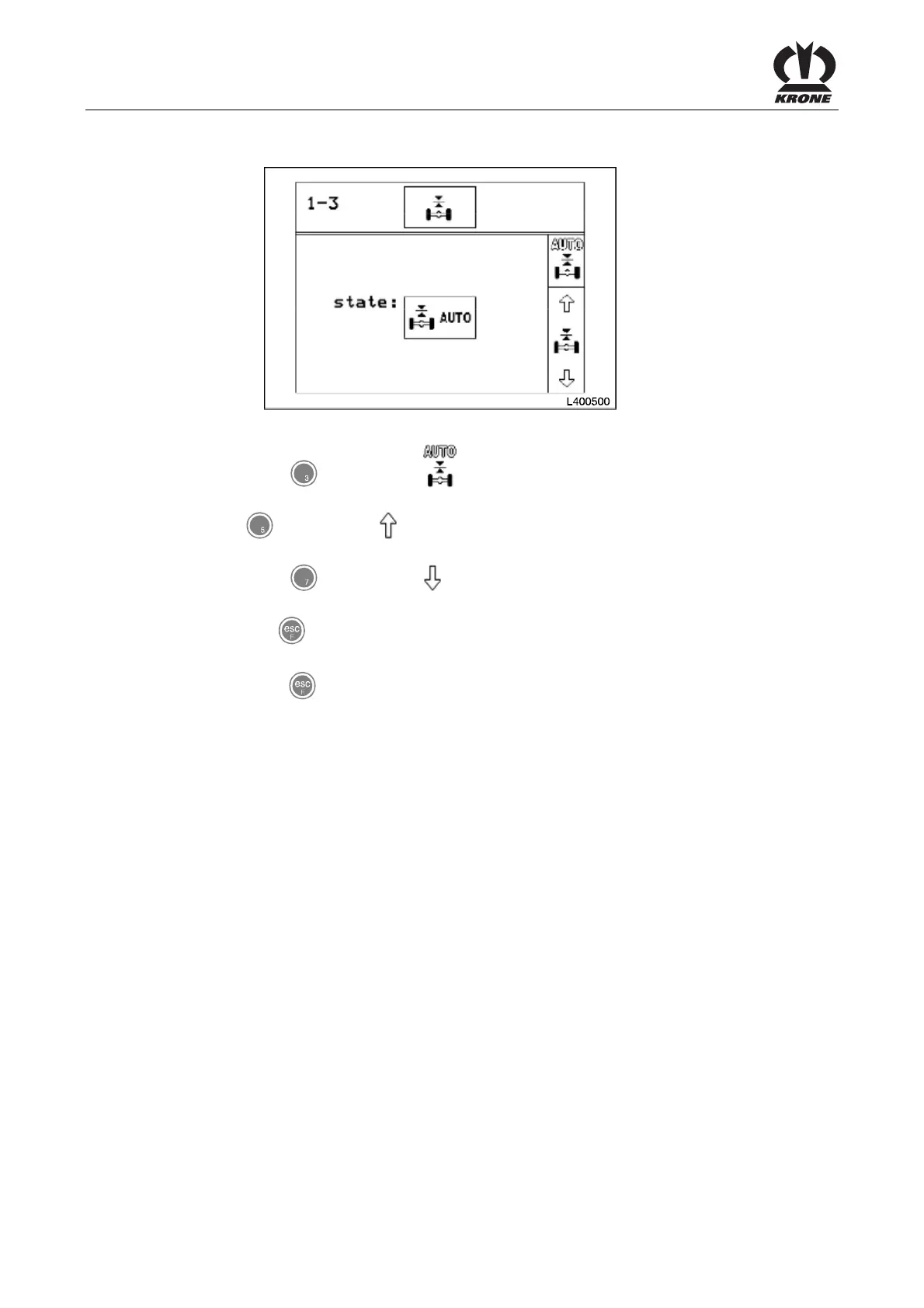
Setting of the axle suspension status
Figure 66:
• Press the key for softkey . Automatic axle suspension is activated. The axle is
controlled to an assigned setpoint value.
Press the key for softkey . Axle suspension switches to manual mode and the wagon can
be raised by pressing the key. There is no readjustment due to load changes.
• Press the key for softkey . Axle suspension switches to manual mode and the
wagon can be raised by pressing the key. There is no readjustment due to load changes.
• Use the key to close the menu currently displayed. The display shows menu level 1
"Settings".
• Pressing the key and holding it down brings up the basic screen.
Pos: 21.11.16 / BA/-----Seiten umbruch------ @ 0\mod_11961 75311226_0.doc @ 4165











 To Next Page