Comfort Control Unit
109
Pos: 21.11.26.4 / BA/Info-Center/ Ladewagen/Ha uptmenüs/Ha uptmenü 1 Ei nstellungen/M enü 1-7 Entladea utomatik/ Me nü 1-7 „Entlade automatik“ Me nü aufrufen @ 36\mod_1259 043263903_7 8.doc @ 336055
Displaying the menu
Bring up main menu 1 "Settings"
• You can select menu 1-7
with the rotary potentiometer. The icon is shown in
reverse colours.
• Press the rotary potentiometer. The display shows menu 1-7 "Maintenance".
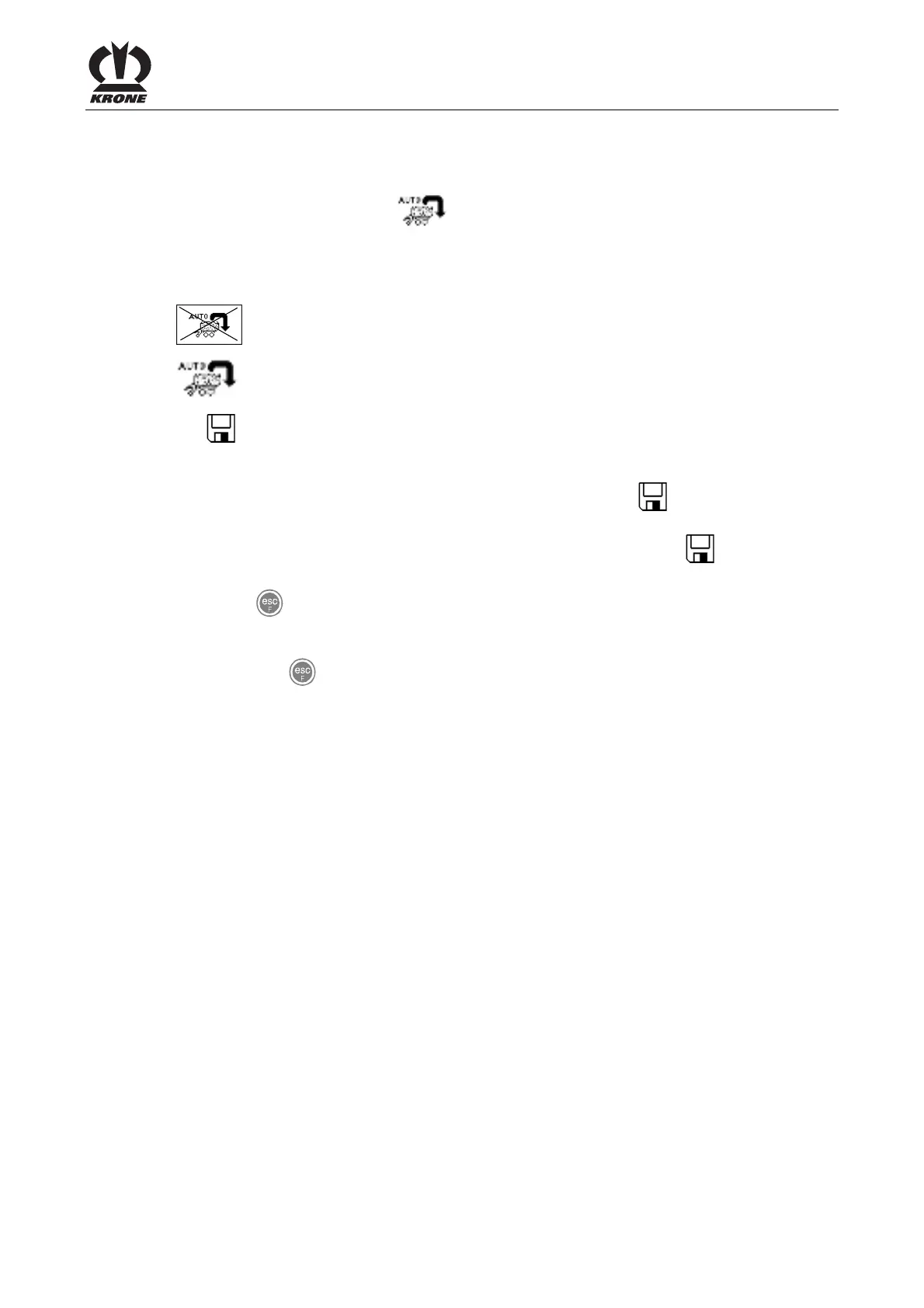
The current status is displayed as an icon:
Automatic unloader deactivated
Automatic unloader active
The icon in the upper line indicates that the displayed status is saved.
Pos: 21.11.26.5 / BA/Info-Center/ Ladewagen/Ha uptmenüs/Ha uptmenü 1 Ei nstellungen/M enü 1-7 Entladea utomatik/Stat us ändern und sp eichern @ 36\ mod_125898 8341675_78.doc @ 336022
Change and save status
• Set the appropriate status with the rotary potentiometer. The
symbol in the top line
goes out.
• Press the rotary potentiometer. The set time delay is saved and the
icon appears in
the upper line.
• Use the key to close the menu currently displayed.
The display shows menu level 1 "Settings".
• Pressing the key and holding it down brings up the
basic screen.
Pos: 21.11.27 / BA/-----Seiten umbruch------ @ 0\mod_11961 75311226_0.doc @ 4165











 To Next Page