ISO operation
147
Pos: 23.11 /BA/I nfo-Center/Iso-B edienung/La dewagen/Me nü im ISO-Termi nal aufrufen 1 0Tasten @ 0\m od_12009815 62706_78.doc @ 49532
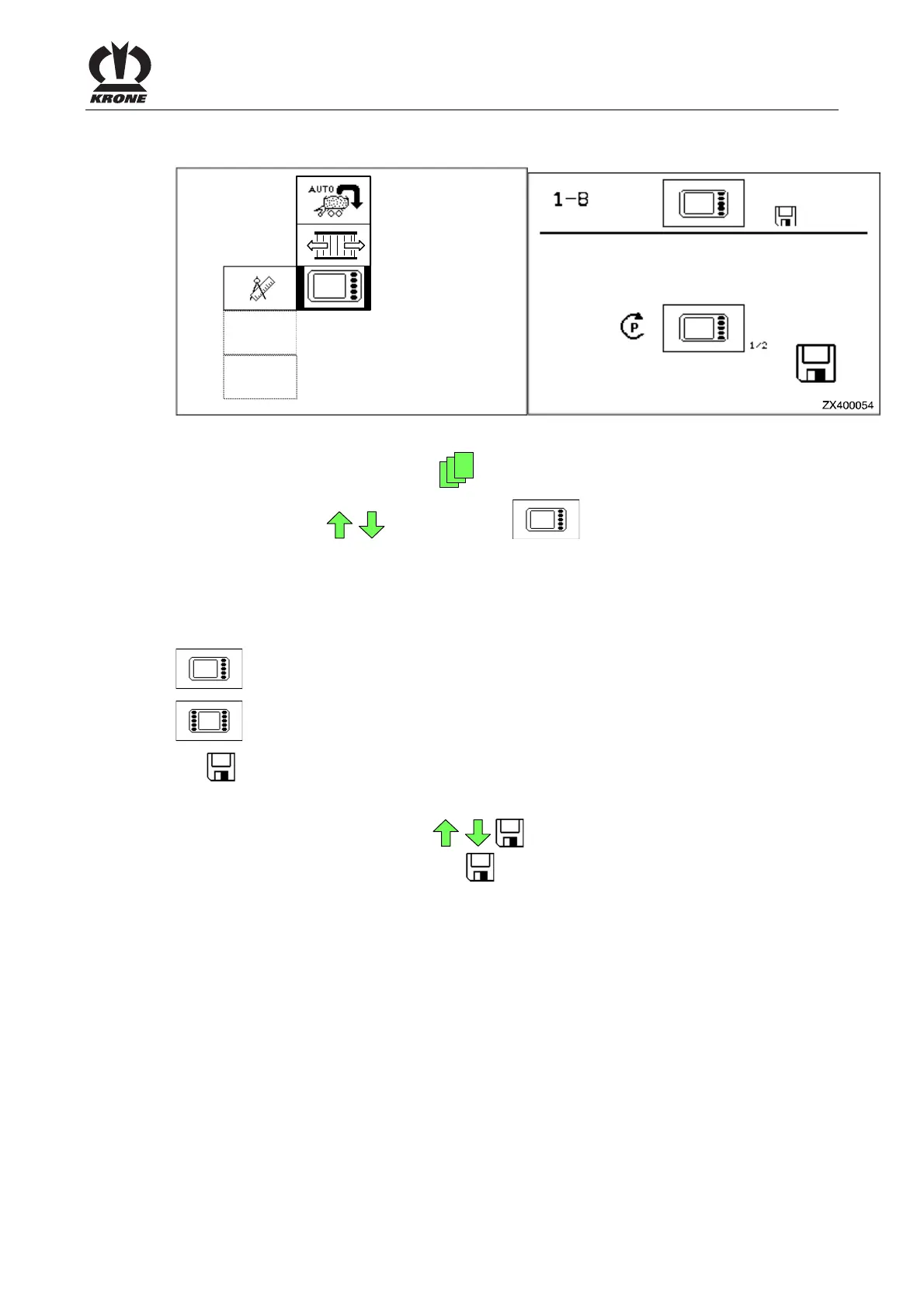
Calling up the menu on the ISO terminal
ZX400053
1-8
Figure 100
Call up main menu "Settings" with the key
• You can select
menu 1-8 with the
keys. The icon is shown in reverse
colours.
• Call up the menu with the
key.
The display shows menu 1-8 "Softkeys ISO terminal".
The current status is displayed as an icon:
Change of the basic screen to 5 softkey buttons
Change of the basic screen to 10 softkey buttons
The
icon in the upper line indicates that the displayed status is saved.
Change and save status
• Set the desired status with the
key. The icon in the top line goes out.
• Press the
key, the set status is saved and
the
icon appears in the upper line.
• Press the
key to close the menu currently displayed.
The display shows menu level 1 "Settings".
Pos: 23.12 /BA/-- ---Seitenum bruch------ @ 0\m od_119617531 1226_0.doc @ 4165











 To Next Page