T–92
IMMOBILIZER SYSTEM
Key Replacement
Note
• Perform this procedure to erase a previously registered key code and register a new key.
• If a new key code is registered by following this procedure, the engine will not start using the previously
registered keys. The keys need to be re-registered.
1. Cut new transponder equipped key(s) if necessary.
2. Connect the SST (WDS).
3. Using key 1, turn ignition switch to ON position.
• Valid key: The security light illuminates, then turns off after approx. 3 seconds.
• New key: The security light flashes rapidly for approx. 1 minute and start displaying the DTC 15 (WDS or
equivalent: DTC B1601).
(1) Perform security access approval. (See T–92–1 Security Access Procedure.)
(2) Select "Ignition Key Code Erase".
Note
• Do not select any other command from this menu.
(3) Turn key 1 to LOCK position for more than 1 second.
(4) Turn key 1 to ON position for more than 3 seconds. (After approx. 1 minute security light: DTC 21 (WDS
or equivalent: DTC B1213) is output.)
(5) Verify the security light is illuminated, then turn key 1 to LOCK position.
(6) Remove key 1 from steering lock.
4. Using key 2, turn ignition switch to ON position for more than 3 second. Observe that security light illuminates
(for approx. 3 seconds).
(1) Verify the security light is not illuminated, then turn key 2 to LOCK position and remove from steering lock.
5. If there are 3—8 keys (valid and/or new keys), repeat Step 5.
6. Verify that the engine starts using the registered key.
End Of Sie
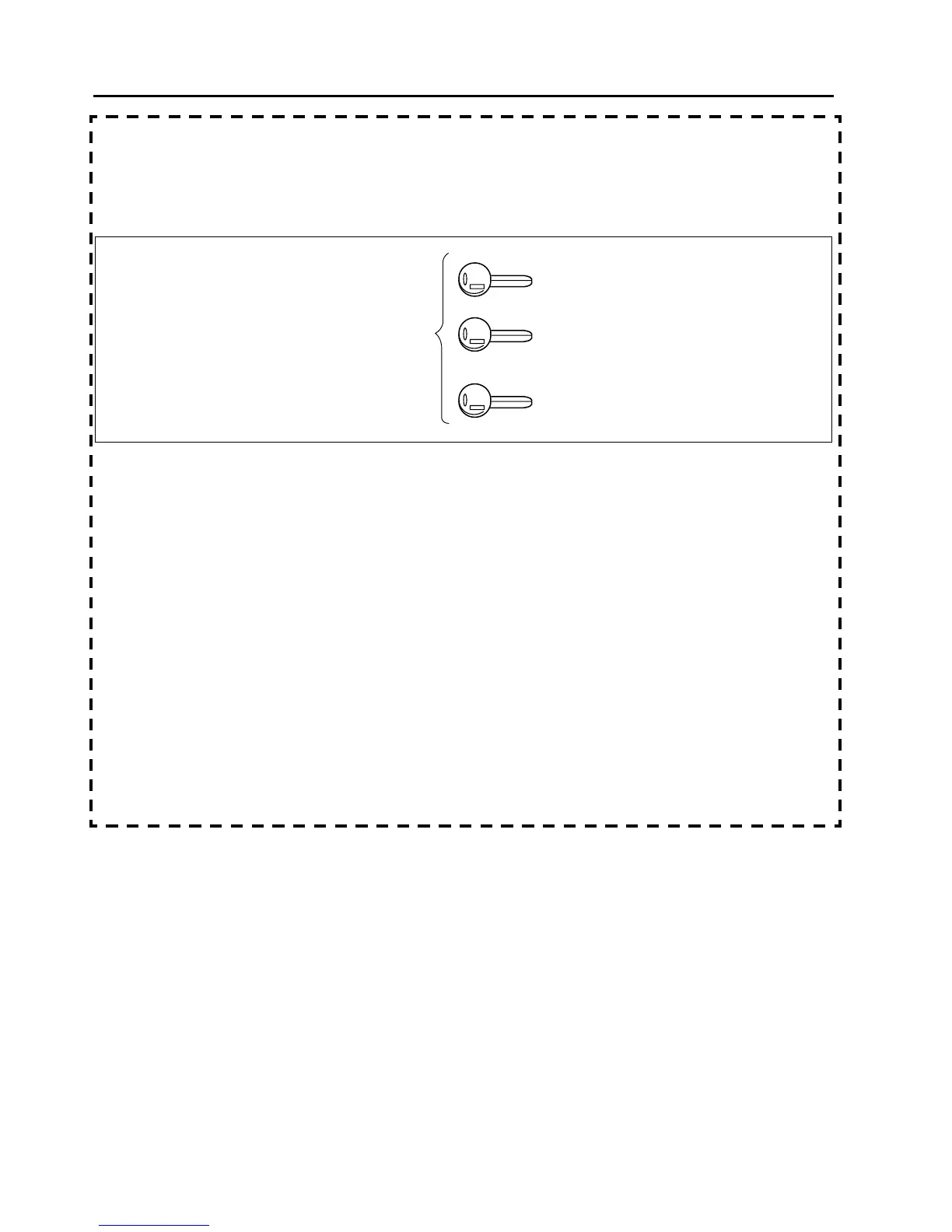
VALID OR
NEW KEY
KEY 1
KEY 2
KEY 3
A6E8122W002



 To Next Page