EasyManua.ls Logo

Oce CS2436 - Page 234

Oce CS2436
870 pages
Print Icon
To Next Page IconTo Next Page
To Previous Page IconTo Previous Page
Loading...
Enhanced Printing Options (CS2436-3)
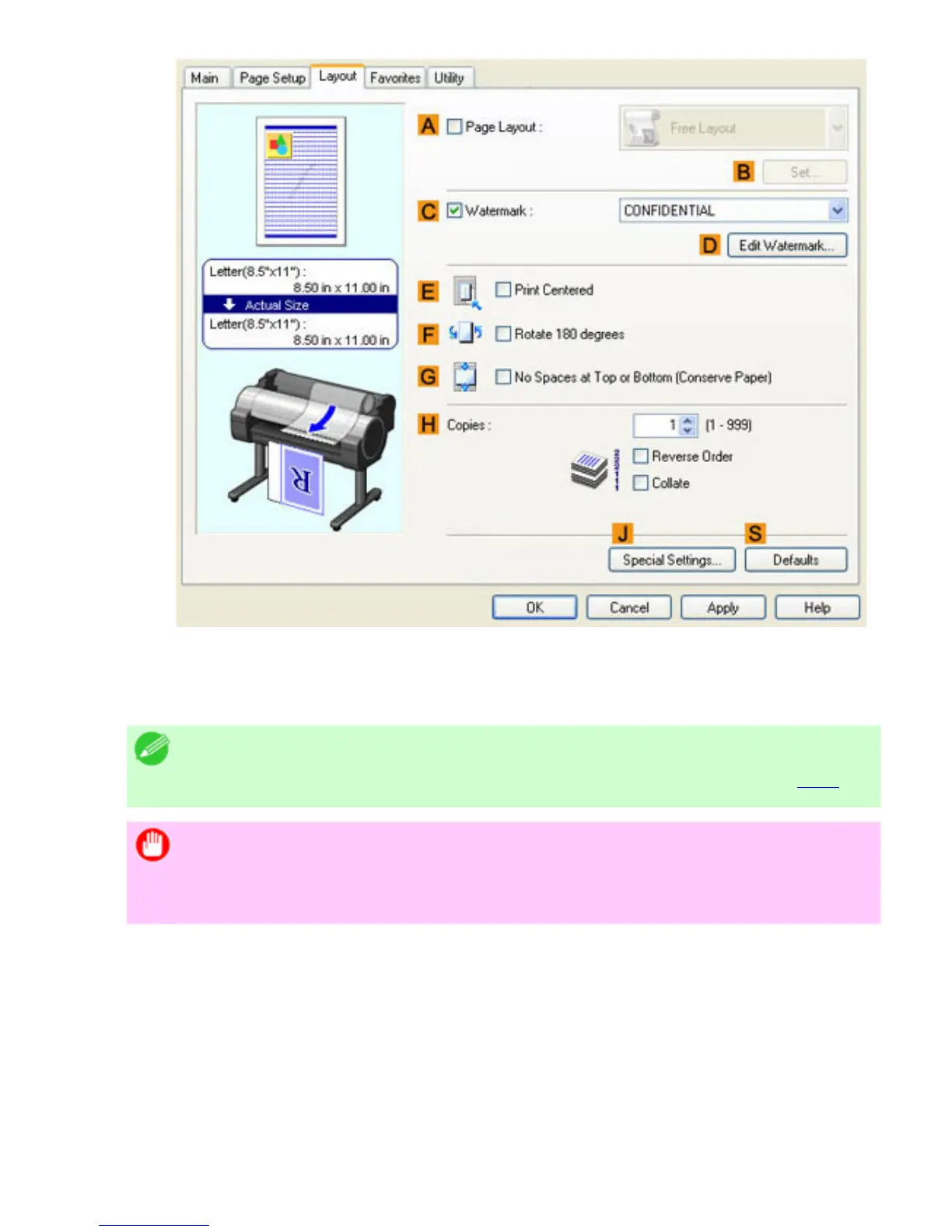
13. Select the EPrint Centered check box.
14. Confirm the print settings and print as desired.
Note
For tips on confirming print settings, see "Confirming Print Settings (
4.1.3)"
Important
If you have selected Manual as the paper source, follow the instructions on
the printer control panel to enter the paper size.

file:///H|/ITC-dd/Projects/Ud/WFPS/oostende%205...ort/iPF750%20User%20Manual/lang/print/cp02.html (175 of 223) [4-3-2010 11:36:03]

Table of Contents

Related product manuals