4. 1. 2. Windows Software > Printer Driver >
Specifying Paper in the Printer Driver
If you have replaced the paper, you must complete the following settings in the printer driver.
Important
・ Always specify the same type and size of paper in the printer menu and
printer driver.
1. Choose Print in the application menu.
2. Select the printer in the dialog box, and then display the printer driver dialog box.(See
"Accessing the Printer Driver Dialog Box from Applications (
4.1.6)")
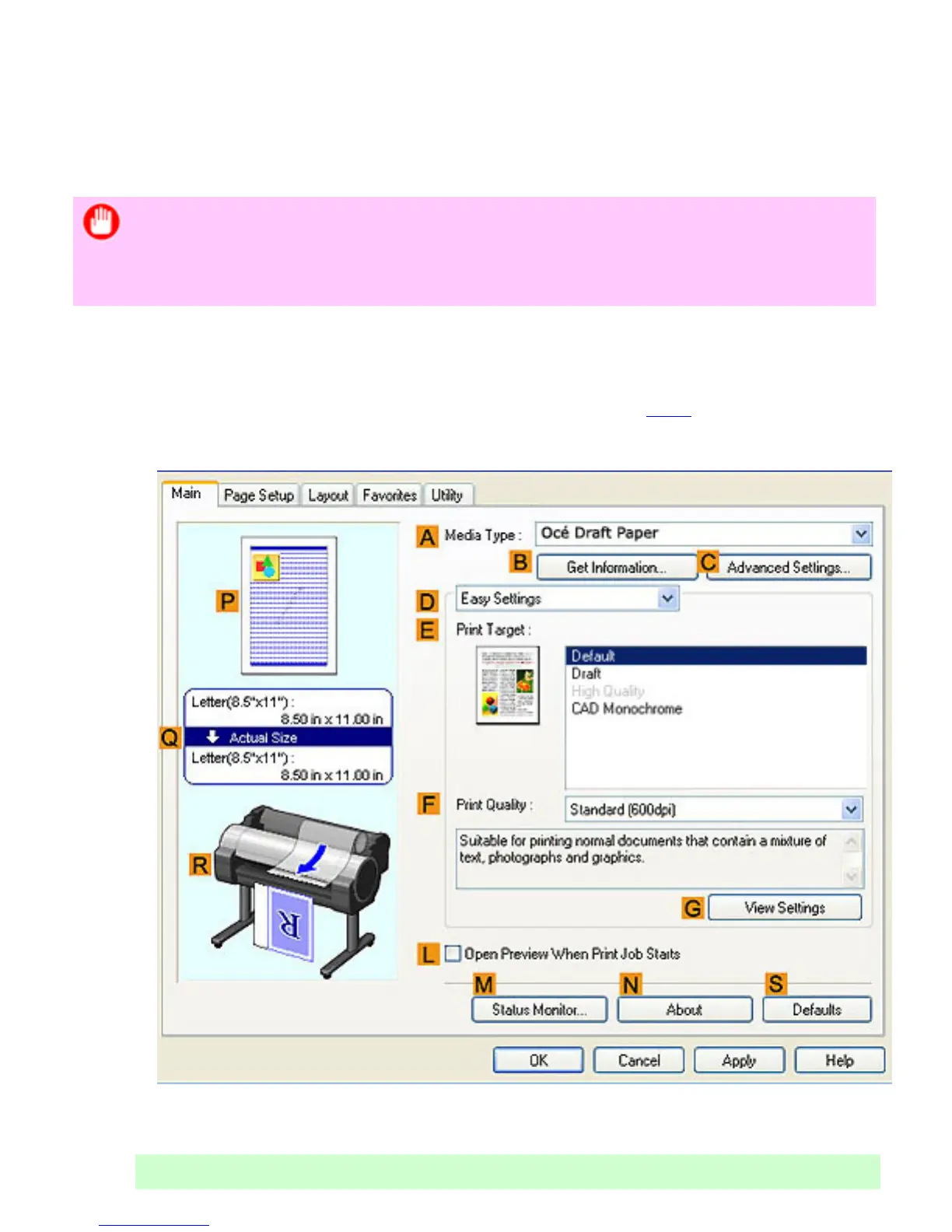
3. Make sure the Main sheet is displayed.
4. In the AMedia Type list, select the type of paper that is loaded.
Note












 To Next Page