For details on available roll widths, see "Paper Sizes (6.1.2)"
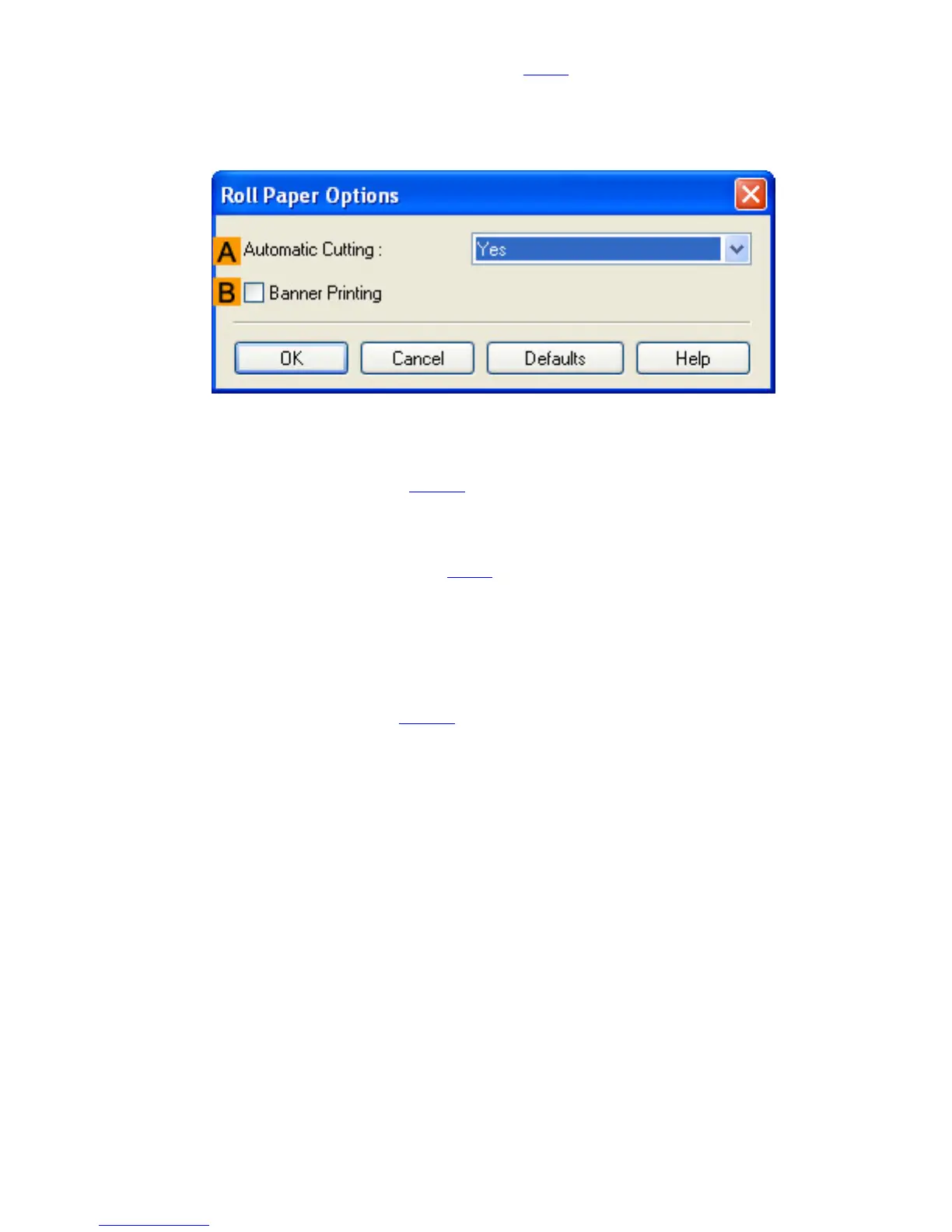
NRoll Paper Options
Complete optional roll paper settings. Click to display the Roll Paper Options dialog box.
Under AAutomatic Cutting, you can specify Yes or No and Print Cut Guideline.
● Cutting Roll Paper After Printing (3.12.9)
Select BBanner Printing when printing multiple pages continuously.
● Printing Multiple Pages Continuously (3.7.4)
OSize Options
Click to display the Paper Size Options dialog box, which enables you to register additional
paper sizes or select the size system for use.
● Paper Size Options Dialog Box (4.1.18)
SDefaults
Restores all settings on the sheet to the default values.












 To Next Page