5. 1. 3. Mac OS X Software > Printer Driver >
Confirming Print Settings
There are two ways to confirm what printing conditions have been specified, as follows.
● Checking a preview of the settings
Checking a preview of the settings
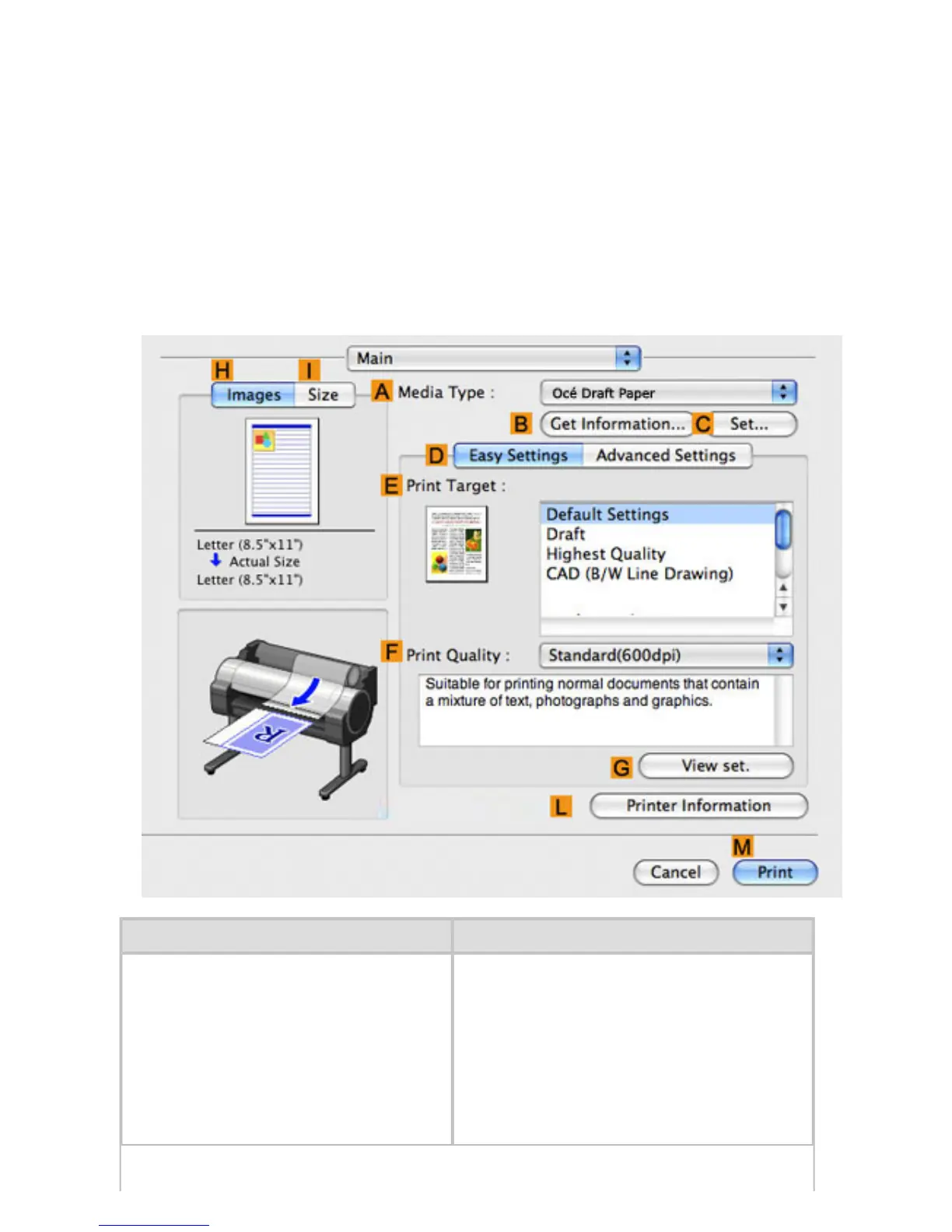
A preview of the settings is displayed on the left side of the Main, Page Setup, Utility, and Additional
Settings panes.By checking images and numerical values in the preview, you can confirm current
settings for the page size, orientation, paper source, and so on.
Display Area Information Displayed
Pane displayed when the
HImages
tab is clicked
On top, illustrations indicate the page
size of the original, the paper size,
orientation, layout, borderless printing
selection, color mode, and other settings
information.
Under this, the page size, paper size,
and method and percentage of
enlargement or reduction is displayed.












 To Next Page