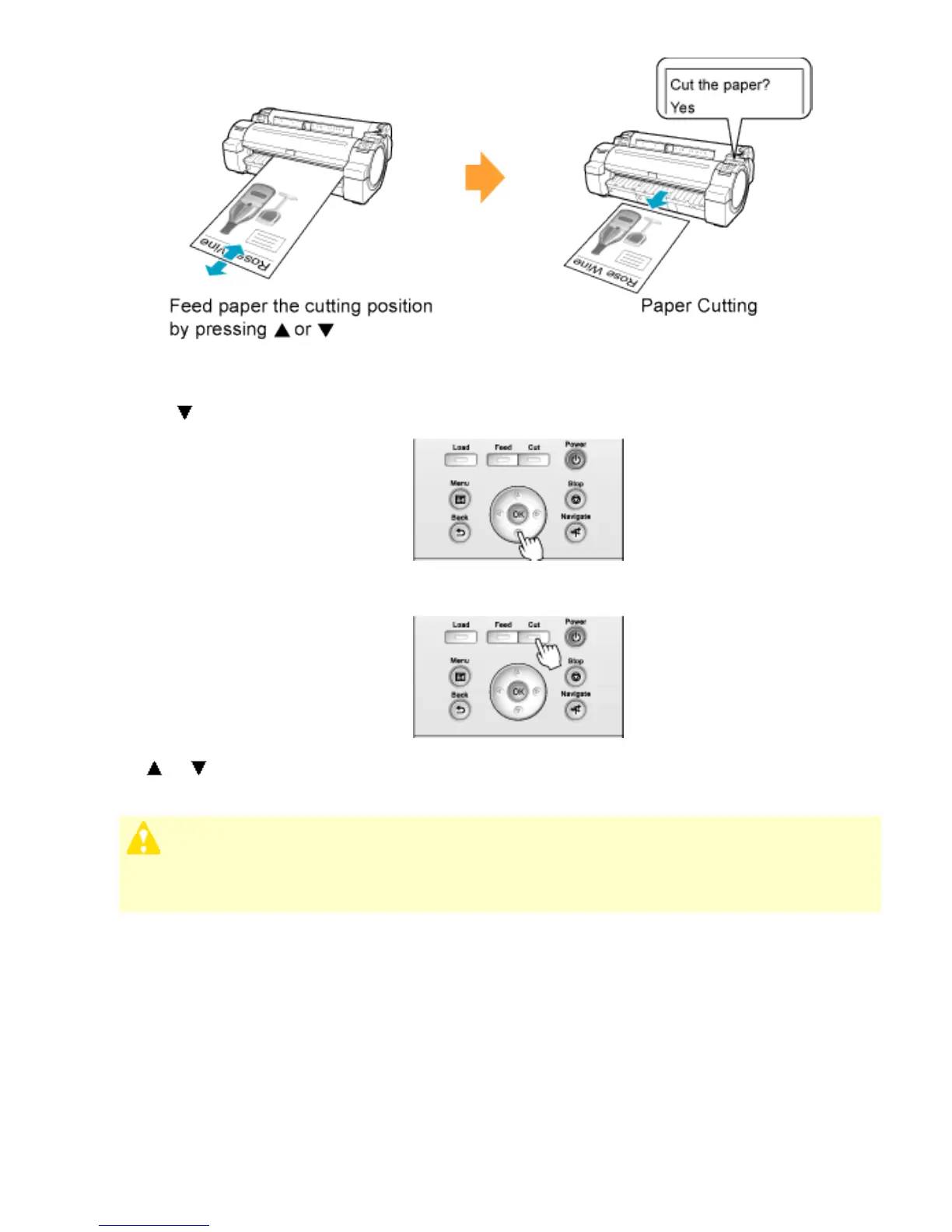
1. Press the Feed button.
2. Press the button to advance the roll to the position for cutting.
3. Press the Cut button.
4. Press or to select Yes, and then press the OK button.
After the roll paper is cut, it is rewound automatically.
Caution
・ If paper would be short when cut at a particular position, the roll may
automatically be advanced in some cases before cutting.












 To Next Page