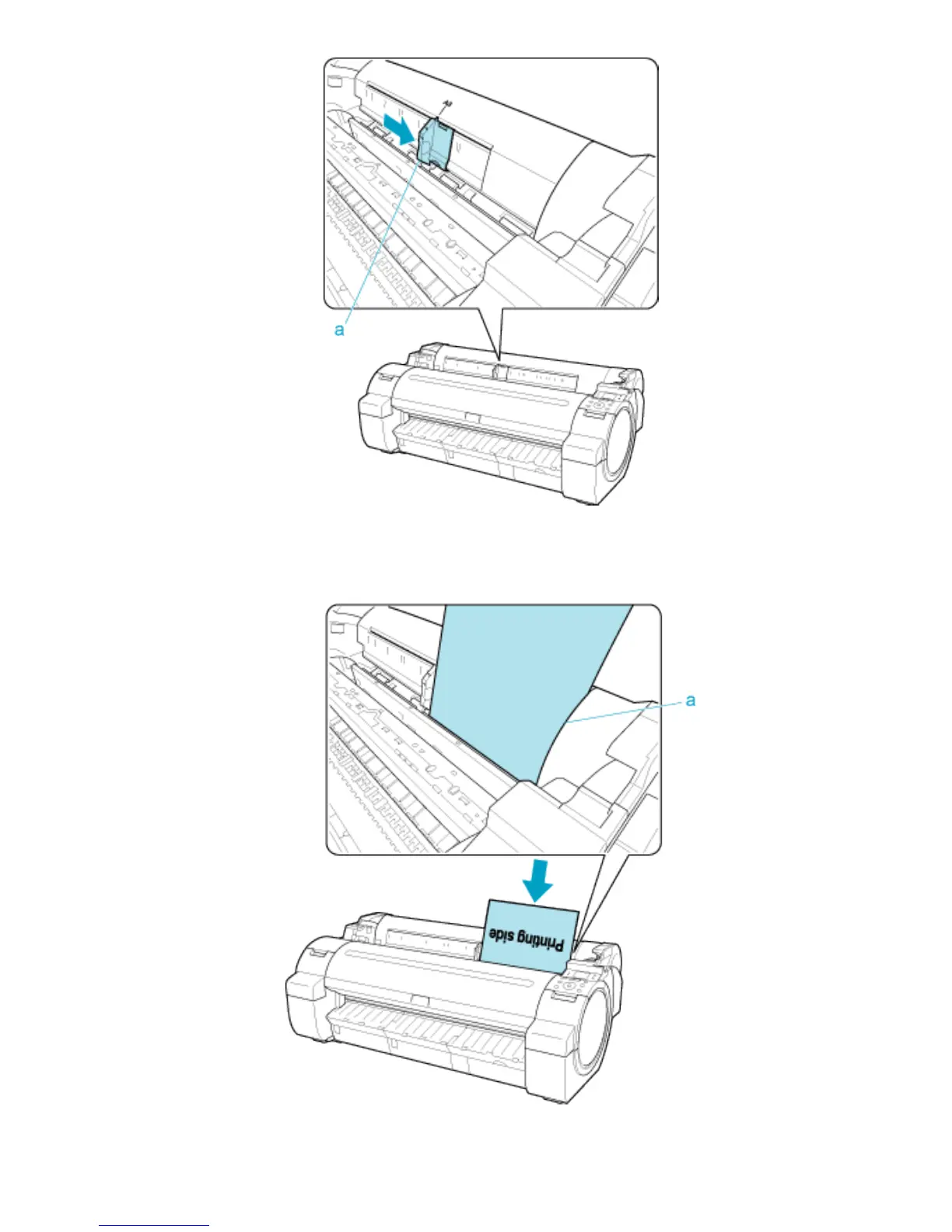
● Load a single sheet printing-side up in the Paper Feed Slot, with the right edge aligned with the Paper Alignment
Guide (a) to the right of the Roll Cover.
Insert the paper until the leading edge makes contact and you hear a tone.
● Move the Width Guide (a) carefully to match the size of paper loaded.
Set the Width Guide against the edge of the paper to prevent the paper from becoming crooked or wrinkled.












 To Next Page