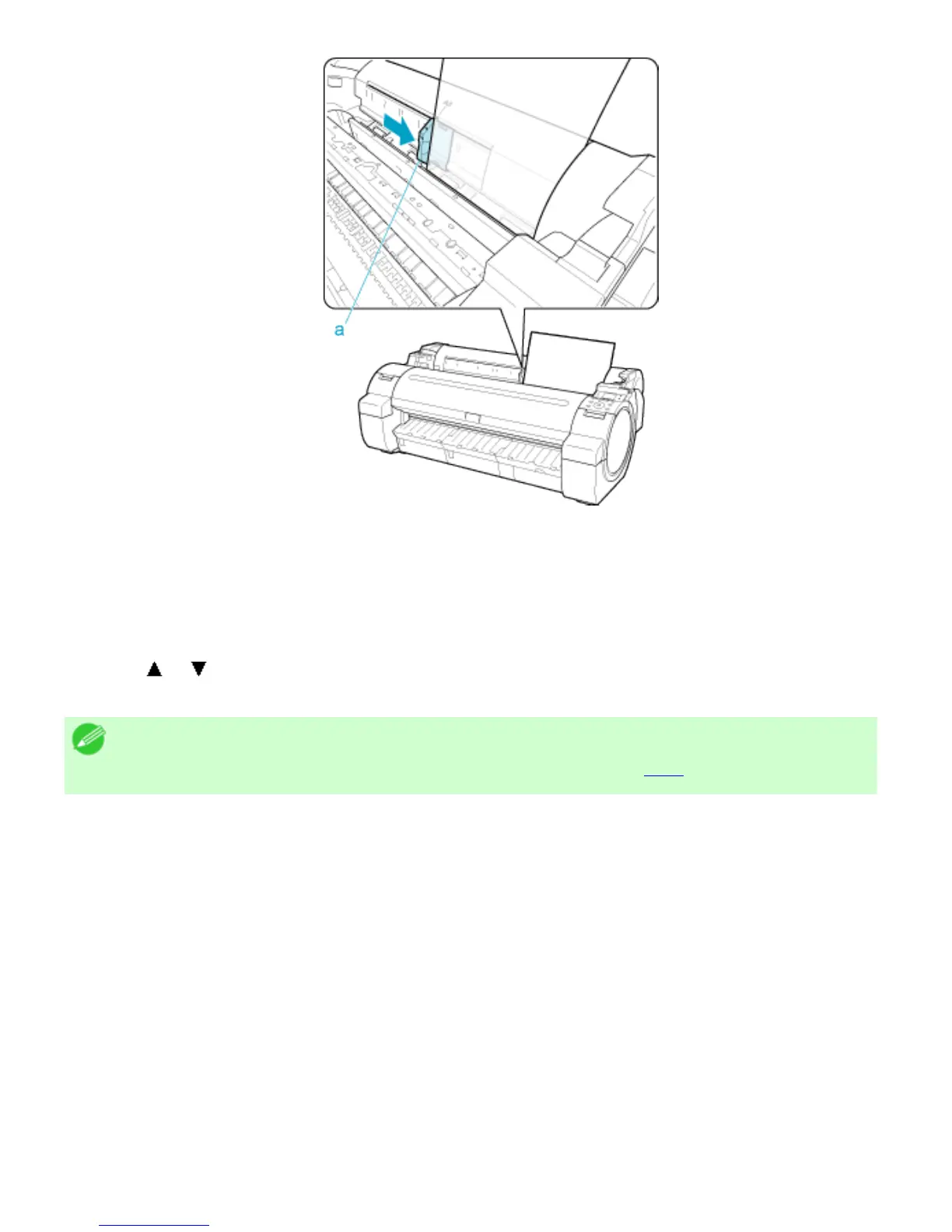
● Press the OK button.
● If a print job was received
The printer now starts printing the print job.
● If no print job was received
A menu for selection of the type of paper is automatically shown on the Display Screen.
Press
or to select the type of paper, and then press the OK button.
The printer now starts feeding the paper.
Note
・ For details on types of paper to select (See "Types of Paper (
6.1.1).")












 To Next Page