● Loading Rolls in the Printer (6.2.2)
● Loading Sheets in the Printer (6.3.1)
Note
・ Always make sure the loaded paper matches the type of paper
specified. Adjustment cannot be completed correctly unless the loaded
paper matches the settings.
2. On the Tab Selection screen of the Control Panel, press or to select the Settings/
Adj. tab (
).
Note
・ If the Tab Selection screen is not displayed, press the Menu
button.
3. Press the OK button.
The Set./Adj. Menu is displayed.
4. Press or to select Adjust Printer, and then press the OK button.
5. Press or to select Feed Priority, and then press the OK button.
6. Press or to select Adjust Length, and then press the OK button.
7. Press or to select AdjustmentPrint or Change Settings, and then press the OK
button.
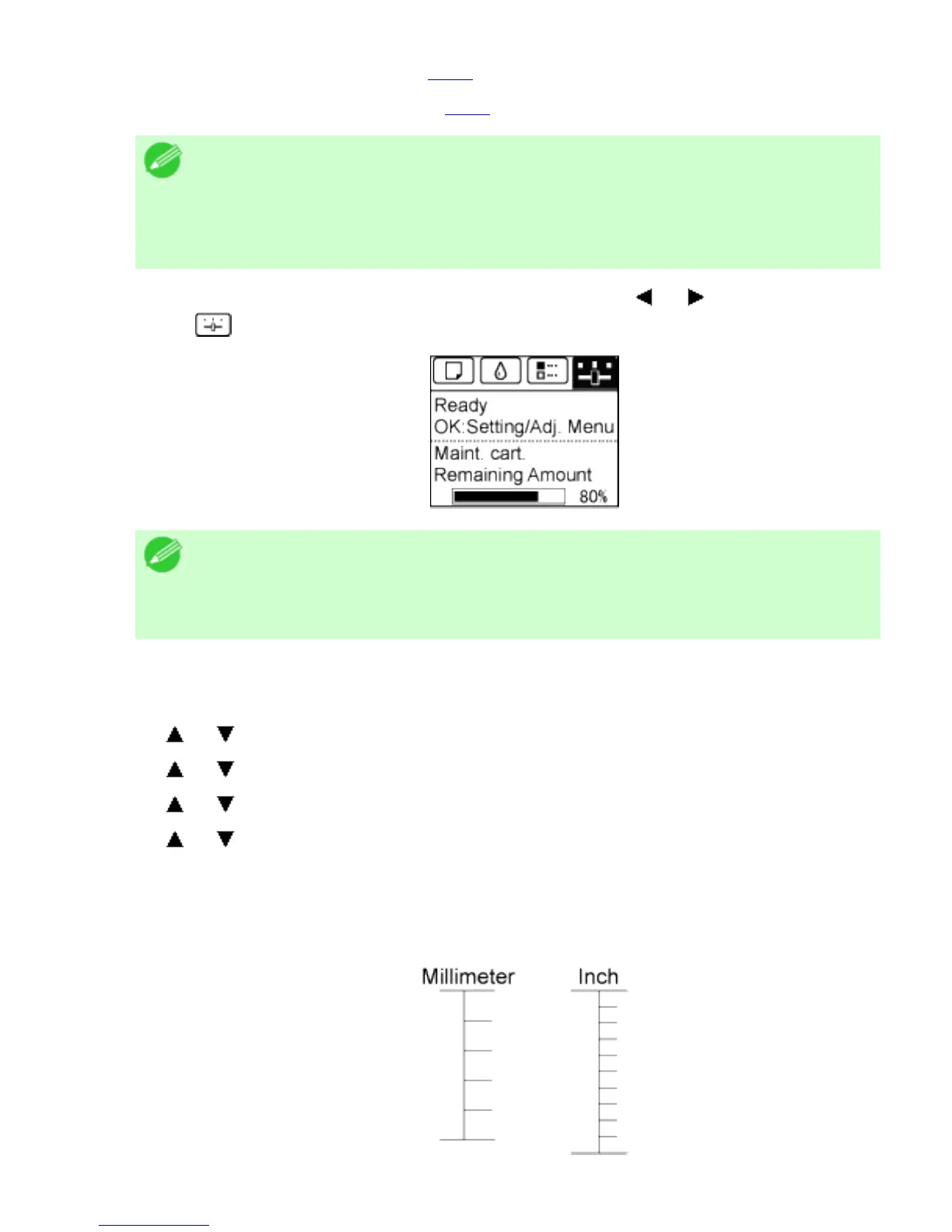
When you select AdjustmentPrint, a test pattern is printed for you to measure the scale
and calculate the discrepancy. The scale bar shows Millimeter in 50 mm units and Inch in
1 inch units.












 To Next Page