Chapter 13. Active Multi-way Speakers
13.5 CONFIGURING AN ACTIVE SPEAKER
Configuration proceeds in a similar manner to Chapter 9, with specific differences noted
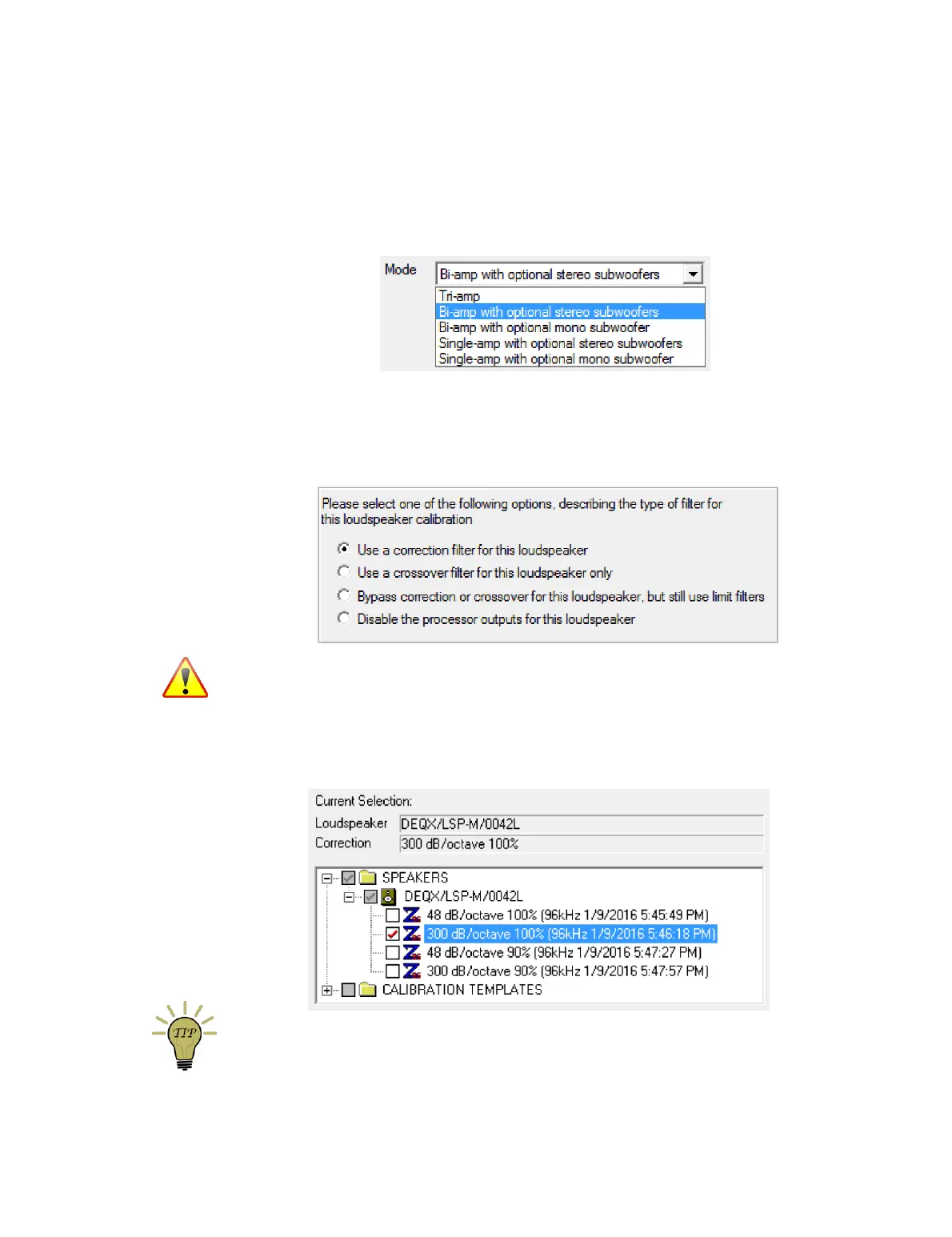
here. In the configuration wizard, select the appropriate bi-amp or tri-amp
configuration:
13.5.1 Correction filters for speakers
In the configuration window, open the Filter Properties dialog box for the left speaker.
On the Main Filter tab, select “Use a correction filter for this loudspeaker”:
Never select “Bypass correction or crossover for this loudspeaker, but still use limit
filters” for a fully active speaker. This will send the full frequency range to all (two or
three) drivers, potentially resulting in damage to tweeters and midrange drivers.
Select the correction filter from the pane that opens underneath (in this example, the
individual correction filters have been renamed as described on page 63):
You can also select a correction filter by navigating to it in the project explorer and then
dragging and dropping it onto the speaker icon.



 To Next Page