DEQX User Manual
15.1.3 Outputs
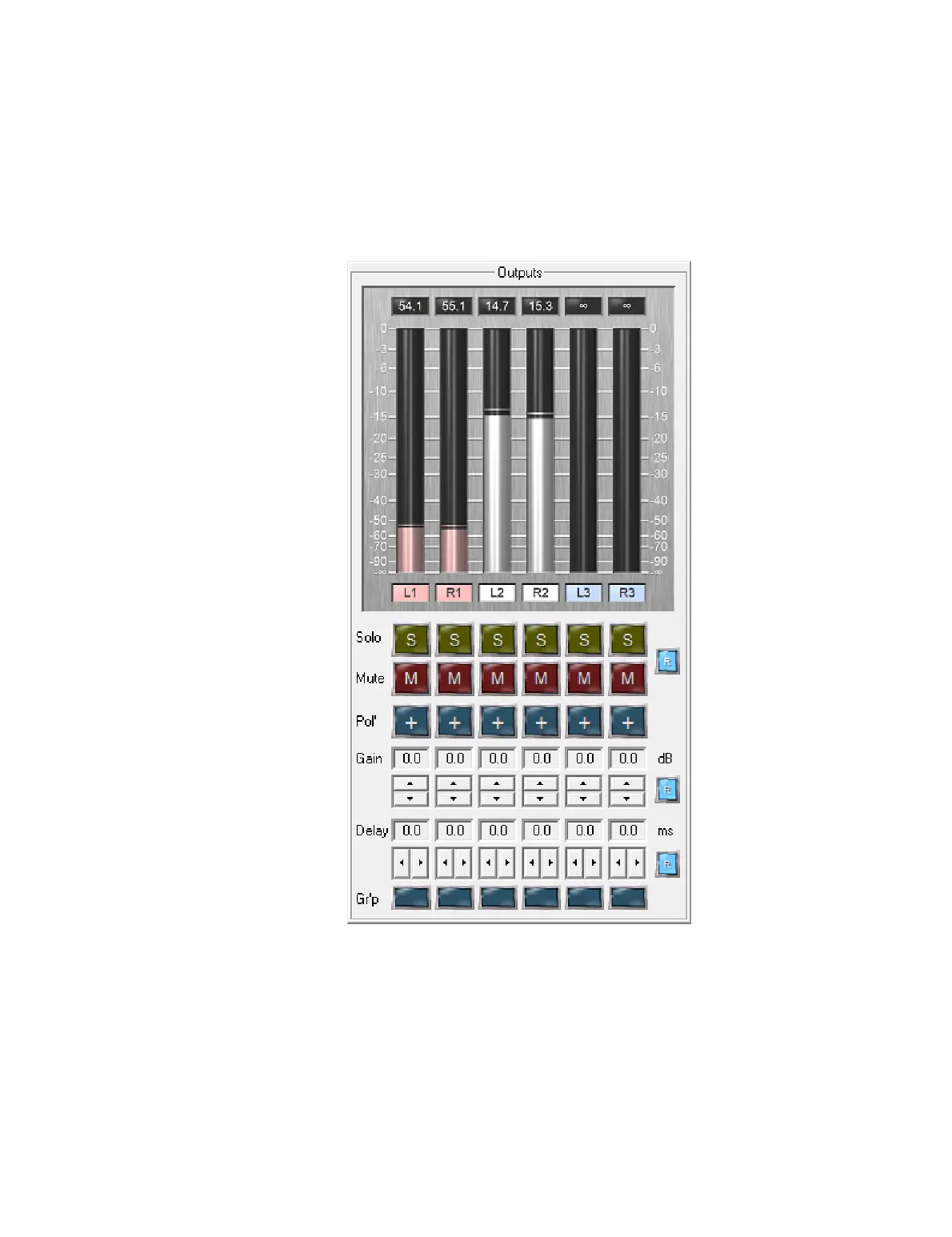
The output meters show the level of the respective output channels. Levels are
displayed relative to full scale output, so “𝟢” is full scale output, “20” is 20 dB below full
scale output, and so on.
The buttons underneath the meters modify the output signal for each channel. These
controls are intended for use in testing, prototyping, and speaker design work.
For permanent storage of any values set here, it is necessary to a) update the
configuration with the desired delay, gain and polarity settings, and b) reset these
parameters in the IO Manager.



 To Next Page