Chapter 15. DEQX Control Panel Reference
15.2 EQUALIZER TAB
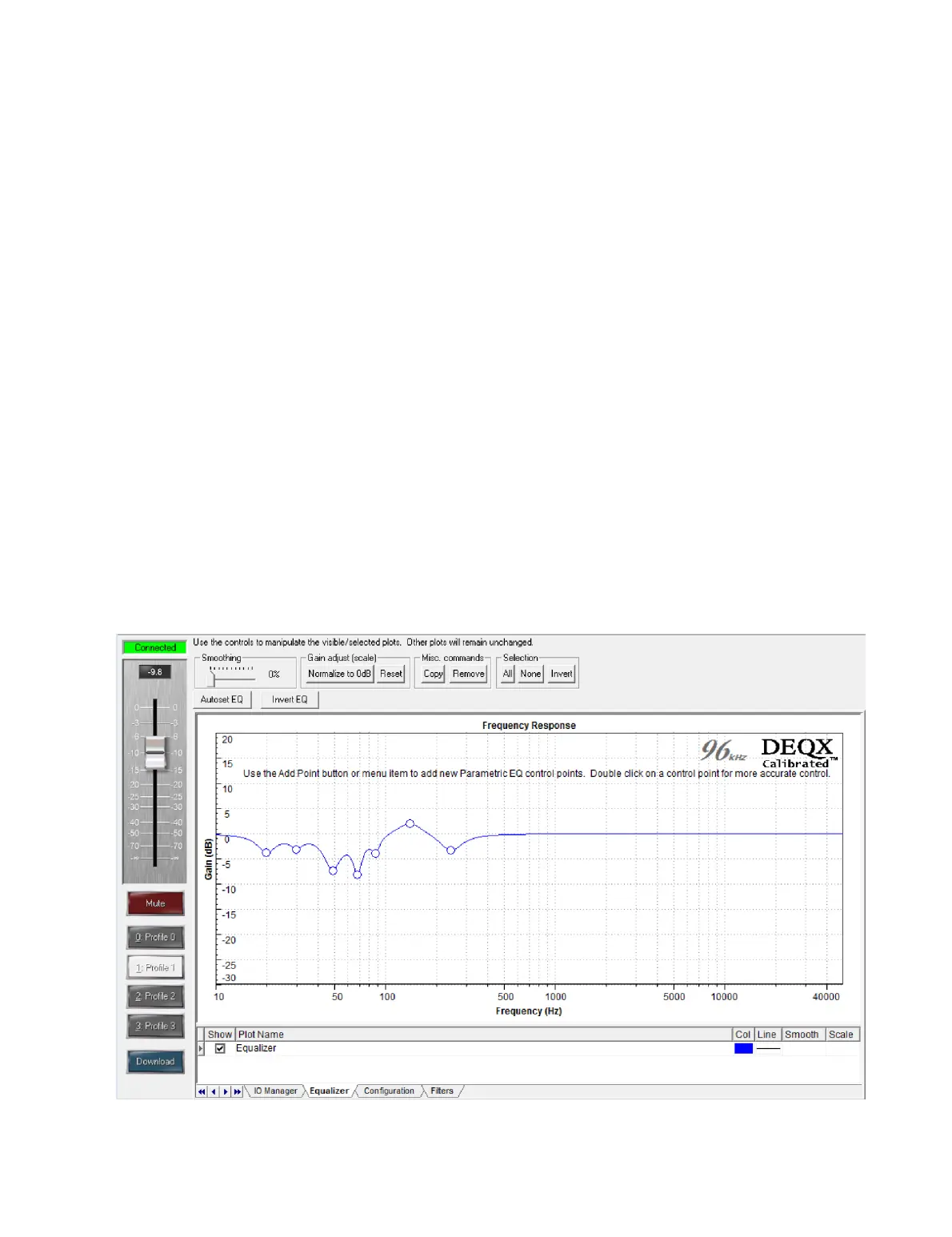
The Equalizer tab is used to set up room EQ for each profile. As this tab is in the
IO Manager, changes made here take effect in real time – in other words, changes will
be heard immediately if music is playing. For permanent storage, the room EQ settings
must be loaded into a configuration and saved with the project (see page 102).
The general procedure for using this tab is as follows:
1. Take a room measurement.
2. Open the room measurement in the Equalizer tab.
3. Select the profile that you want the EQ to be loaded into.
4. Add EQ control points to set up the EQ.
5. Fine-tune EQ settings by listening.
6. Confirm EQ with another room measurement.
7. Open the configuration and download the EQ settings from the DEQX (“Read
EQ from DEQX”).
8. Upload the configuration back to the DEQX (“Save All to DEQX”).
9. Save the project.



 To Next Page