Chapter 5. Getting Started with DEQX-Cal
5.2.2 The main display area
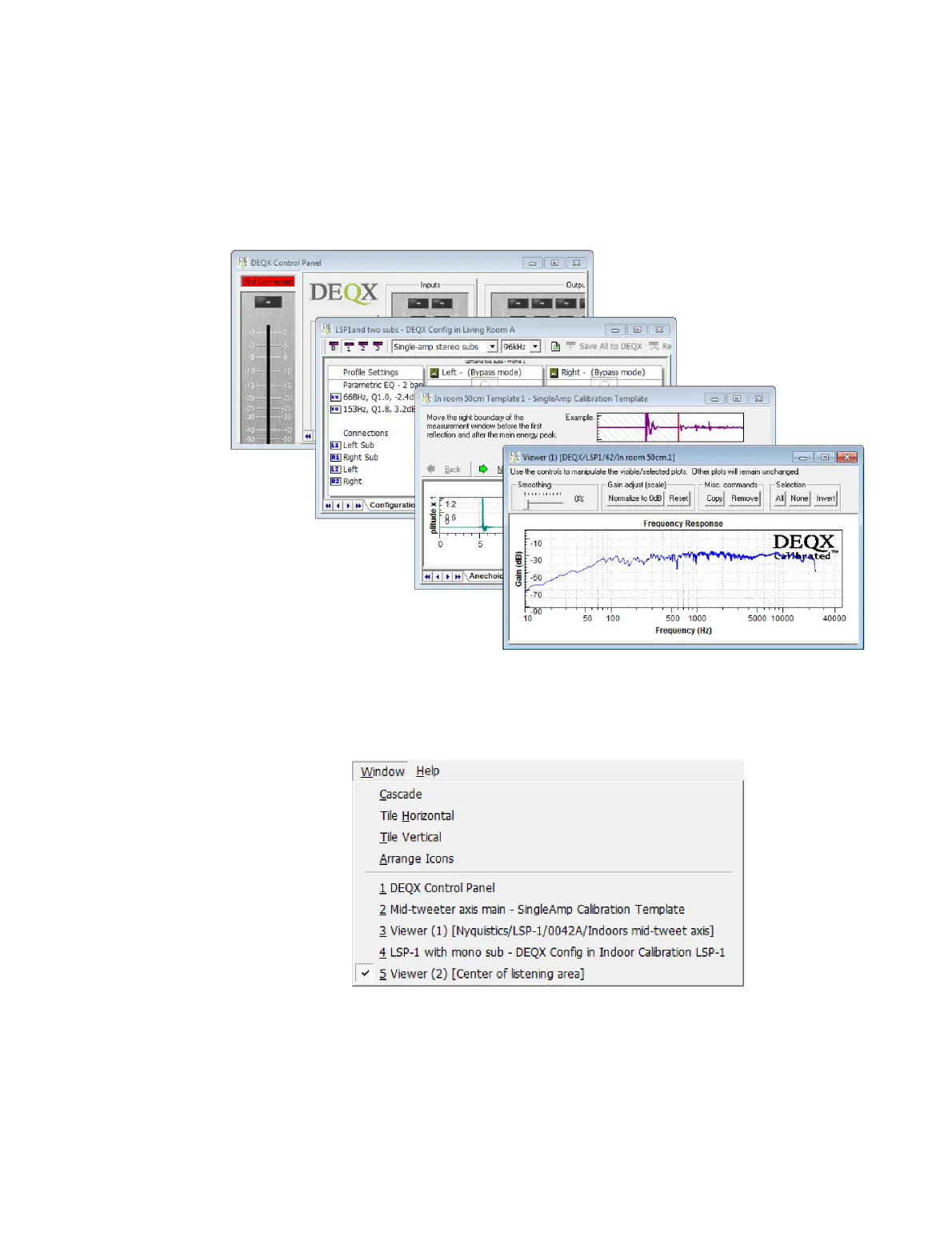
The main display area holds a variety of windows that display controls, measurement
plots, correction filters, configurations, and so on. These windows are opened as you
work with DEQX-Cal to measure and calibrate your speakers and room.
These wIndows can be manipulated with the Maximize, Minimize, Restore and Close
buttons at their top right (just like regular full-sized windows). Any edge or corner of a
window can be dragged to resize it. An open window can be quickly brought to the front
of the display by dropping down the Window menu and selecting it from the list:
The Window menu contains several other commands that can be used to help with
arranging windows by cascading or tiling them, and to arrange minimized window icons
along the bottom of the display area.



 To Next Page