DEQX User Manual
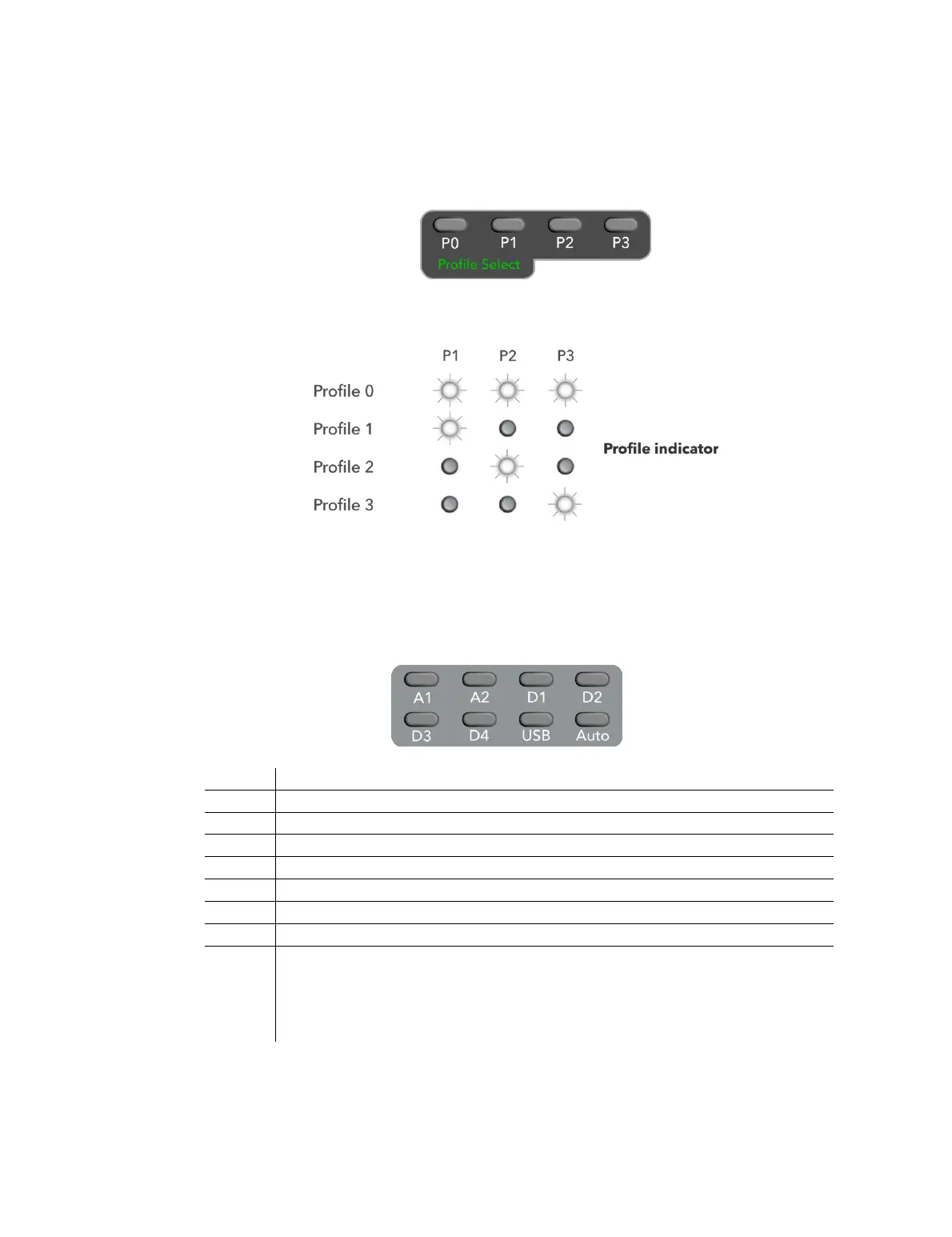
4.1 PROFILE SELECTION
Press any of the four buttons to select the corresponding profile.
The corresponding front panel LED will light white for Profiles 1 to 3. All three LEDs will
light white for Profile 𝟢.
4.2 INPUT SELECTION
All DEQX models have two analog inputs and five digital inputs, all selectable with the
DEQX Remote. The HDP-5 and PreMATE+ also act as a networked streaming audio
destination if the “Auto” button is used.
HDP-5 and PreMATE+: The DEQX is put into networked streaming audio
mode (see Appendix C for full details).
HDP-4, PreMATE, and HDP-Express II: The DEQX plays the last-selected
digital or analog source, according to which has signal.
The input selection affects the I/O (standby) LED – see page 26.



 To Next Page