17 PROJECT EXPLORER REFERENCE
The project explorer is used to navigate and manage a project. Various ways of using
the project explorer have been described in earlier chapters. This chapter provides a
more complete reference.
Note that it is not always necessary to use the project explorer. The various wizards
provide the ability to create and open measurements, calibration templates and
configurations without using the explorer.
The project explorer is more likely to be useful to advanced users who are creating
multiple measurements and correction sets, as it provides an at-a-glance view of the
complete set of data in the project. Even so, it is recommended that a project not be
allowed to get too large. (For example, consider creating a new project when starting a
fresh measure-calibrate-configure cycle.)
17.1 WORKING WITH PROJECTS
To open the project explorer:
Drop down the View menu and select “Project explorer.”
To create a new project:
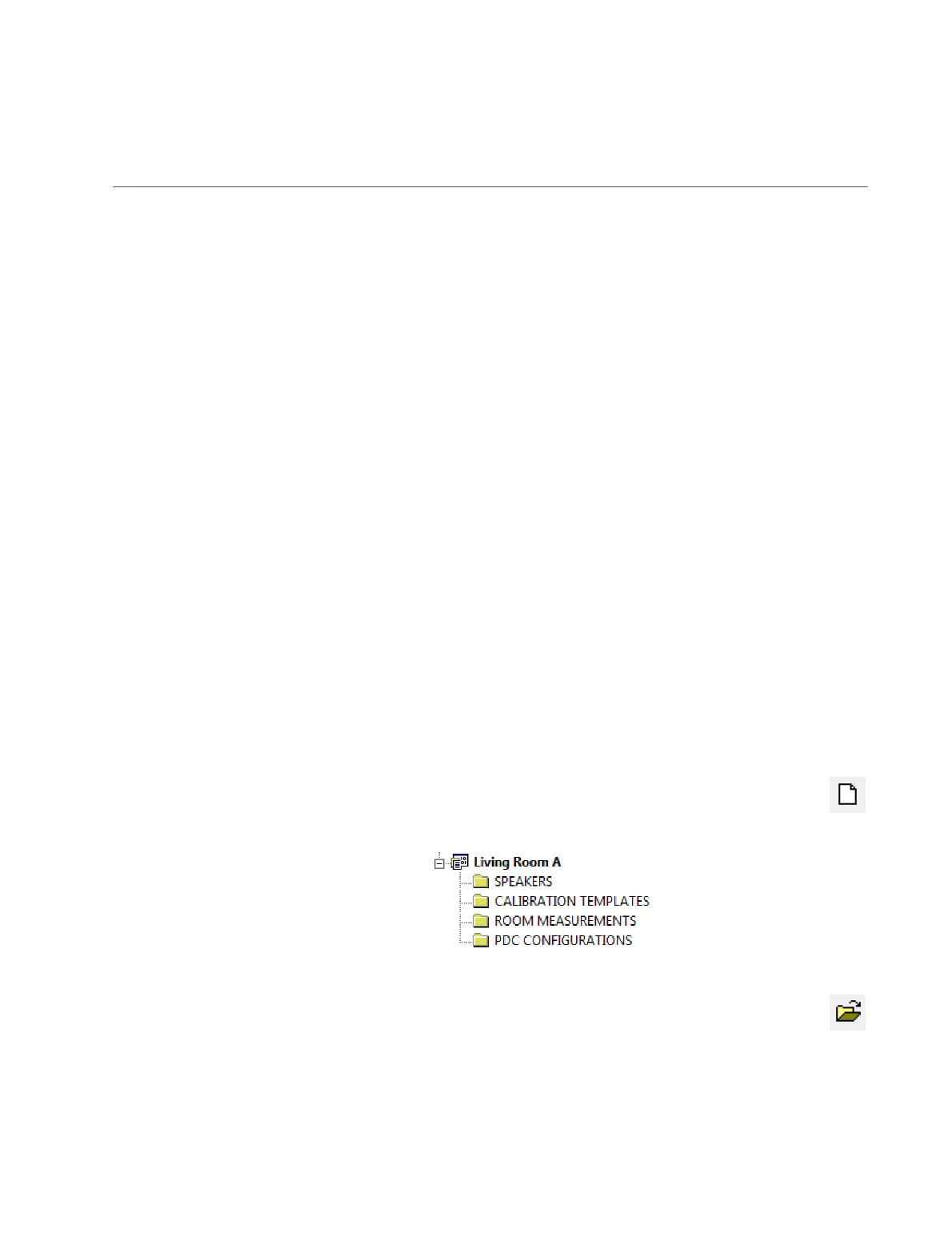
Drop down the File menu and choose “New Project.” Alternatively, click on
the “New” icon in the toolbar. Enter the name of the new project and click
OK. Initially, the project is unpopulated:
To open an existing project:
Drop down the File menu and choose “Open Project.” Alternatively, click
on the “Open” icon in the toolbar. Select the project in the file browser and
click OK. You can also open a project by double-clicking on it in the Windows
Explorer.



 To Next Page