Chapter 15. DEQX Control Panel Reference
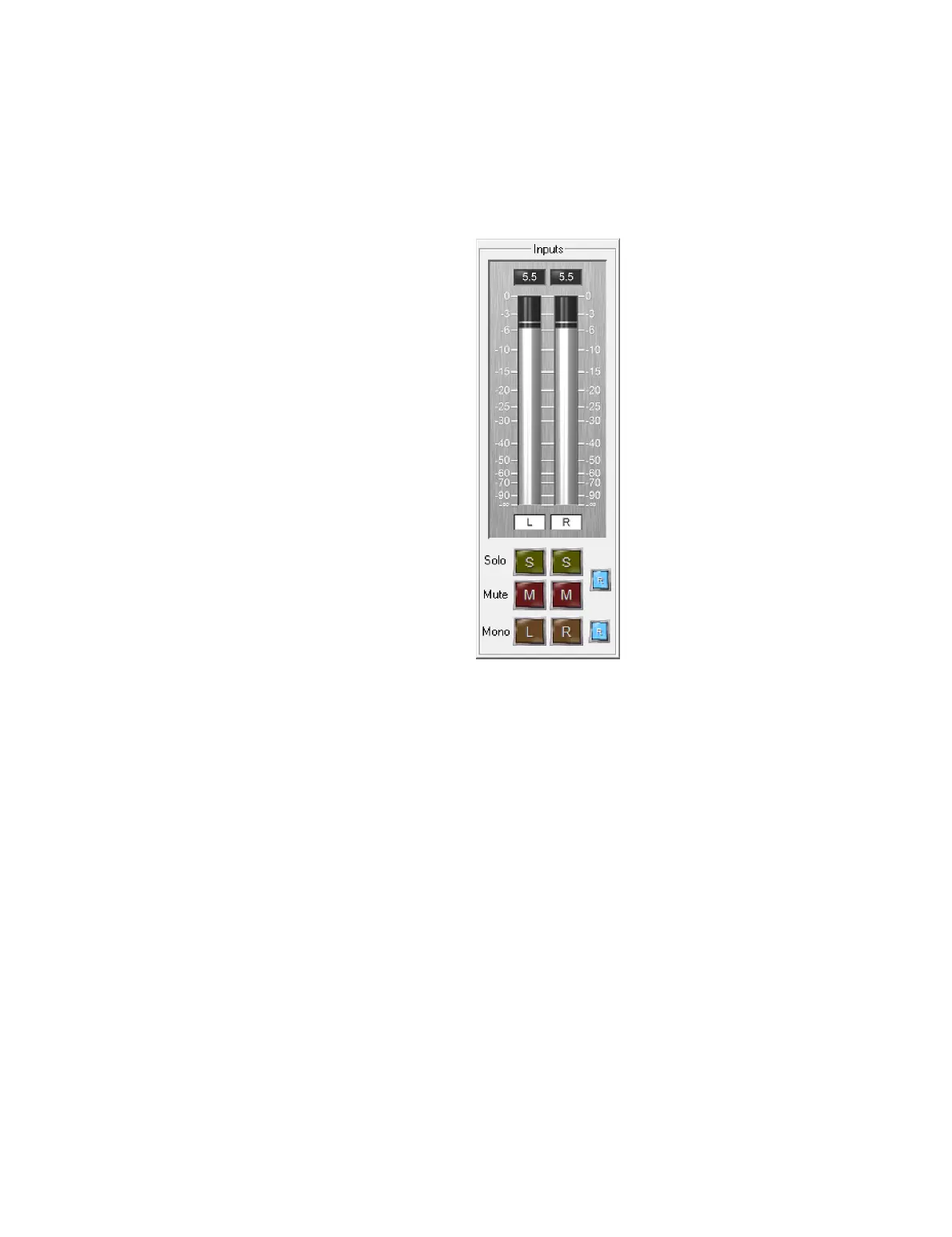
15.1.2 Inputs
The input meters show the level of the selected input. Levels are displayed relative to
full scale input, so “𝟢” is full scale input, “20” is 20 dB below full scale input, and so on.
The buttons underneath the meters modify the default stereo input as follows:
Solo
Only the input channel with “S” pressed will play.
Mute
The input channel with “M” pressed will be muted. (Solo and Mute are mutually
exclusive – muting a channel will automatically turn off Solo, and vice versa.)
Press the “R” button to the right of the Solo and Mute buttons to restore normal
operation.
Mono
If the left Mono button is pressed, the left input signal will be sent to left and right
outputs. If the right Mono button is pressed, the right input signal will be sent to
left and right outputs. This is useful for checking center imaging.



 To Next Page