DEQX User Manual
11.4 UPDATE THE CONFIGURATION
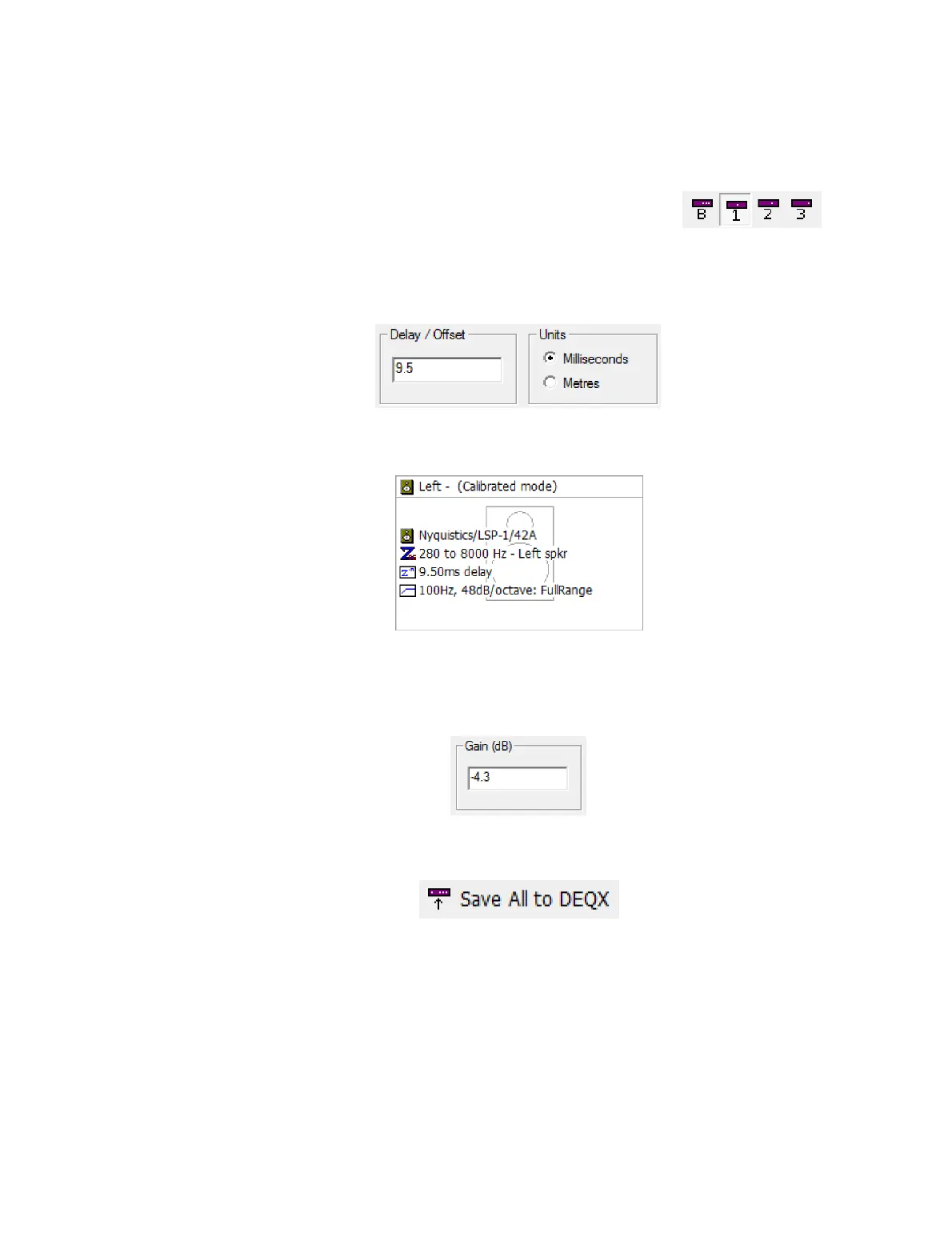
Return to the configuration window. Then:
1. Ensure that you have selected the correct profile.
2. For each speaker or subwoofer that requires a delay, double-click on its icon to open
its Filter Properties dialog. On the Time/Level tab, set the calculated delay value for
that speaker or subwoofer.
Click OK to close the dialog. The speaker (or subwoofer) icon updates to show the
delay:
3. For each speaker or subwoofer that requires a gain adjustment, double-click on its
icon to open its Filter Properties dialog. On the Time/Level tab, set the calculated
gain adjustment for that speaker or subwoofer:
Click OK to close the dialog.
4. Click on Save All to DEQX.
5. Save the project.
11.5 RE-MEASURE THE ROOM
Before proceeding with room EQ in the next chapter, redo your room measurement.
This will give you a measurement with the correct initial levels for room EQ.



 To Next Page