Chapter 7. Speaker Calibration
7.3 SET SMOOTHING
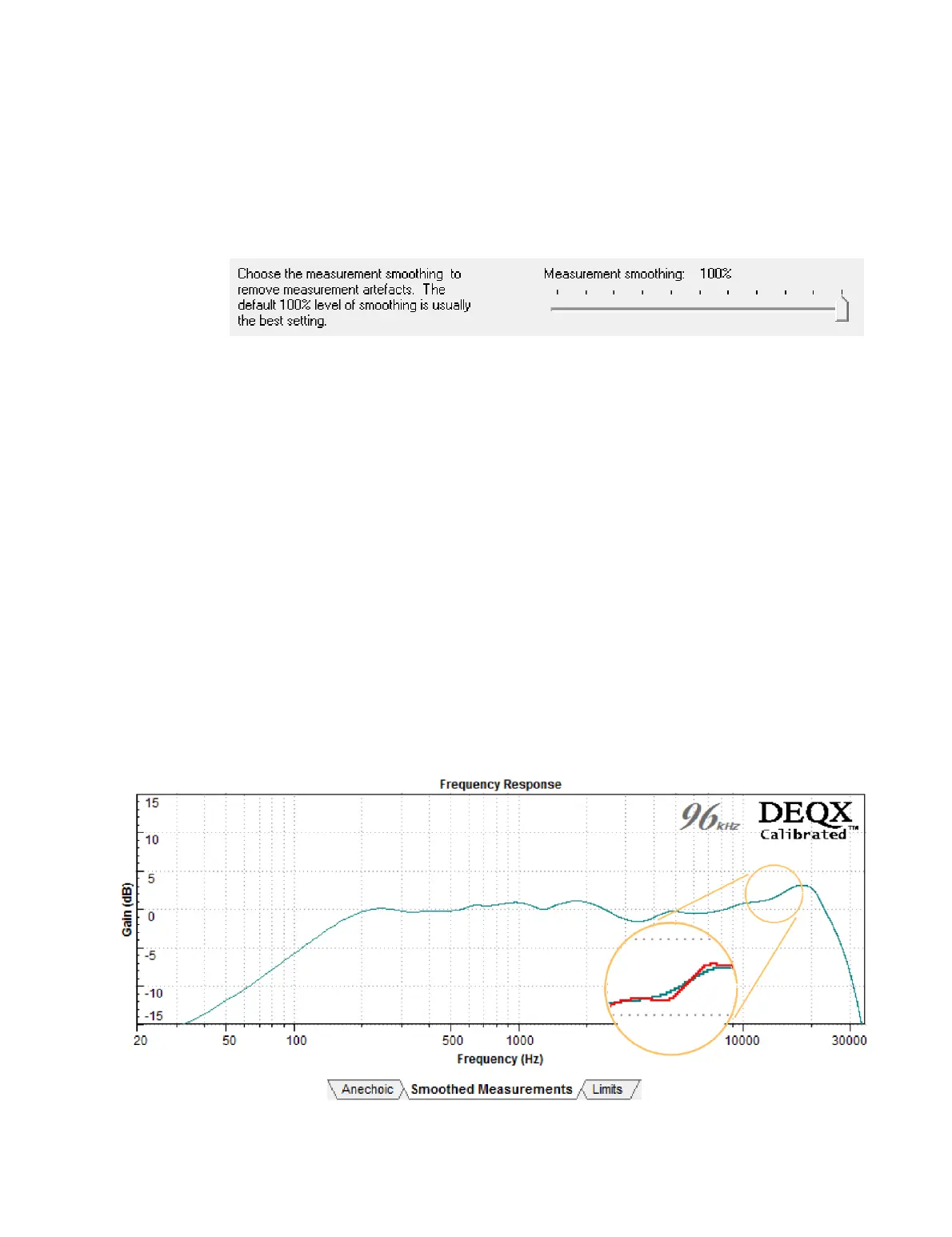
Screen 2 / Smoothed Measurements tab. This tab shows the frequency response
corresponding to the impulse response time window. The adjustment on this tab is the
smoothing applied to the frequency response plot:
Smoothing is used to compensate for unwanted reflections in the speaker
measurement. While the time window is used to remove the major reflections, other
reflections and noise may still be present within the window (such as from the edges of
the speaker or from the speaker stand). 𝟢% smoothing can be used if the time window
is completely free of reflections, but up to 100% may be required if there are reflections
present. As a general rule, it is best to start with 100% smoothing, and then experiment
with and audition additional correction filters with less smoothing.
In some cases, such as larger speakers that cannot be moved or raised, the reflection-
free time window may not be as long as desired. One option is simply to raise the lower
frequency correction limit (next page). Another is to use damping material on the floor
when measuring, set the end of the time window past the location of the (damped)
floor reflection, and set smoothing to 100%. (Consult your DEQXpert for advice on this.)
Note that the plot falls off at low frequencies. Below the lower correction limit (see
Table 3 on the next page), the displayed measurement is not valid. This is not the actual
response of the speaker, but an unavoidable artifact of the short impulse response time
window. A more accurate response to lower frequencies will require a longer window.
Click Next to proceed.



 To Next Page