DEQX User Manual
To save the active project:
Drop down the File menu and choose “Save Project.” Alternatively, click on
the “Save” icon in the toolbar or press Ctrl-S on the keyboard.
To close a project:
Right-click on the project name and select “Close.” The currently open project will
also be closed when a new project is created or an existing project is opened.
To move or undock the project explorer:
The project explorer can be moved to other locations by dragging its grab-handle
(the double horizontal line just above or to its left). It can also be undocked from
the main window by dragging it well away to a blank area of your screen. Here is
the result:
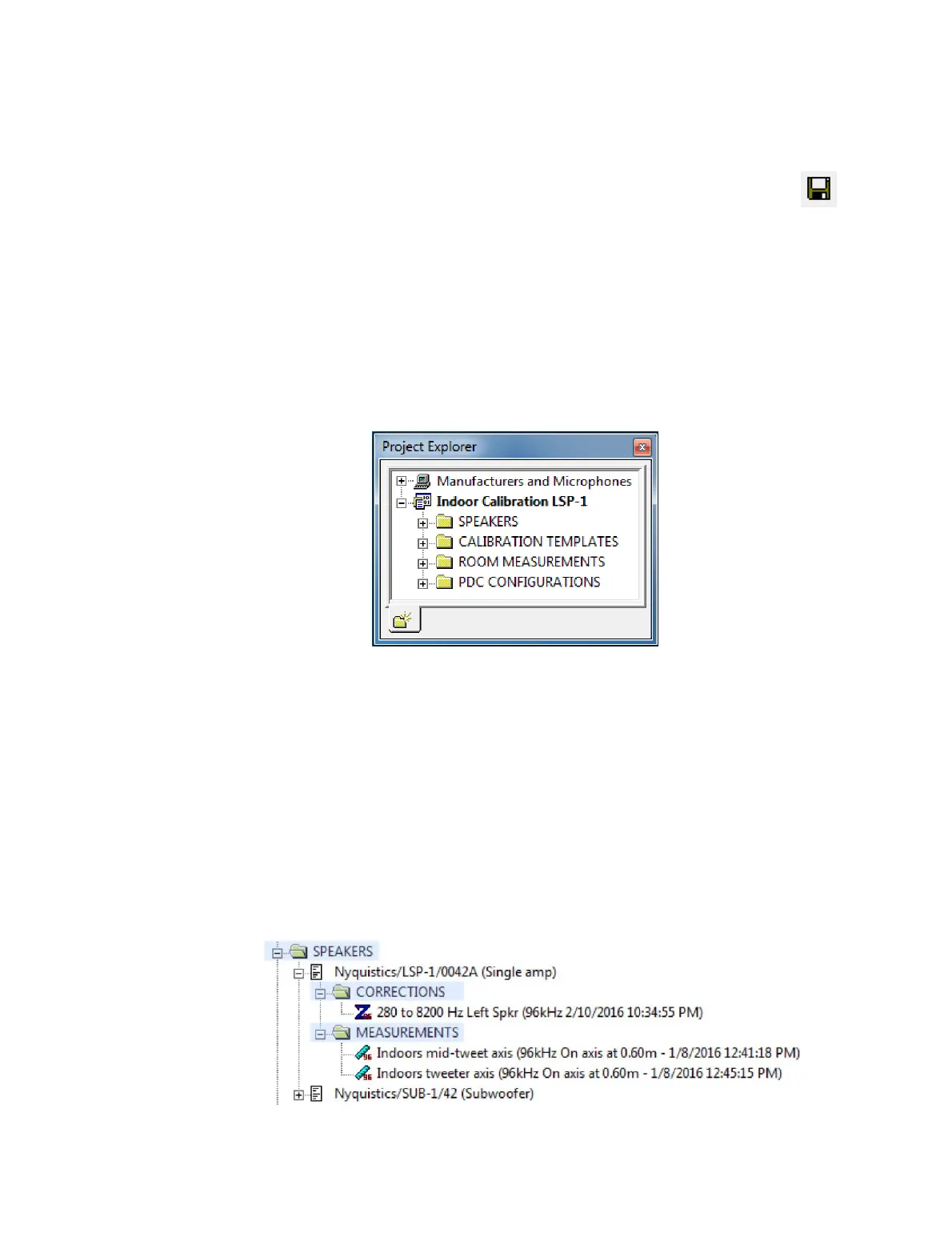
17.2 PROJECT FOLDERS
The project consists of four main folders. These folders will be populated as you take
measurements, create calibrations, and so on. To open a folder, click on the “+” icon or
double-click on its name. To close it, click on the “−” icon or double-click on its name.
In the following screenshots, the folders created by DEQX-Cal are shown highlighted.
SPEAKERS
This folder contains items identified by the combination of speaker manufacturer,
model, and serial number. Under each, there are two folders: CORRECTIONS,
containing correction filters generated for that speaker, and MEASUREMENTS,
containing measurements made of that speaker.



 To Next Page