Chapter 18. Options and Customization
Save project file after each measurement
If checked, DEQX-Cal saves the whole project after completing each
measurement. It is checked by default.
Automatically highlight new items in project
If this option is checked, any new item (measurement, calibration template, or
configuration) added to the project is highlighted in the project explorer. Folders
above the new item will be unfolded. It is checked by default.
Show hint text in charts
If this option is checked, some charts have text overlaid with short instructions on
how to use them. (For example, the Anechoic tab of the calibration template.) It is
checked by default.
Reset “Do not show again” warnings
DEQX-Cal has a number of warnings with a checkbox “Do not show again.” Click
this button to reset the state of these warnings so that they will display again.
18.1.2 Chart tab
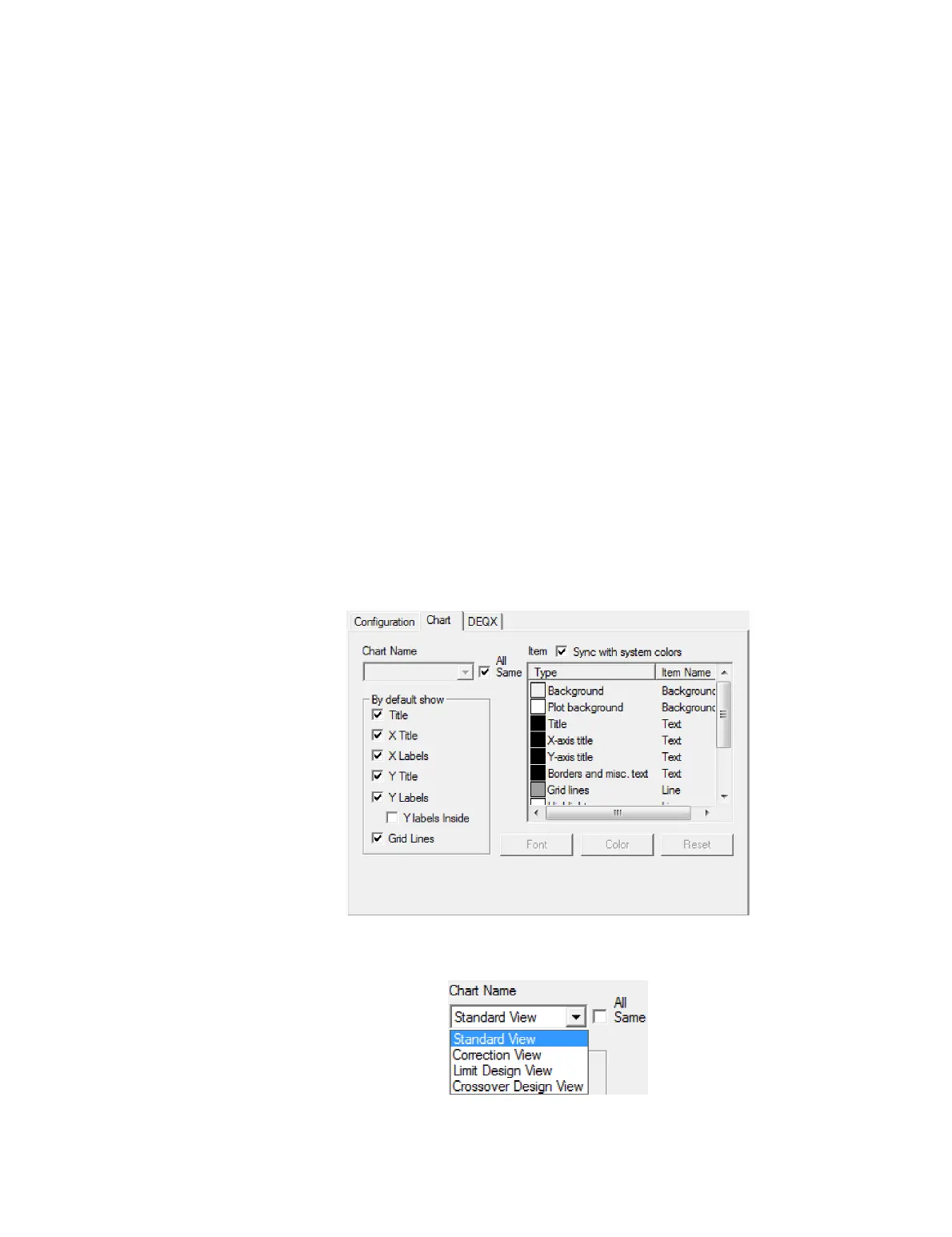
This tab is used to customize elements of the various charts in DEQX-Cal, such as the
title, labels, and grid lines.
To make changes to all charts, leave the “All Same” option checked. Uncheck it and use
the drop-down selector to change just one chart type:



 To Next Page