Chapter 8. Subwoofer Measurement and Calibration
8.2 CALIBRATE THE SUBWOOFER
To calibrate the subwoofer, follow the procedure given for speakers in Chapter 7, but
with the following specific differences.
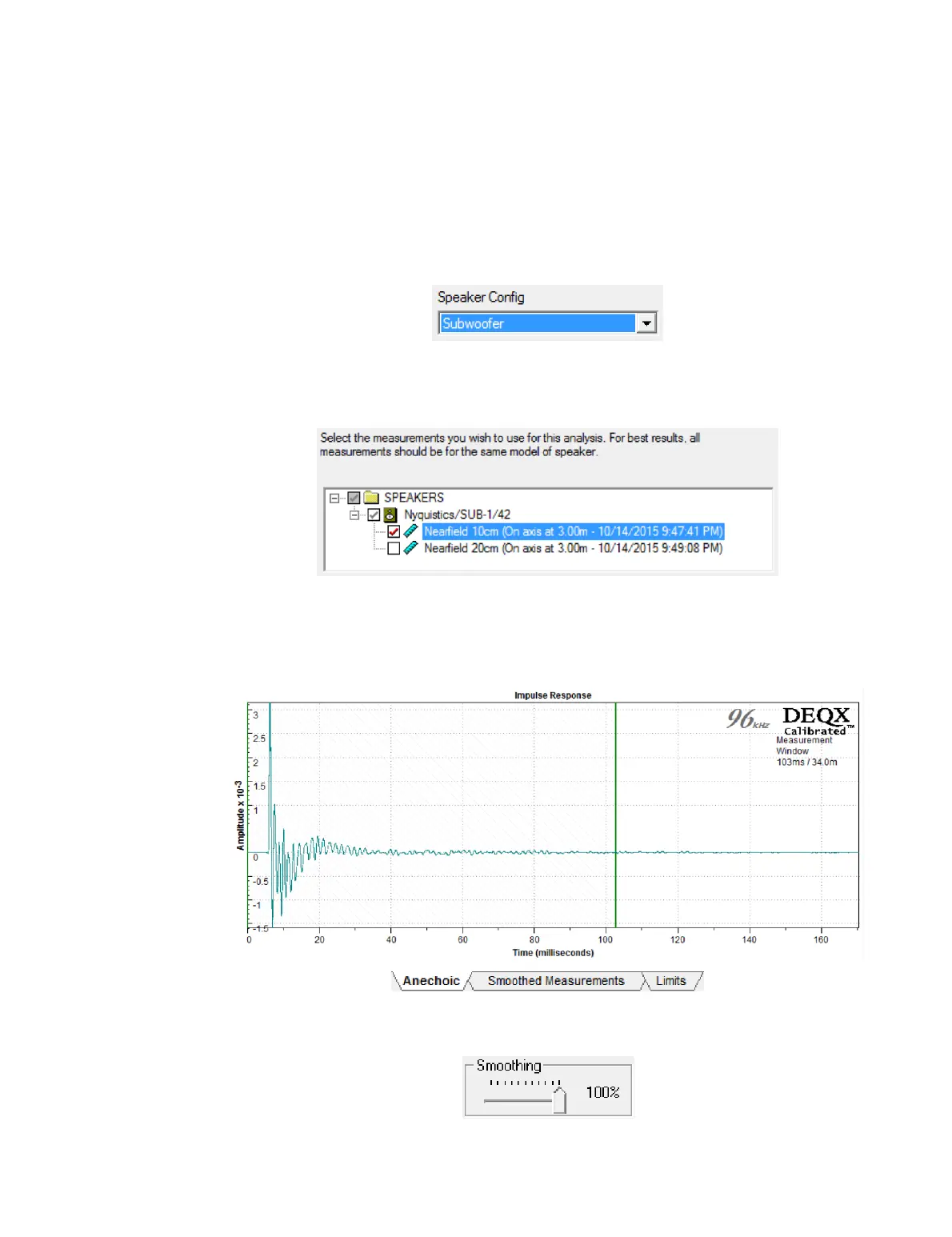
Screen 3. If you did not jump directly from the measurement wizard to the calibration
wizard, select “Subwoofer” for the Speaker Config parameter.
Screen 4. Select or confirm the measurement to use for subwoofer calibration (DEQX-
Cal will only list measurements here that were taken with the Configuration parameter
in the speaker measurement wizard set to “Subwoofer”):
(If you are using stereo subwoofers and you measured both of them, select both
measurements here.)
Anechoic tab. Set the end of the correction time window at a fairly high value, like 100
ms. Or double-click on the vertical green bar and enter 170 ms (the maximum).
Smoothing tab. Set smoothing to 100%. (Less smoothing can be trialed and auditioned
later if desired.)



 To Next Page